

Which Apple device is suitable for photo editing?
Updated: August 2026 · Reading time: approx. 15 minutes
Which Mac is best for photo editing? Whether you use Lightroom, Photoshop, Capture One or large RAW libraries, the chip and product line are not the only decisive factors. Equally important are unified memory, SSD storage, the display and your personal workflow.
This guide compares MacBook Pro, Mac mini, Mac Studio and iMac for photo editing and explains which specifications make sense for hobby photographers, ambitious users and professional photographers.
Which Mac is best for photo editing?
For most photographers, a Mac with Apple Silicon and at least 16 GB of unified memory is a very good starting point. A Mac mini offers particularly strong value for money at a desk, the MacBook Pro combines a high-quality display with mobility, the iMac is a convenient all-in-one solution, and the Mac Studio provides headroom for especially large libraries, complex Photoshop projects and intensive professional workflows.
Compare specific Macs for your photo workflow
Choose around your usual RAW files, layers, exports and simultaneous applications. These three configurations help you compare; they are not a ranking based on our own performance tests.
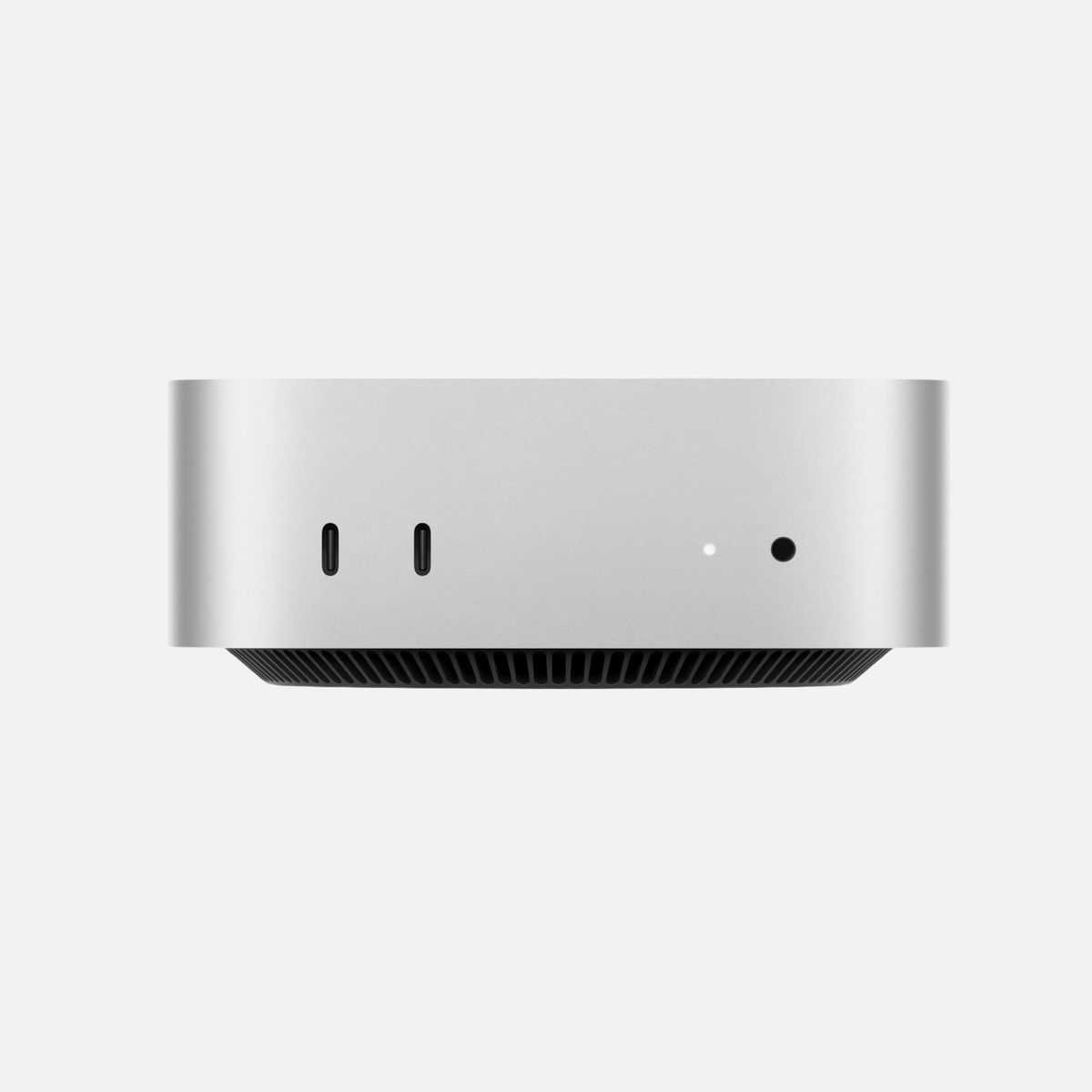
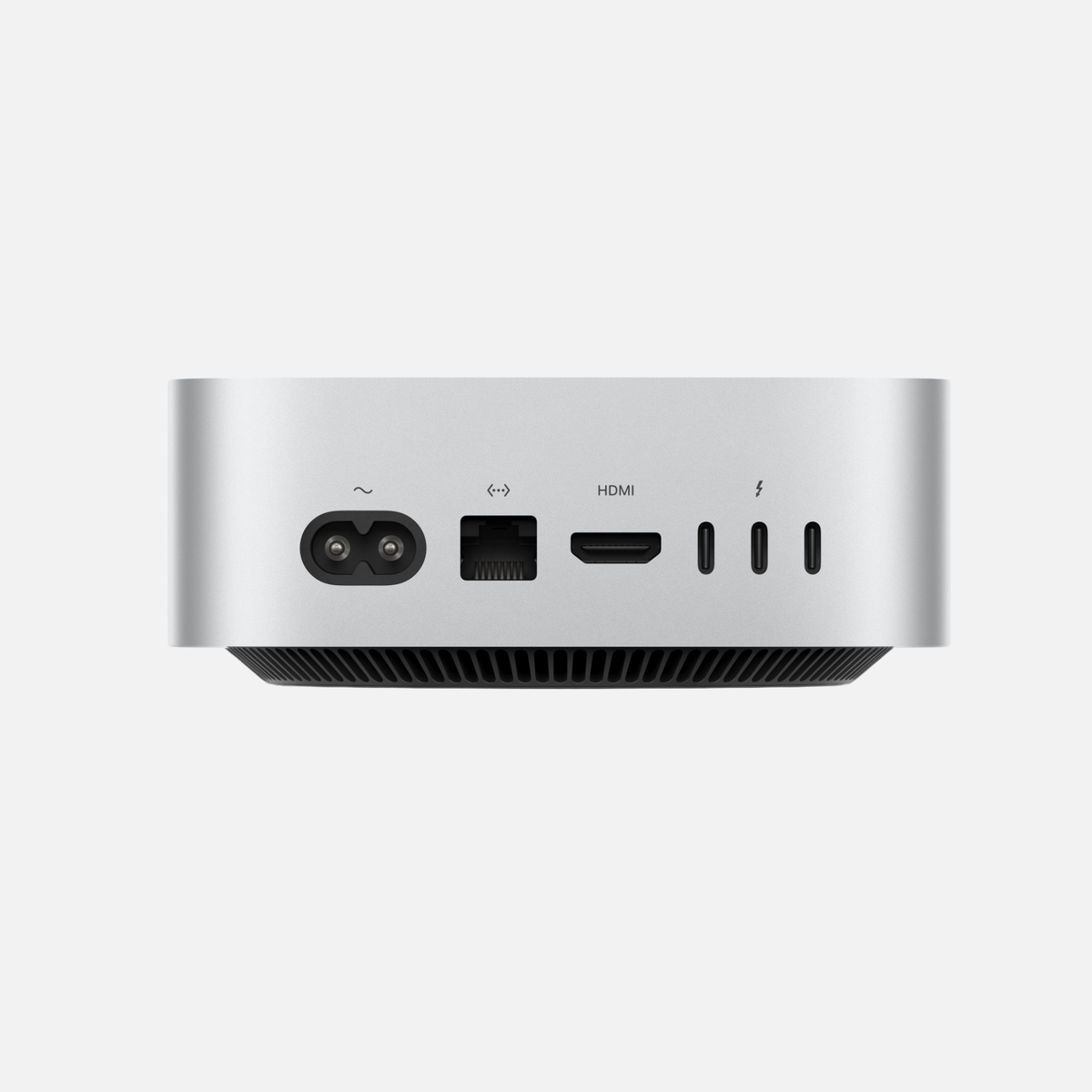
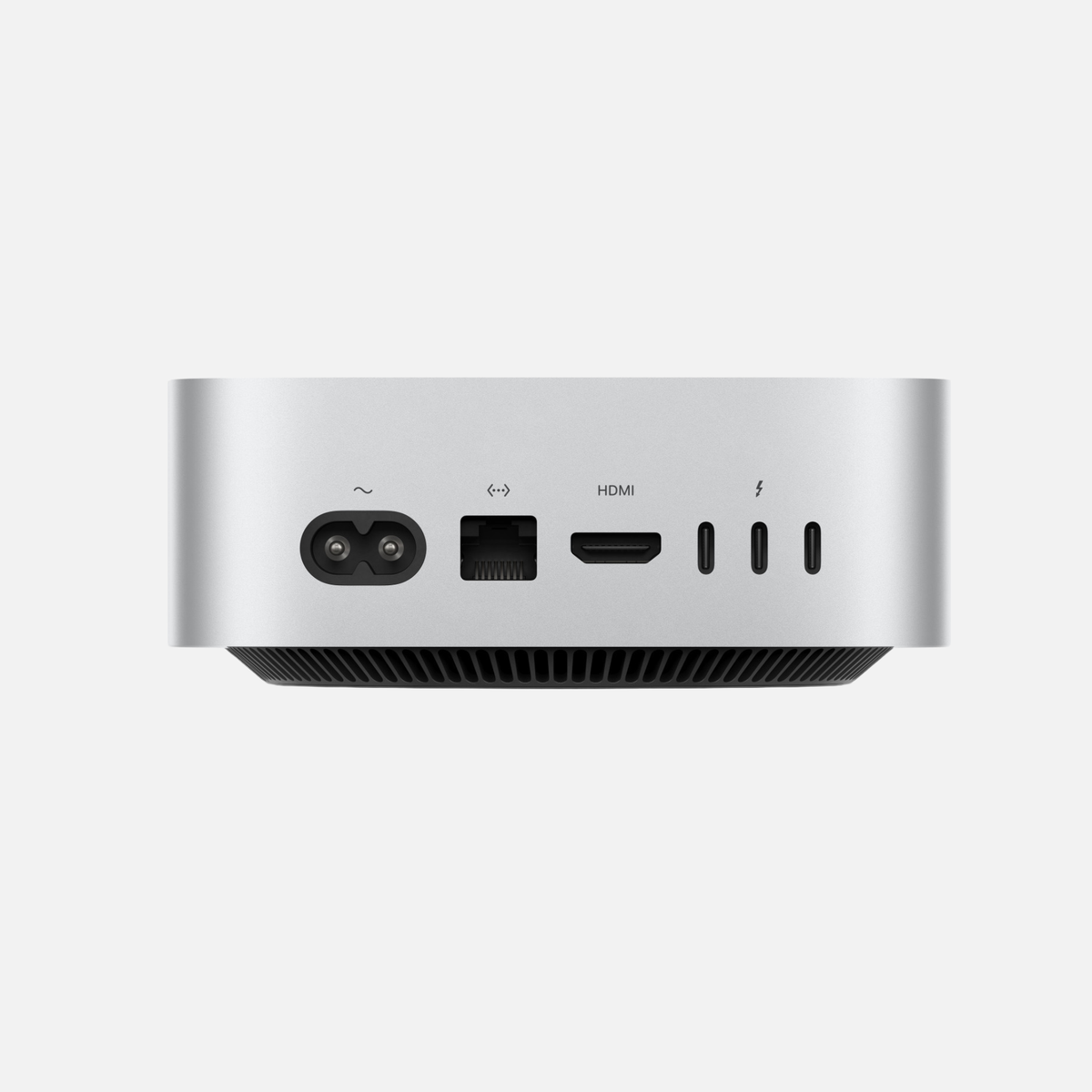
Mac mini M4 Pro · 24 GB / 512 GB SSD
Compact desktop for a fixed workspace. Check whether 24 GB RAM and a 512 GB SSD suit your active projects.
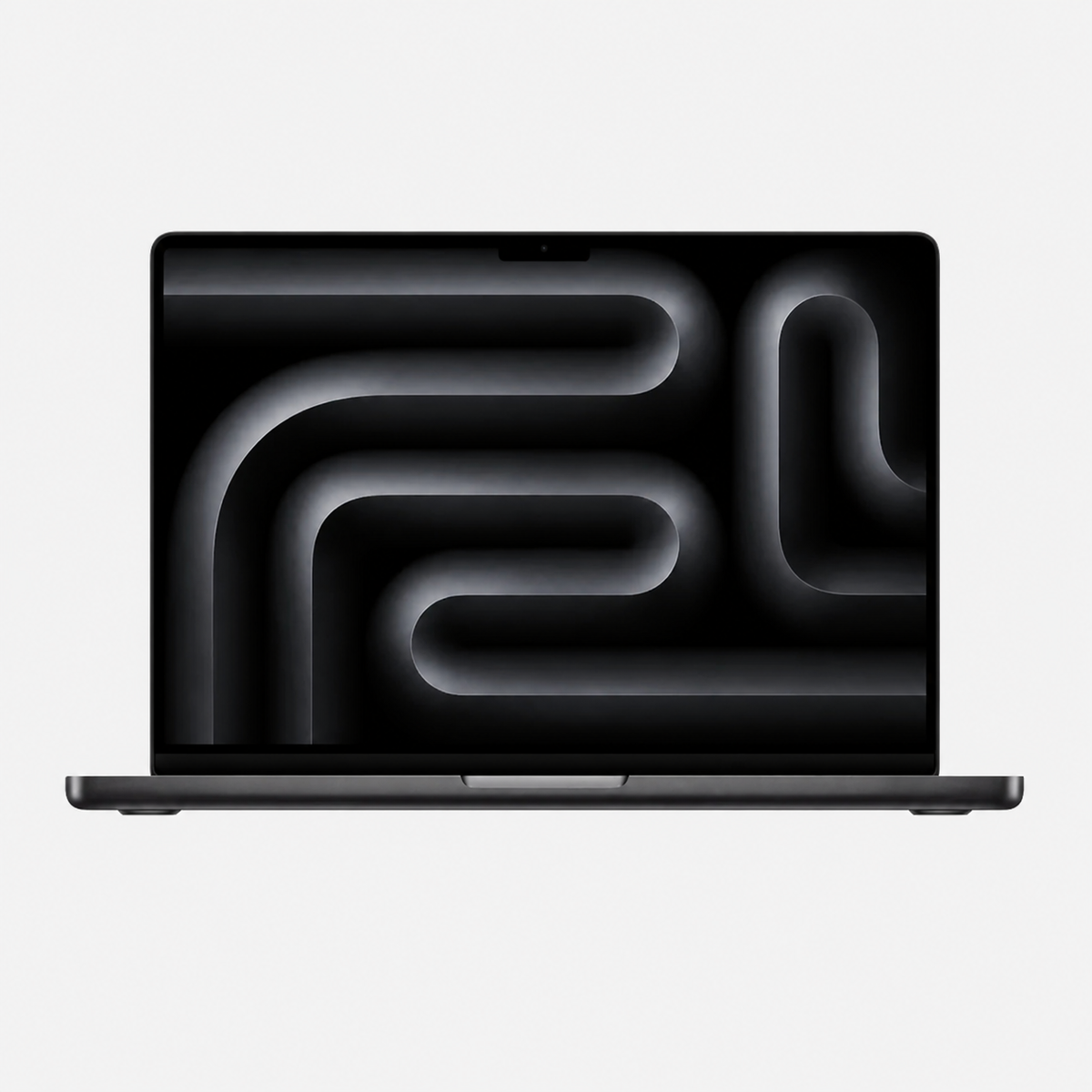
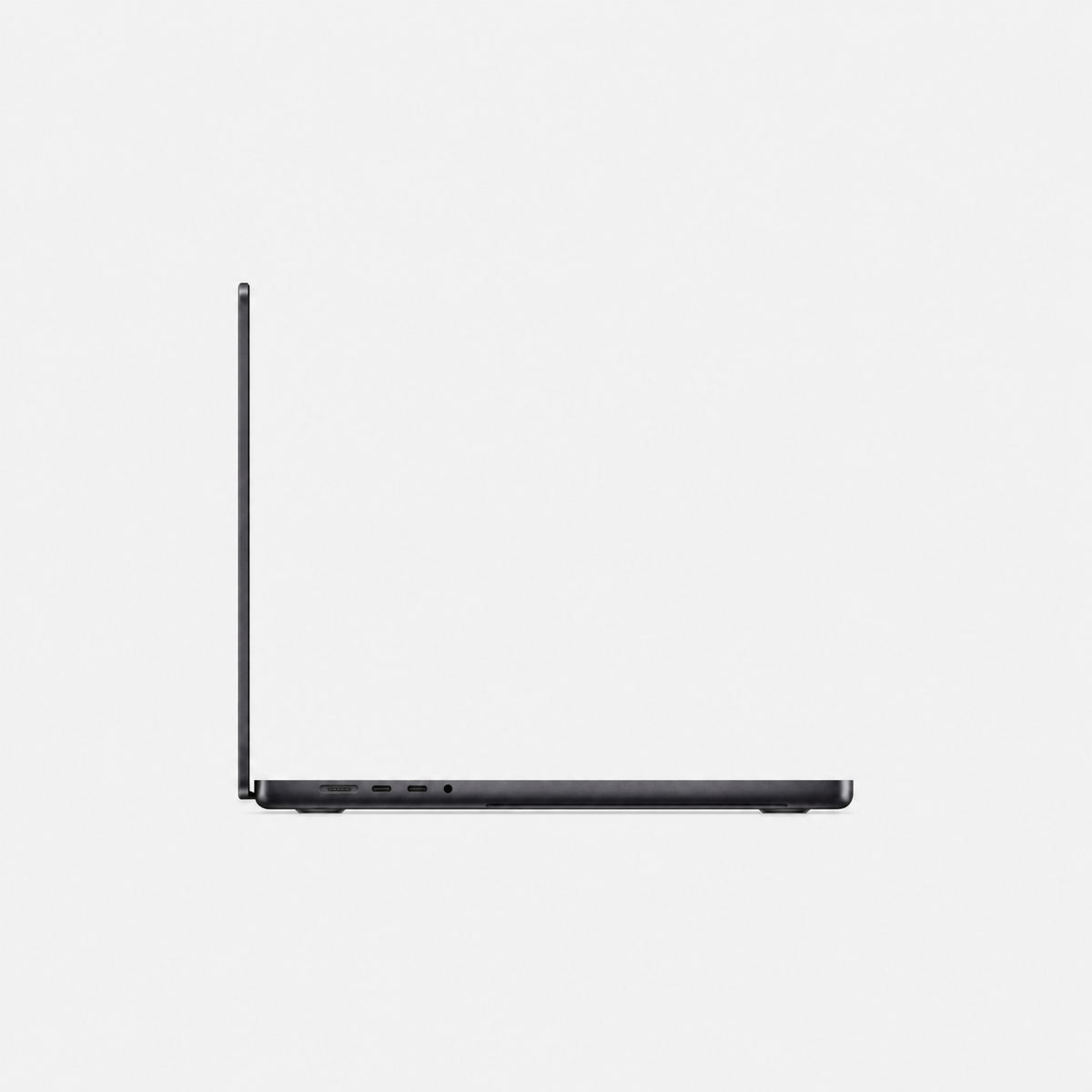
View configurationMacBook Pro 16″ M3 Max · 36 / 48 GB / 1 TB SSD
Mobile work with an extra display at your desk. Depending on the variant, choose 36 or 48 GB RAM and a 1 TB SSD.
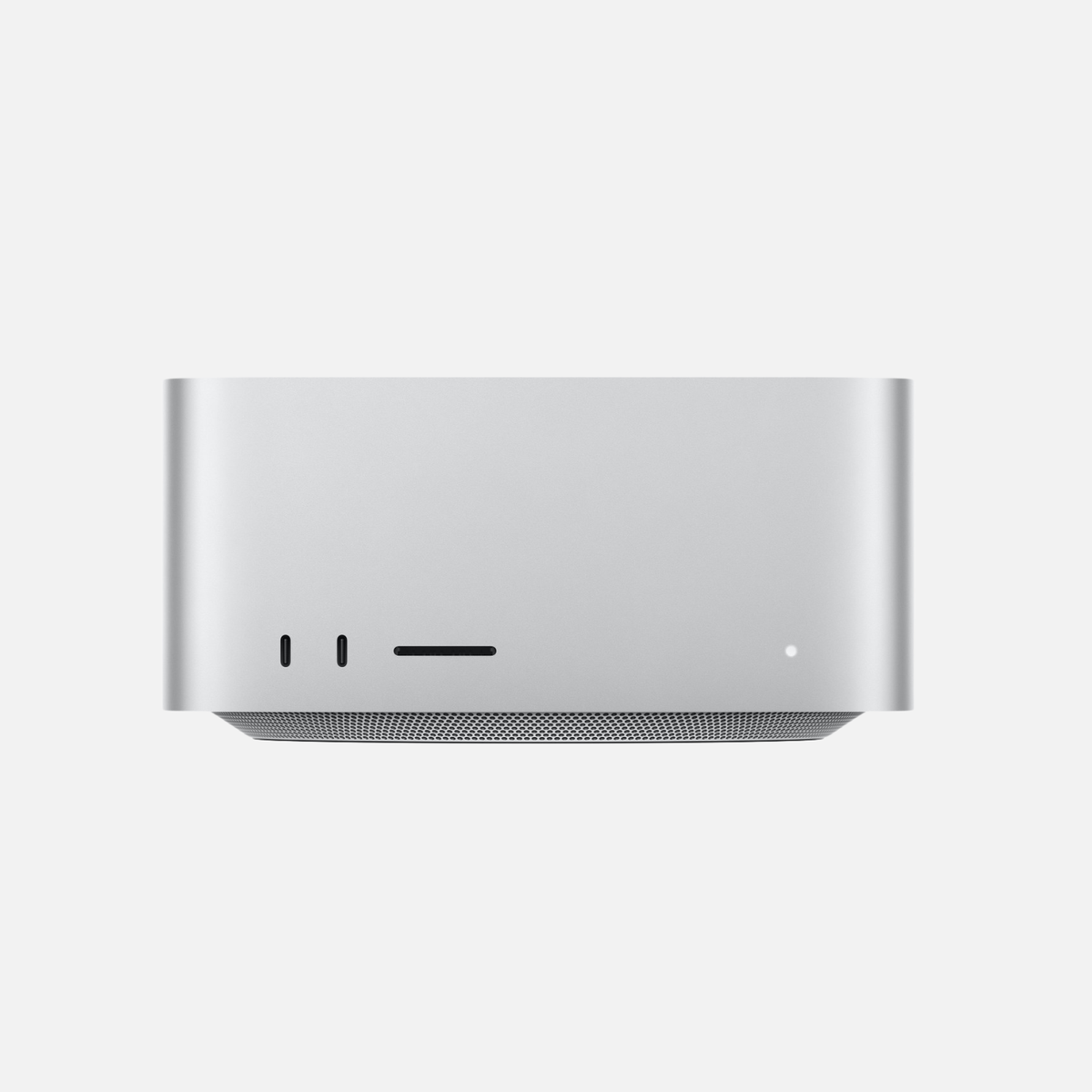
View configurationMac Studio M4 Max · 64 GB / 1 TB SSD
Desktop with 64 GB RAM for large projects and parallel creative apps. Extra capacity is worthwhile when your workflow uses it.
View configurationSee each offer for price, device condition and current availability. For MacBook Pro, choose RAM, SSD and keyboard layout. Details checked on 25 October 2026.
What does a Mac need for photo editing?
When importing large RAW sequences, generating previews, creating masks, using AI features, calculating panoramas and HDR images or exporting many images, the processor, GPU, memory and SSD work together.
Adobe currently recommends Apple Silicon and 16 GB of RAM or more for Photoshop on a Mac. Lightroom Classic also recommends 16 GB of unified memory on Apple Silicon for full GPU acceleration and AI features.
Mac for Lightroom, Photoshop and Capture One: What matters?
Mac for Lightroom and Lightroom Classic
Lightroom benefits from the CPU, GPU, unified memory and a fast SSD. Modern features such as AI denoising, Lens Blur and reflection removal use the GPU intensively.
Mac for Photoshop
Large PSD/PSB files, many layers and Smart Objects can require significantly more memory. Photoshop also uses free SSD space as a scratch disk.
Mac for Capture One
Capture One also benefits from modern Apple Silicon hardware when working with large catalogues, high-resolution RAW files and exports.
MacBook Pro for photo editing: Ideal for photographers on the go
The MacBook Pro is particularly interesting if you edit images away from your desk as well. Its high-quality built-in display and powerful mobile performance make it ideal for travel, shoots and client projects.
Which MacBook Pro specifications for Lightroom and Photoshop?
16 GB of unified memory is a sensible starting point. For large RAW files and several applications running in parallel, 24–32 GB or more is more comfortable. A 1 TB SSD often gives photographers significantly more room than 512 GB.
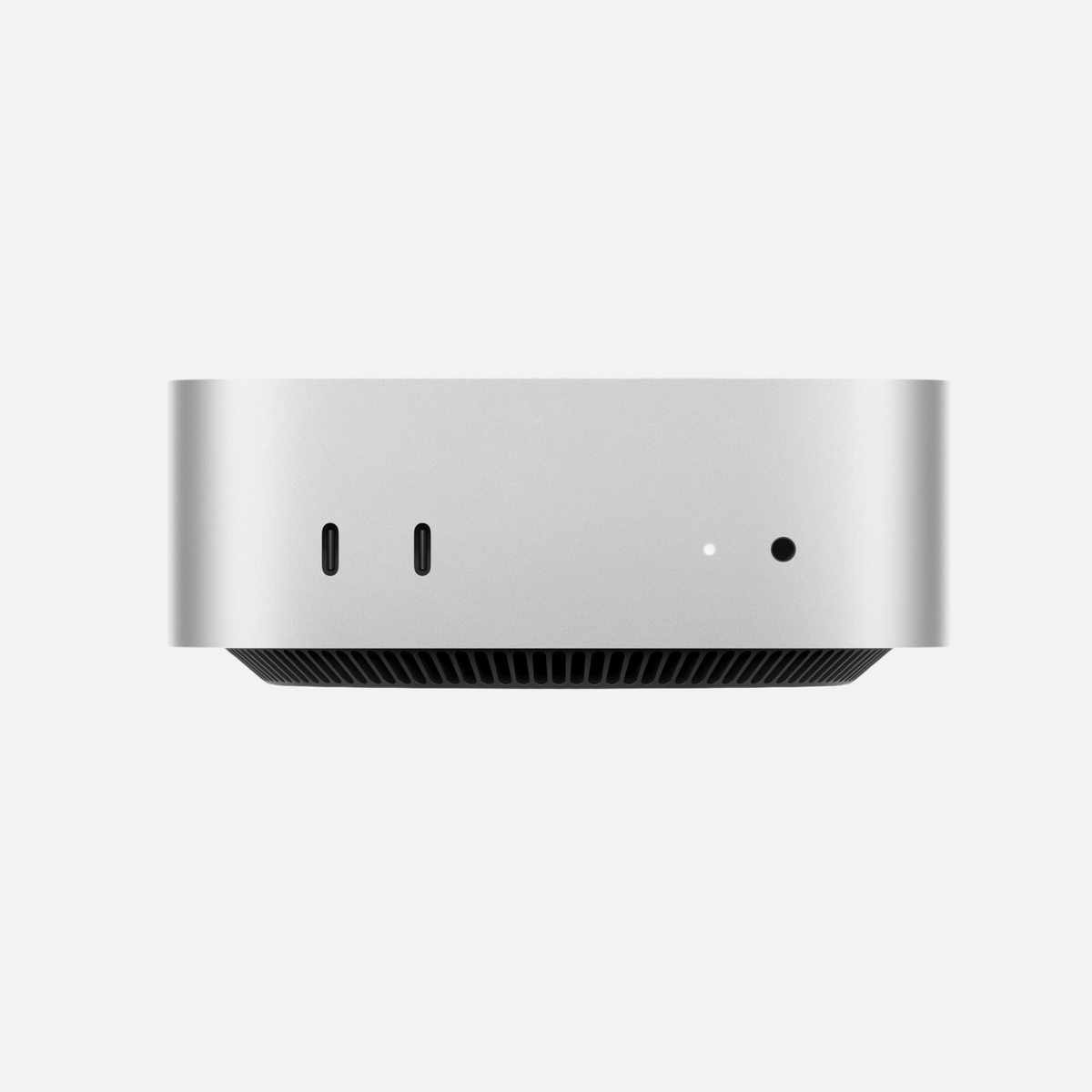
Mac mini for photo editing: Plenty of performance for the money
The Mac mini is one of the most interesting solutions for photographers with a fixed workstation. If you already own a high-quality monitor, you can focus your budget on RAM, SSD storage or the display.
When is a Mac mini enough for professional photo editing?
For Lightroom, Photoshop and Capture One, a well-equipped Mac mini is sufficient for a great many users. If you are undecided, our Mac mini or Mac Studio comparison provides further guidance.
Mac Studio for photo editing: When is the additional performance worthwhile?
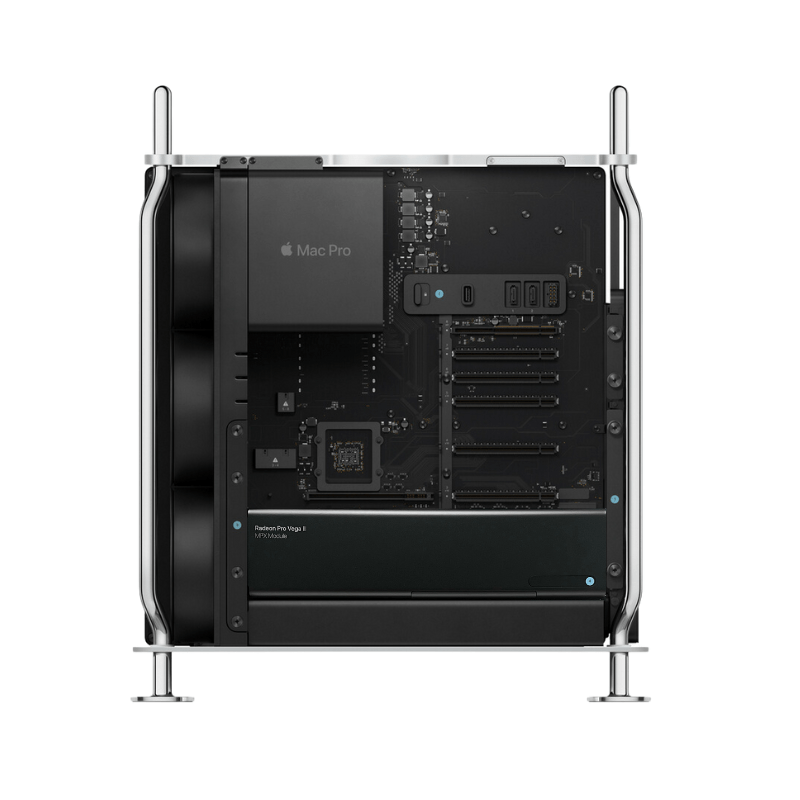
The Mac Studio becomes interesting for very large Photoshop composites, extensive panorama and HDR projects, huge RAW libraries, high export volumes or parallel video and AI workflows.
Mac Studio for professional photographers and studios
In a fixed studio, ports, external high-speed storage, multiple displays and high unified memory configurations also play a role.
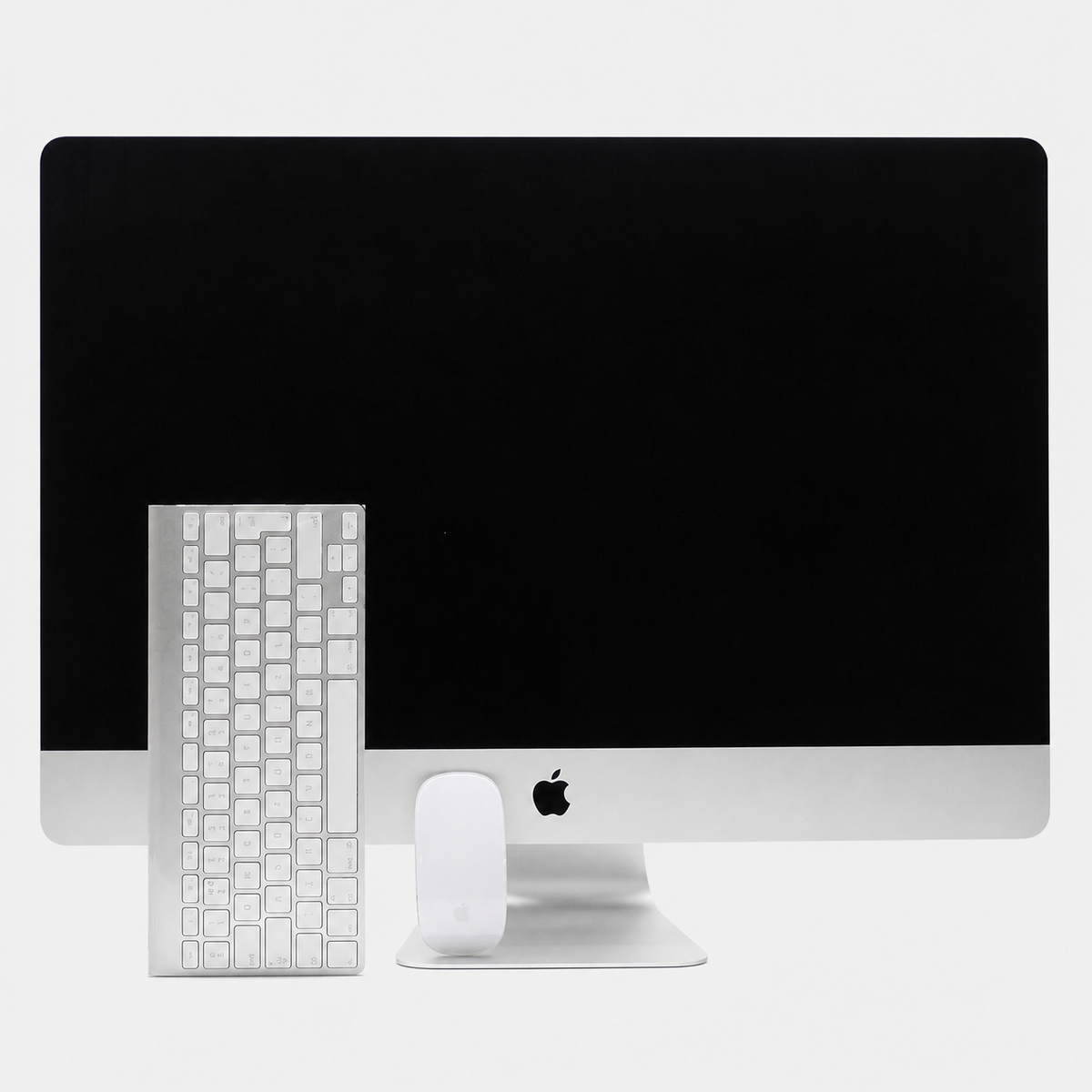
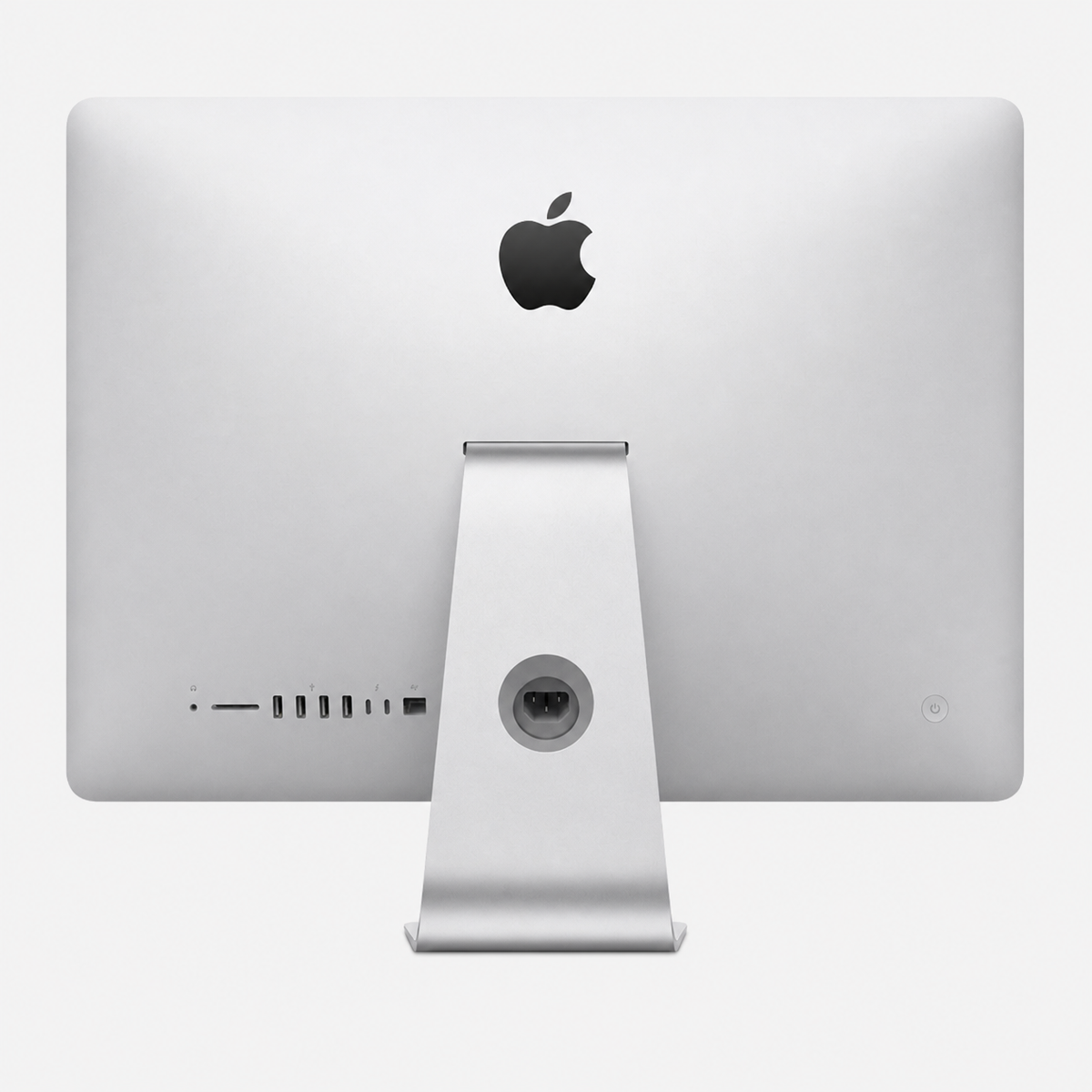
iMac for photo editing: The elegant all-in-one solution
The iMac combines a Mac and display in one device. It is a convenient solution for hobby photography, Lightroom, Photoshop and many ambitious workflows.
iMac or Mac mini for photo editing?
The iMac is the more convenient complete solution. The Mac mini offers more freedom when choosing a display, making it interesting if you already own a high-quality photography monitor.
MacBook Pro vs Mac mini vs Mac Studio vs iMac for photo editing
| Model | Advantage | Ideal for |
|---|---|---|
| MacBook Pro | Mobility + display | Photographers on the go |
| Mac mini | Value for money | Home studio, Lightroom, Photoshop |
| Mac Studio | Plenty of headroom | Professional studios, large workflows |
| iMac | All-in-one | A tidy photography workstation |
How much RAM does a Mac need for photo editing?
16 GB of unified memory is a sensible starting point in 2026. 24–32 GB is interesting for large RAW libraries, Lightroom and Photoshop running in parallel, and large files. 64 GB or more is aimed more at particularly demanding professional workflows.
Find out more in our RAM guide.
How much SSD storage does a Mac need for Lightroom and Photoshop?
512 GB can be enough if archives are stored externally. 1 TB is more convenient for many photographers. 2 TB or more is interesting for large active libraries.
Find out more in our SSD guide.
Which display is suitable for photo editing on a Mac?
Resolution is not the only decisive factor for colour-critical image editing. Colour gamut coverage, uniformity, brightness and accurate calibration can be more important for photographers than the highest possible pixel count.
The MacBook Pro and the iMac already include high-quality built-in displays. With the Mac mini and Mac Studio, however, you can freely choose your monitor, a major advantage if you want a display specifically for Lightroom, Photoshop, Capture One or other colour-critical workflows.
What should photographers look for in a monitor?
- Colour gamut: high sRGB coverage, and particularly P3 coverage, is interesting for image editing. Adobe RGB can also be relevant for specific print workflows.
- Calibration: if you work with colour-critical images or produce work for print, look for colour reproduction that is as accurate and repeatable as possible.
- Panel and viewing angles: uniform colours and stable viewing angles matter more for photo editing than particularly high refresh rates.
- Resolution and size: high pixel density helps you judge fine details. 4K and 5K are particularly interesting for many Mac workstations.
- Thunderbolt or USB-C: a single cable can carry the video signal, data and, with MacBooks, power as well, helping create a tidier workstation.
You can find a detailed overview of 4K, 5K, Thunderbolt and USB-C displays in our “Monitor for Mac – The best screens for Mac and iPad” guide.
Is a used or refurbished Mac worthwhile for photo editing?
An older Pro configuration with more unified memory and a larger SSD can make more sense for Lightroom and Photoshop than a new base model with limited specifications. For a MacBook Pro, battery condition should also be considered.
Frequently asked questions: Mac for photo editing
Which Mac is best for Lightroom?
For many photographers, a Mac mini with Apple Silicon and at least 16 GB of unified memory is enough. For mobile use, the MacBook Pro is particularly attractive; for very large workflows, the Mac Studio provides more headroom.
Is 16 GB enough for Lightroom and Photoshop?
For many normal to demanding workflows, yes. Large libraries and applications running in parallel benefit from more memory.
Mac mini or Mac Studio for photo editing?
For most photography workflows, the Mac mini is enough. The Mac Studio is worthwhile for high memory requirements and particularly large professional projects.
Conclusion: Which Mac for photo editing?
For a fixed photography workstation, the Mac mini often offers the best balance of performance, flexibility and price. The MacBook Pro is ideal for photographers on the go. The iMac excels as an elegant complete solution, while the Mac Studio provides the greatest headroom for particularly demanding professional workflows.



Share:
Which Mac is right for me?
Set up a new Mac properly: 12 settings you should check