Black Week. €25 off all products.
Apple premium technology
Discover refurbished premium Apple technology at substantially reduced prices.


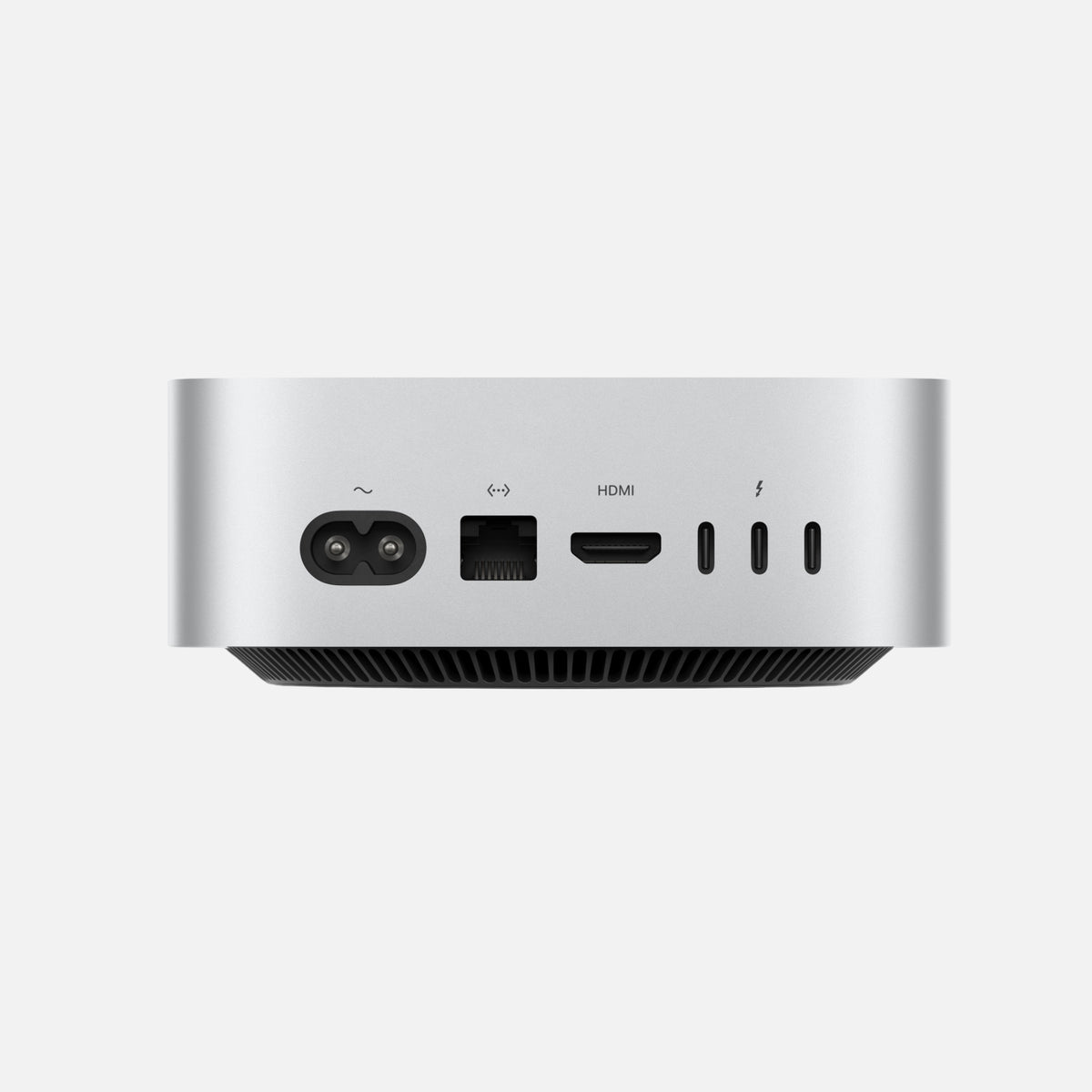

Used & refurbished Mac mini M4 (2024)
Used & refurbished Mac mini M4 Pro (2024)
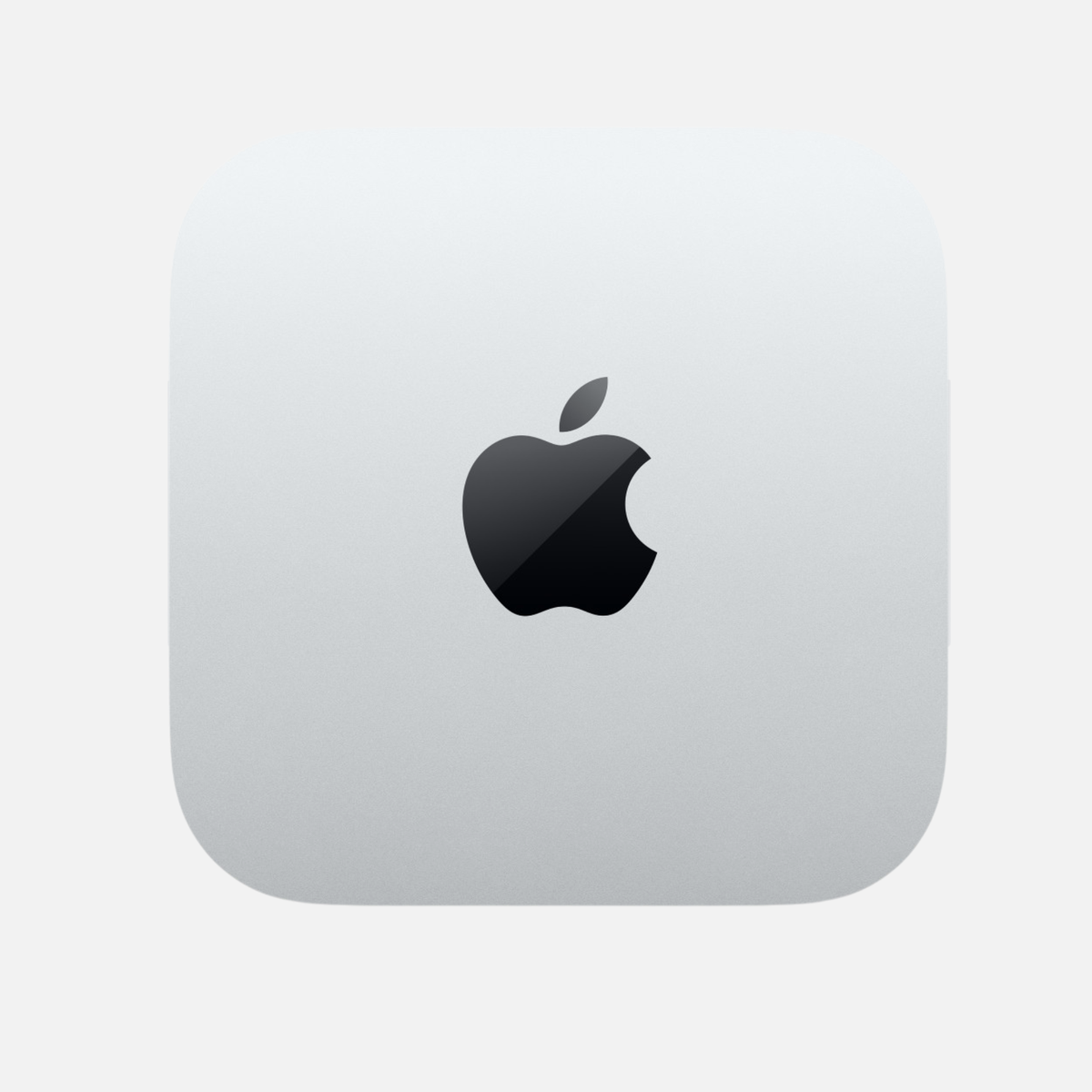
Compare used and refurbished Mac mini M4 / M4 Pro for a compact desktop workspace with your chosen monitor and input devices. Check the chip class, CPU and GPU, software compatibility and any requirements when switching from an Intel Mac. Model details to compare: 2024 · M4 / M4 Pro.
48 GB is a sensible choice when your apps, projects and macOS still leave sufficient memory headroom. 64 GB adds 16 GB of capacity: one third more memory, but not automatically one third more performance.
The extra cost is most useful when large projects, several virtual machines or local AI models actually exhaust memory. Compare the same CPU and GPU configuration. Check memory pressure in Activity Monitor during everyday work; model file size alone is not enough to make a purchase decision.
Sources: Apple: Mac mini (2024)
| Chip | CPU / GPU cores | Memory bandwidth | RAM configurations |
|---|---|---|---|
| M4 | 10 / 10 | 120 GB/s | 16 / 24 / 32 GB |
| M4 Pro | 12 / 16; 14 / 20 | 273 GB/s | 24 / 48 / 64 GB |
Manufacturer configurations for Mac mini (2024), not a promise of current availability. M4 may suit office work, web use and many photography tasks. Consider M4 Pro if your projects need more than 32 GB RAM or extra GPU performance. M4 Pro has the same memory bandwidth with 48 and 64 GB; RAM cannot be upgraded later.
Apple technical specifications · Mac mini (2024)
Compare RAM, SSD storage and ports. The right configuration depends on your software and projects; maximum specifications are not automatically included in the device offered.
Read the condition description and check signs of use and the items actually included. Used, seller-refurbished and Apple Certified Refurbished are different: a CPO device is explicitly identified as such.
You receive a 12-month warranty under our warranty terms. Shipping within the EU is free. Details are available under Payment and shipping.
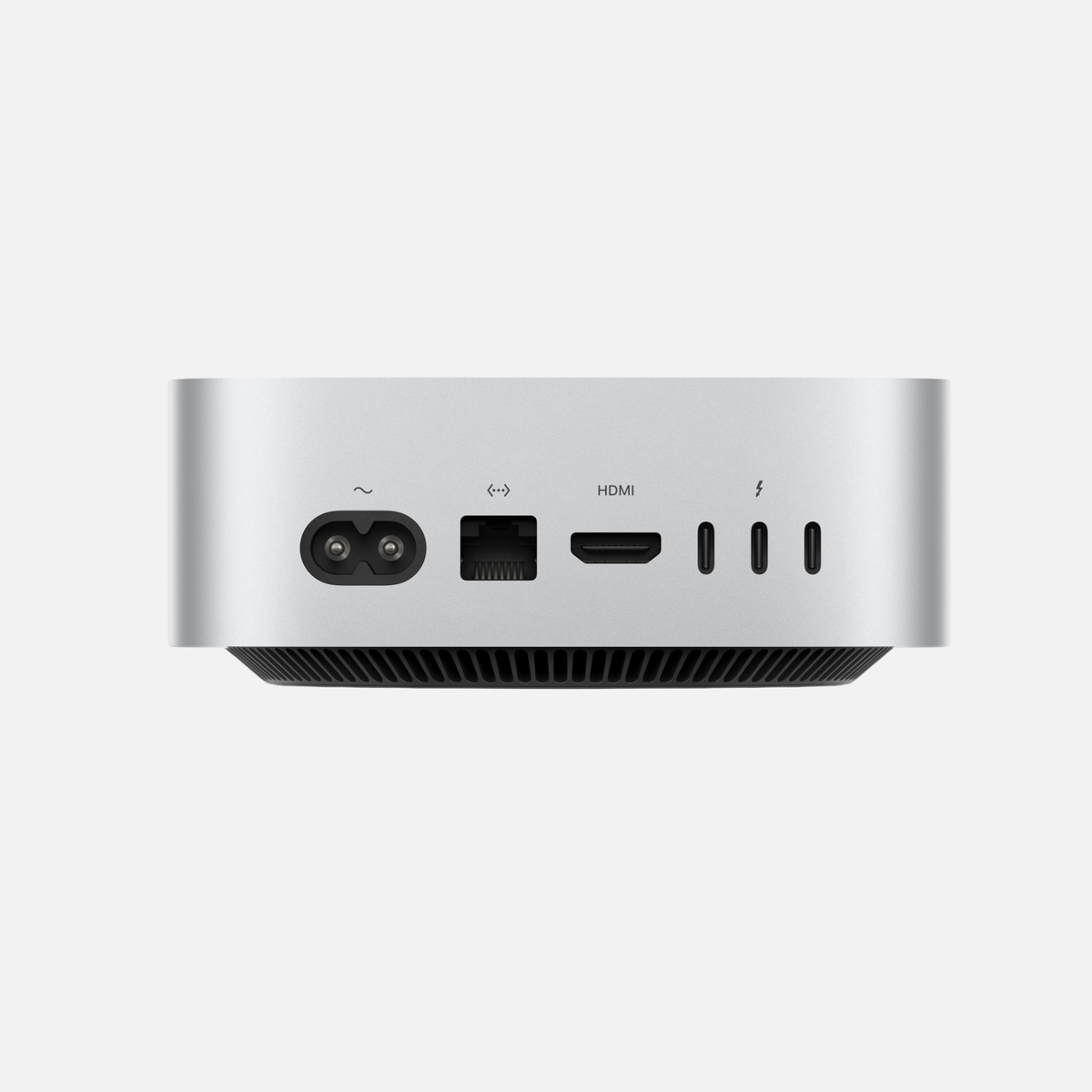
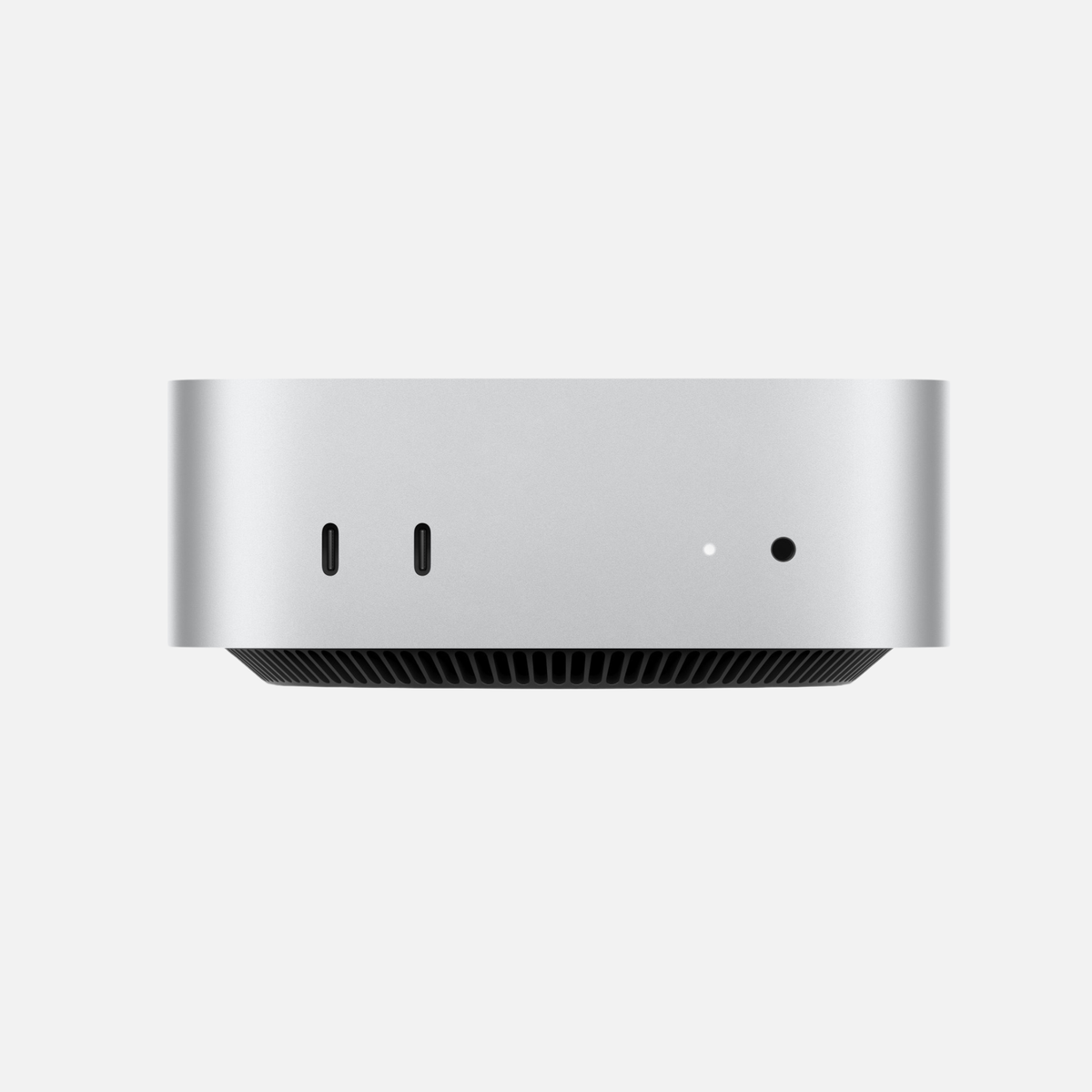
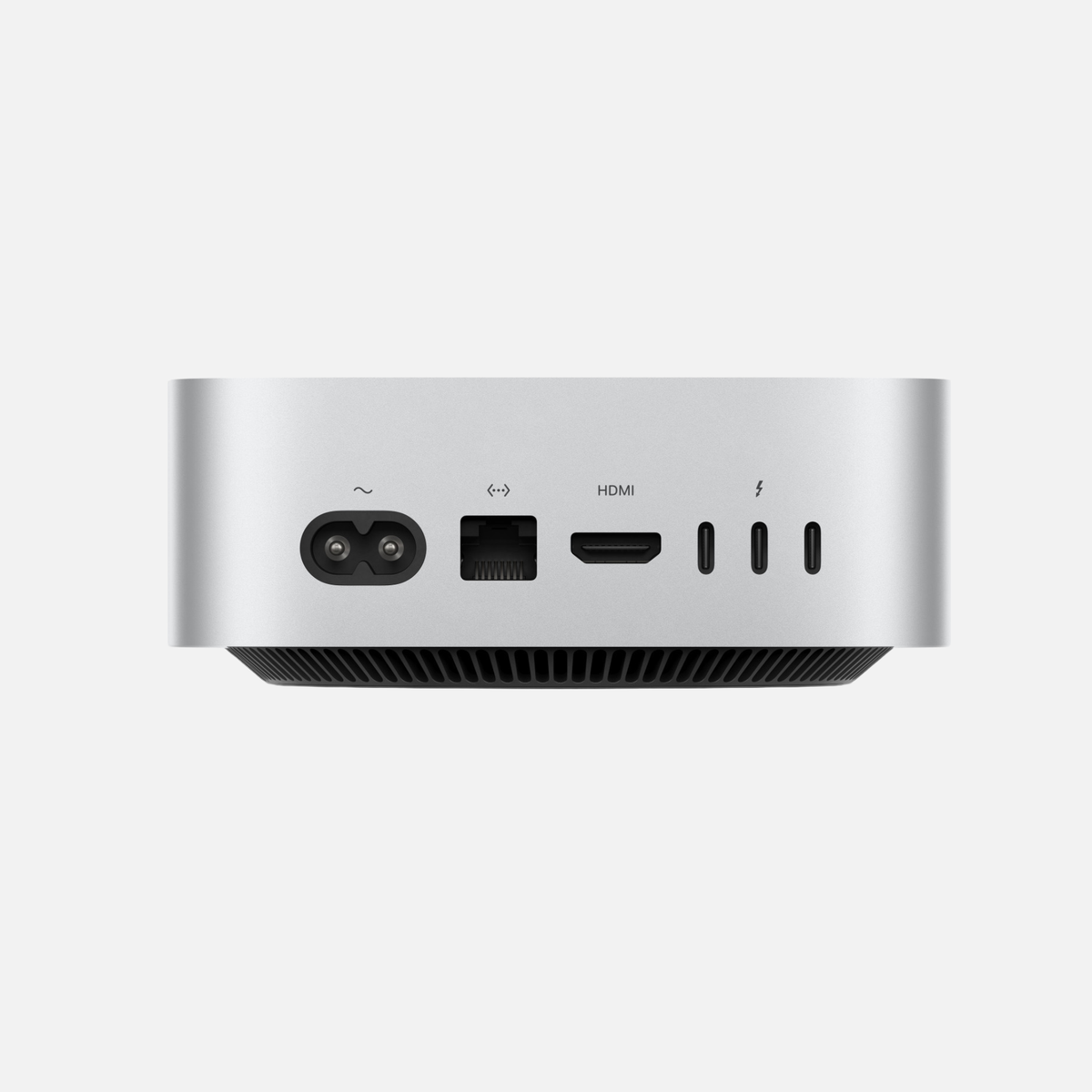
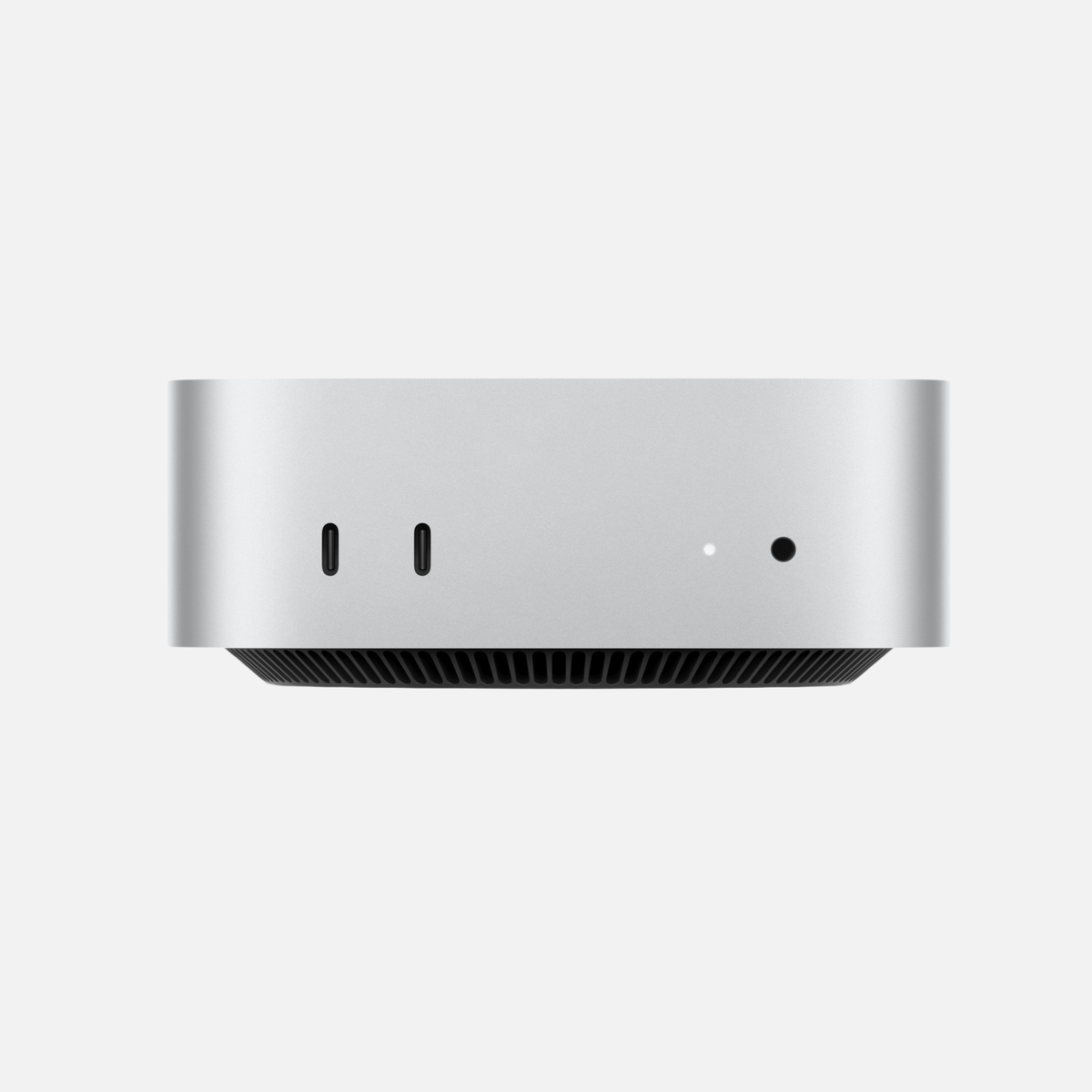
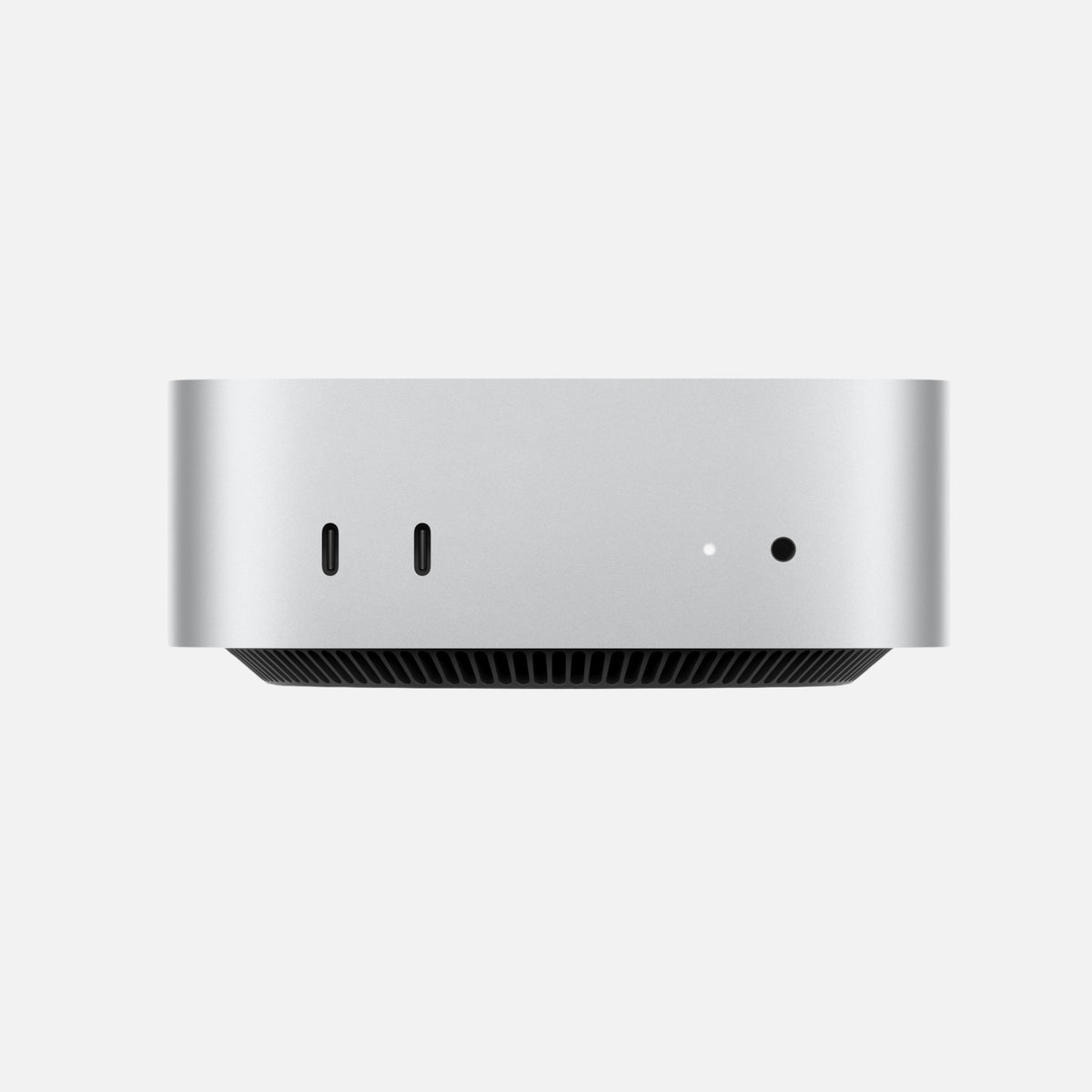
Mac mini M4 has three Thunderbolt 4 ports on the back; M4 Pro has three Thunderbolt 5 ports. The two front USB-C ports carry USB 3 data and are not additional Thunderbolt ports. Both models support up to three external displays; resolution, refresh rate and connection combinations must match the exact model. Allow for adapters for existing USB-A accessories if needed.
Compare this selection of listings assigned to this category. RAM and storage refer to the variants listed in each offer; not every combination is available to order.
| Model / listing | Memory | Internal storage |
|---|---|---|
| Used & refurbished Mac mini M4 (2024) | 16 GB, 24 GB, 32 GB | 256 GB, 512 GB, 1 TB, 2 TB |
| Used & refurbished Mac mini M4 Pro (2024) | 24 GB, 48 GB, 64 GB | 512 GB, 1 TB, 2 TB, 4 TB |
| Apple Mac mini M4 Pro 64GB RAM 512GB SSD Apple Certified Refurbished | 64 GB | 512 GB |
| Apple Mac mini M4 Pro 24GB RAM 512GB SSD Apple Certified Refurbished | 24 GB | 512 GB |
| Used & refurbished Mac mini M4 (2024) – 16 GB RAM, 1 TB | 16 GB | 1 TB |
| Mac mini M4 (2024) – 24 GB RAM, 256 GB – Apple Certified Refurbished | 24 GB | 256 GB |
See the linked product page for price, condition, included accessories and current availability. Select the exact configuration there.
This is our buying guidance, not a software vendor's minimum requirement. What matters is the size of your projects, the applications running together and the memory you actually need.
No. Unified memory in the Mac mini M4 and M4 Pro cannot be upgraded after purchase. An external SSD adds space for files but does not replace RAM.