

Which Mac for AI?
Last updated:
Quick answer: which Mac suits your AI use?
You do not need a Mac Studio for ChatGPT in a browser. For local language models, first choose the model, quantization and context length, then plan memory, GPU and storage. A Mac mini can suit smaller models; MacBook Pro adds mobility, while Mac Studio offers options for memory-intensive work. The recommendations below use checked shop offers and are not performance benchmarks.
Artificial intelligence is changing the way we work. Whether you use ChatGPT, Apple Intelligence, Claude, GitHub Copilot, Ollama, LM Studio or local language models such as Llama, Gemma, Mistral or DeepSeek: Modern AI applications have become part of everyday life for many developers, businesses, creatives and students.
But which Mac is best suited to AI? Is a compact Mac mini enough, is a MacBook Pro worth considering, or is a Mac Studio the better choice? Equally important is how much memory you need to ensure that local AI models can also run reliably and smoothly.
This buying guide explains which Mac models are suitable for different AI applications, what to consider when configuring your Mac and which specifications make sense in the long term.
Because we work with different Apple devices and Mac configurations every day, we know many of the questions buyers ask before making a decision. This practical experience informs this guide.
Why is a Mac suitable for AI?
Just a few years ago, powerful Windows PCs with dedicated graphics cards were considered the first choice for artificial intelligence applications. The introduction of Apple Silicon changed this picture. Macs with M-series chips are now an interesting platform for numerous AI applications, from using cloud-based services to running language models locally.
Key advantages include the close integration of hardware and software, high energy efficiency and shared memory. This allows many tasks to be performed quickly, quietly and with comparatively low power consumption.
Whether you use AI to create text, develop software, transcribe audio files, generate images or experiment with local language models, a suitably configured Mac provides a powerful foundation.
Cloud AI, Apple Intelligence or local models?
Cloud AI in a browser
ChatGPT or Claude in a browser runs the model at the provider. Choose your Mac mainly for your other applications, screen and mobility needs.
Apple Intelligence
Apple Intelligence is a system feature with its own device, macOS, language and region requirements. A supported M1 or newer Mac does not make every feature available everywhere. Check Apple’s current requirements.
Local models with Ollama or LM Studio
The selected model must run on your device. LM Studio recommends at least 16 GB RAM; smaller models may work with less. This software recommendation does not guarantee support for a particular model.
Why is Apple Silicon interesting for AI?
The most important difference between Apple Silicon and many conventional PC systems lies in their architecture. Apple combines several important components in a system-on-a-chip.
These include:
- CPU for general computing
- GPU for parallel computing tasks
- Neural Engine for supported machine learning tasks
- Media Engines for processing certain video formats
- Shared unified memory
What is unified memory?
In many conventional computers, the processor and graphics card have separate memory areas. Data must therefore be transferred between system memory and graphics memory.
With Apple Silicon, the CPU, GPU and other components can access a shared memory area. Apple calls this concept unified memory.
This architecture offers several potential advantages:
- Fewer copying operations between the CPU and GPU
- Efficient use of available memory
- High memory bandwidth with more powerful chips
- Low power consumption
- Comparatively quiet operation
Available memory is particularly important for local language models. The model must fit into memory along with the operating system and the applications being used. If there is not enough unified memory, a model may fail to load or only run significantly more slowly.
Which hardware really matters for AI?
When choosing a Mac for AI, consider more than the chip name. Depending on the application, memory, GPU performance, memory bandwidth and SSD capacity can have a significant impact on everyday use.
Processor: CPU
The CPU handles general calculations and controls numerous processes within the programs you use. Current Apple chips already offer high everyday performance in their base models.
A more powerful CPU is helpful for software development, data preparation and using several demanding applications simultaneously, for example.
Graphics processor: GPU
Many AI applications benefit from parallel calculations on the GPU. Graphics performance is particularly relevant for local model inference, image generation, video processing and certain machine learning workflows.
A chip with more GPU cores can process these tasks faster. However, actual performance also depends on the software used, model size and memory bandwidth.
Neural Engine
The Neural Engine is a specialised part of Apple Silicon that can accelerate certain machine learning calculations. It is used by macOS features and suitably optimised applications, among others.
However, not every local AI application automatically uses the Neural Engine. Many programs use the GPU or other frameworks instead. The number of Neural Engine cores alone is therefore not a sufficient selection criterion.
Unified memory
Memory is often the most important factor for local AI. The larger a model, the more memory is needed to load and run it. macOS and all open programs also require memory.
If you only use cloud-based services such as ChatGPT or Claude, you do not need an exceptionally large amount of memory for them. For local language models, image generation and extensive development projects, however, larger memory configurations are recommended.
SSD storage
Depending on the model and its quantisation, local AI models can occupy several gigabytes or significantly more storage space. If you store various models, development environments and project data, a small internal SSD can quickly reach its limits.
A larger internal SSD is particularly convenient. Alternatively, many models and project files can also be stored on a fast external SSD.
Memory bandwidth
Memory bandwidth describes how quickly data can be transferred between unified memory and the computing units. With large local models, higher memory bandwidth can speed up processing.
A Mac with a Max or Ultra chip can therefore perform certain AI tasks significantly faster than a base model, even if both have enough memory.
What to consider when buying a Mac for AI
The right configuration depends on how you want to use artificial intelligence. Before buying, therefore, answer a few basic questions.
- Do you only want to use cloud-based services such as ChatGPT, Claude or GitHub Copilot?
- Do you want to run language models locally on the Mac?
- What model sizes do you expect to use?
- Do you need the Mac at a desk or on the go as well?
- Will the device also be used for video editing, photo editing, music production or software development?
- How many years do you expect to use the Mac?
- What is your budget?
A Mac Studio is not necessary just to use ChatGPT. However, if you want to use large local models, image generation and other professional applications simultaneously, you will benefit from more unified memory, a more powerful GPU and higher memory bandwidth.
The key points at a glance
- A current Mac is already suitable for many cloud-based AI applications.
- Sufficient unified memory is particularly important for local language models.
- The GPU and memory bandwidth influence the speed of many local AI workloads.
- The Neural Engine is not used directly by every AI application.
- A sufficiently large SSD provides space for models, programs and project data.
- Mac mini, MacBook Pro and Mac Studio serve different users and use cases.
Mac mini, MacBook Pro or Mac Studio: Which Mac is suitable for AI?
The best Mac for AI depends on more than the processor name alone. The key factors are your intended use, desired mobility, size of local AI models and available unified memory.
For cloud-based applications such as ChatGPT, Claude or GitHub Copilot, a Mac mini or a MacBook with solid basic specifications is already sufficient. If you want to run larger language models locally, generate images or use several professional applications simultaneously, a Mac Studio with more unified memory and higher memory bandwidth is often the better choice.
| Criterion | Mac mini | MacBook Pro | Mac Studio |
|---|---|---|---|
| Cloud AI such as ChatGPT | Very well suited | Very well suited | Very well suited, but usually unnecessary |
| Smaller local language models | Well suited | Very well suited | Very well suited |
| Large local language models | Depends on memory configuration | Well suited with sufficient unified memory | Best choice for demanding local AI |
| AI image generation | Suitable for occasional use | Well to very well suited | Very good for regular use |
| Mobility | Desktop use | Mobile and desktop use | Desktop use |
| Sustained high workloads | Well suited depending on the model | Well suited | Very well suited |
| Value for money | Very high | Good if you also need mobility | Very good for professional users |
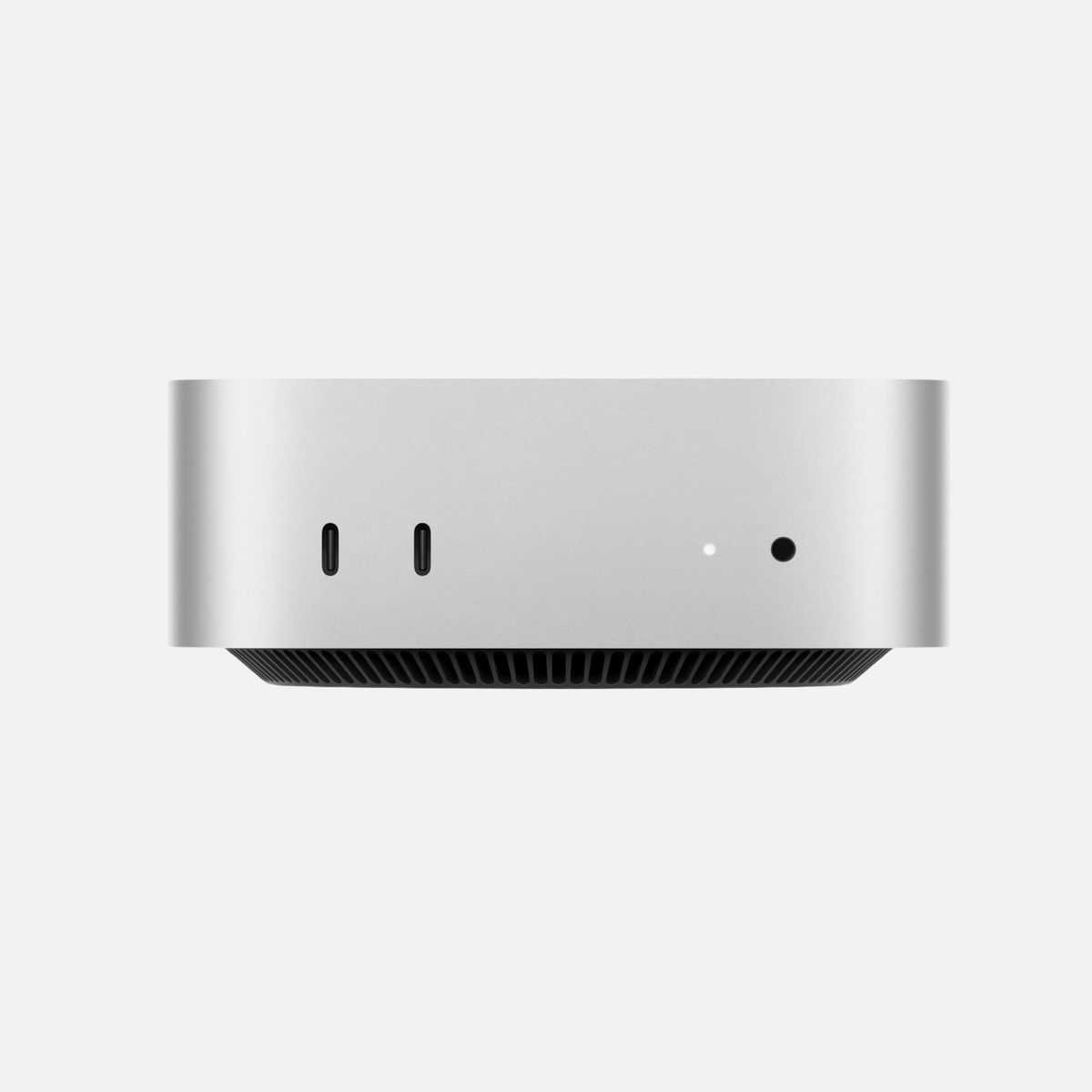
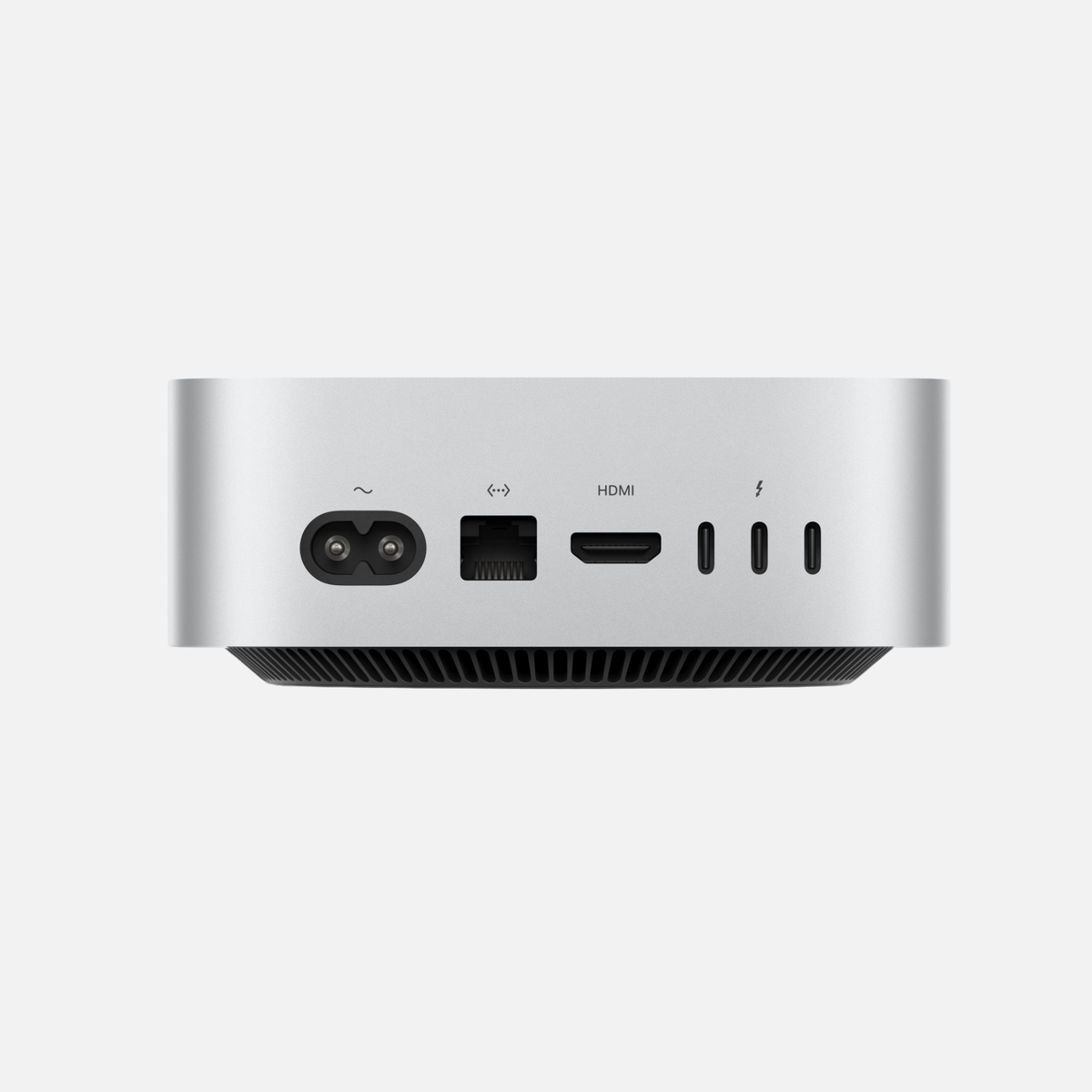
Mac mini for AI: An affordable starting point
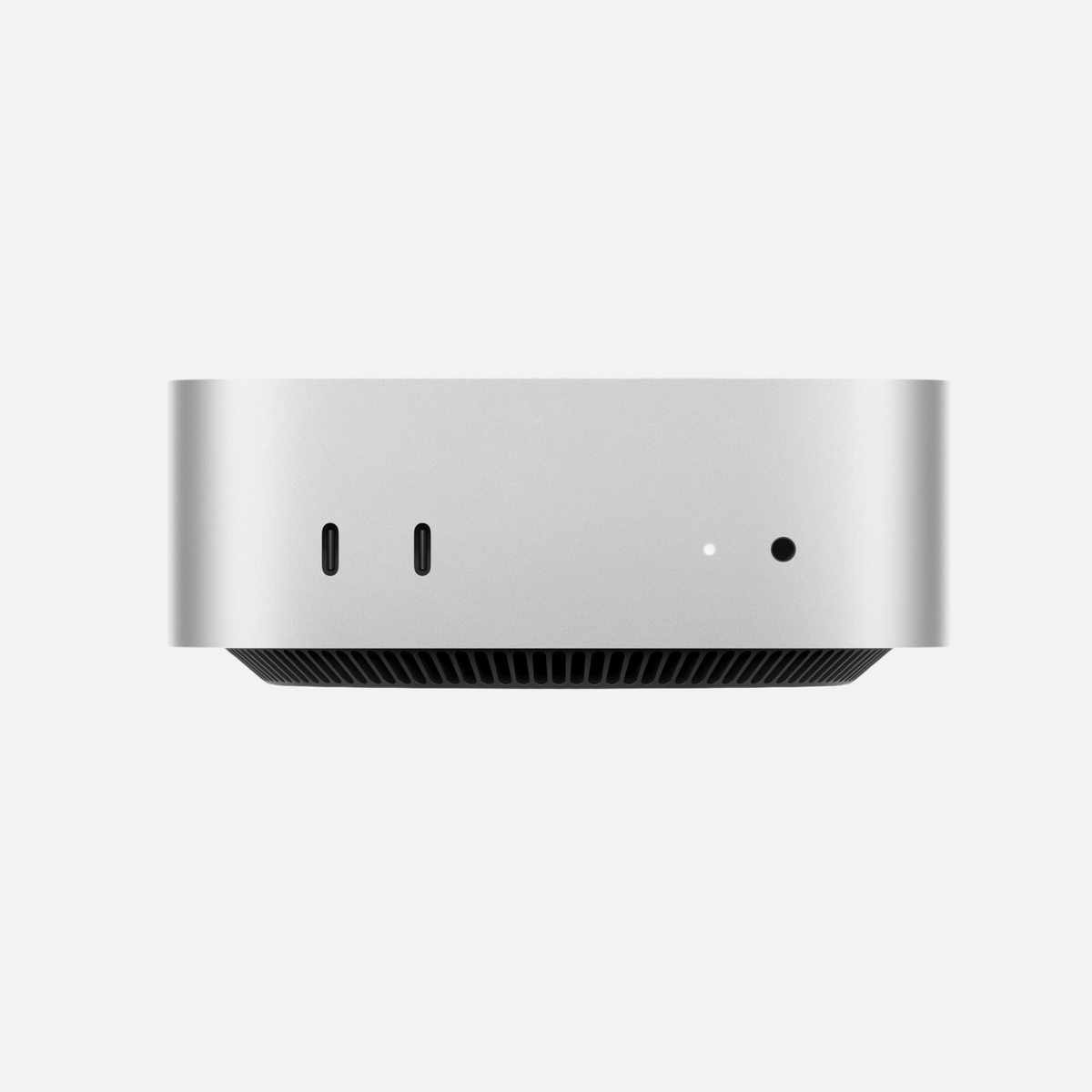
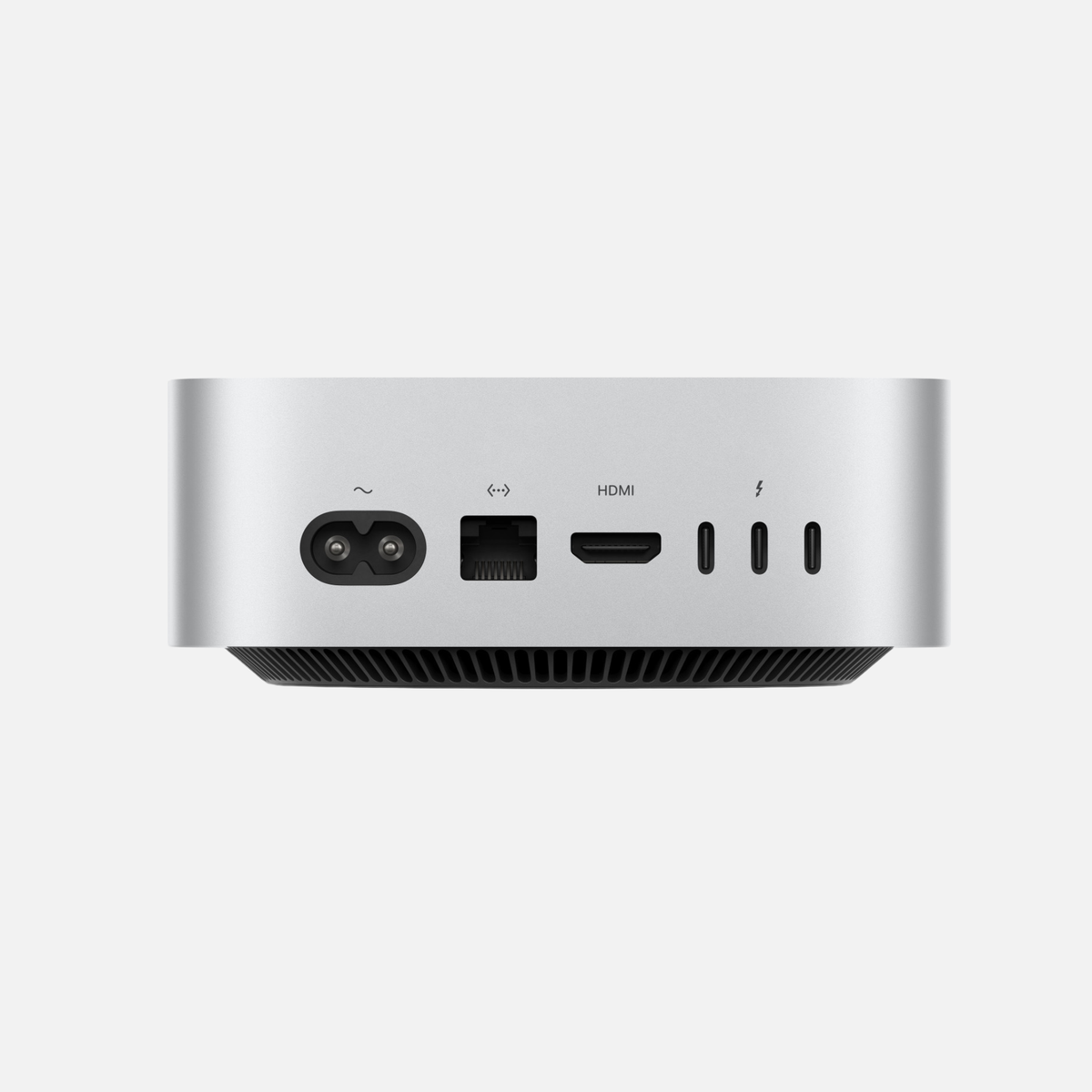
The Mac mini is a good choice if you are looking for a compact, energy-efficient Mac for ChatGPT, Apple Intelligence, programming or your first local AI applications.
Cloud-based AI services are mainly processed on the respective provider’s servers. They therefore do not require particularly powerful local hardware. Even a relatively affordable Mac mini configuration can be entirely sufficient for these tasks.
Who is a Mac mini suitable for?
- Beginners in local AI
- University and school students
- Software developers
- Home and office work
- Users of ChatGPT, Claude and GitHub Copilot
- Users of smaller local language models
- Automations and simple AI workflows
Which specifications make sense?
For cloud AI alone, a base configuration is generally enough. If you want to use local models with Ollama or LM Studio, however, plan for more unified memory.
| Use case | Recommended specifications |
|---|---|
| Cloud AI in a browser | Base model with enough memory for your other programs |
| Smaller local language models | Preferably 24 GB of unified memory or more |
| Development and several applications simultaneously | More unified memory and at least a 512 GB SSD |
| More demanding local AI | Consider a Pro chip or moving to a Mac Studio |
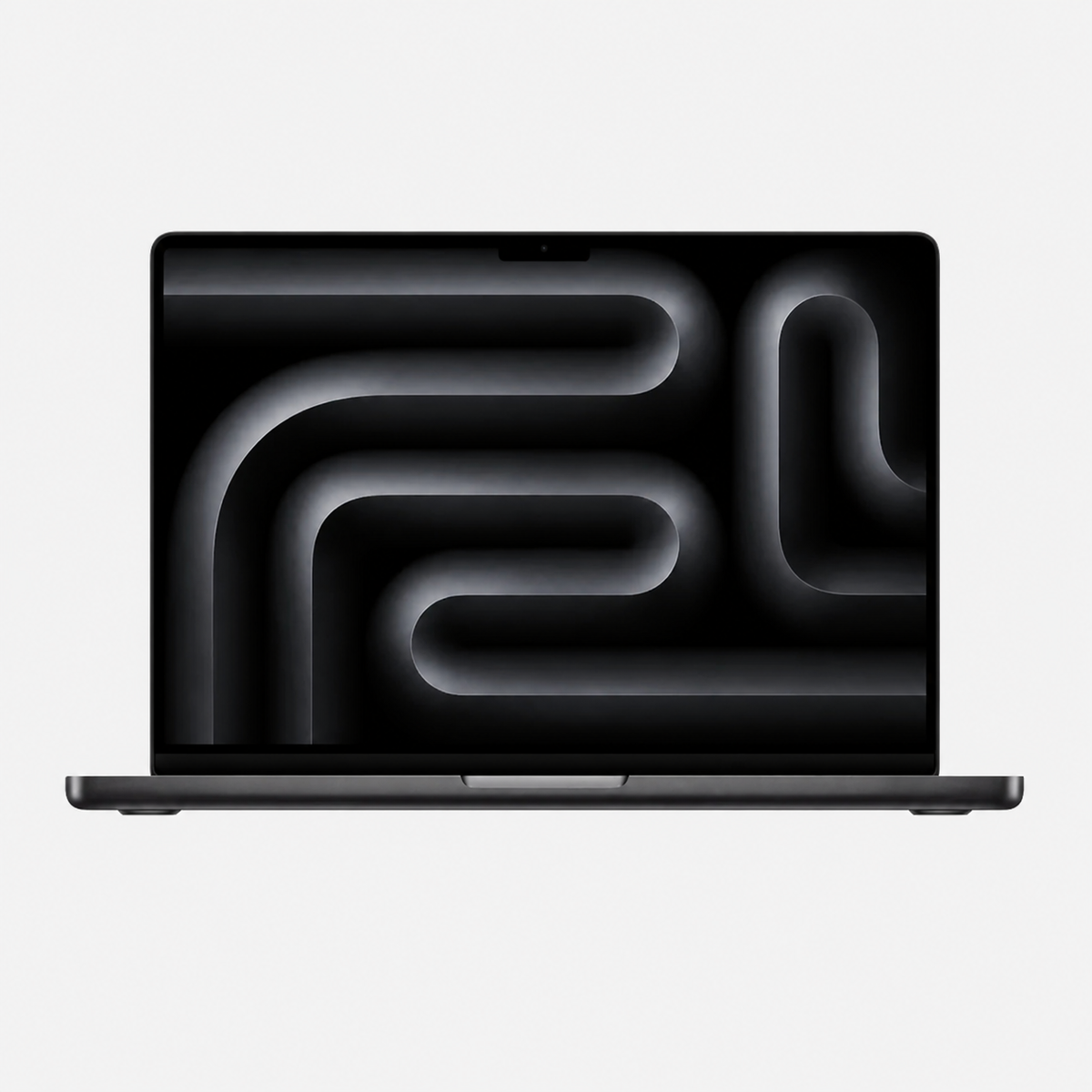
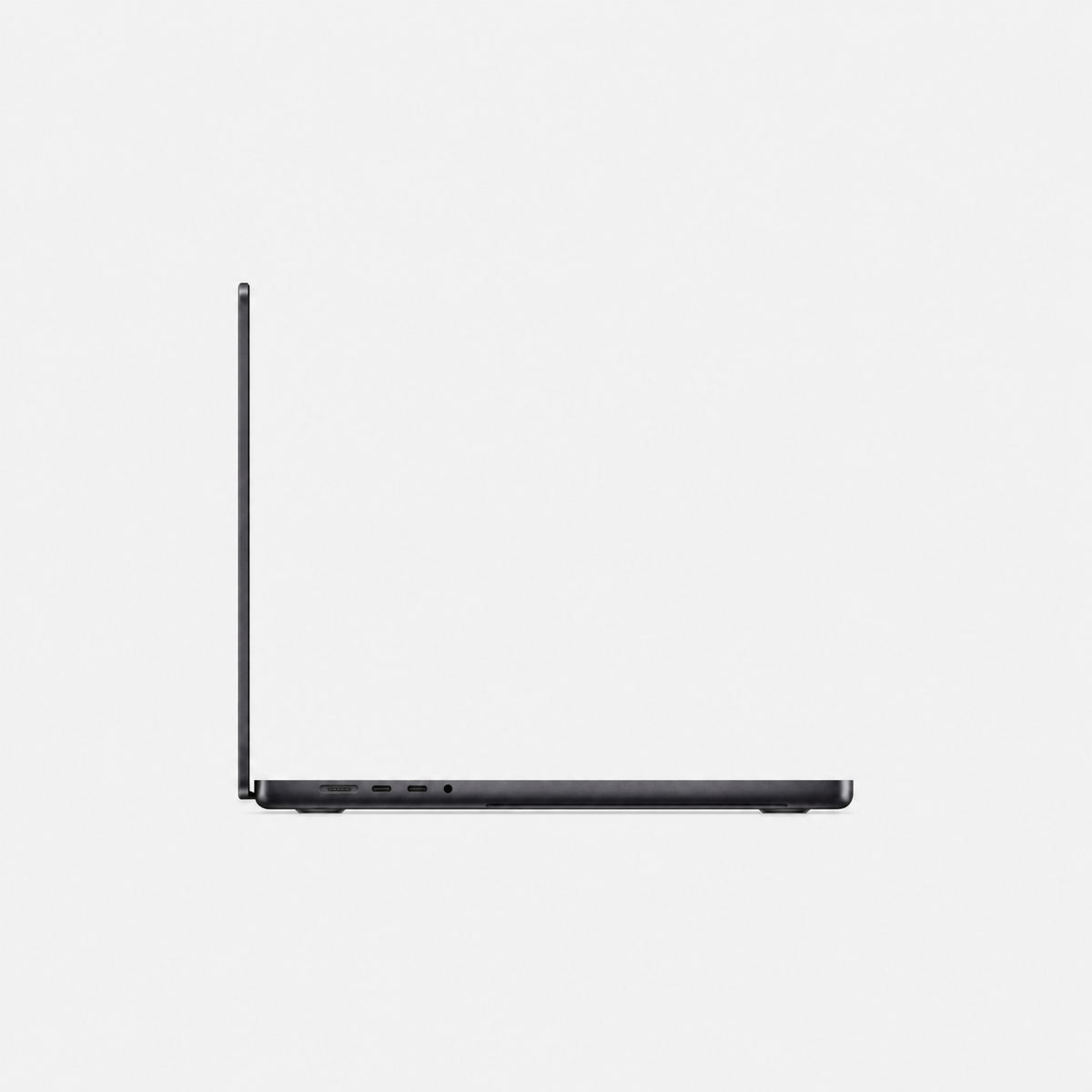
MacBook Pro for AI: High performance on the go
The MacBook Pro is the right choice if you want to use local AI but cannot sacrifice mobility. It combines a powerful CPU and GPU with a high-quality display, long battery life and active cooling.
Models with a Pro or Max chip in particular provide enough performance for development environments, local language models, photo editing, video editing and other demanding programs.
Who is a MacBook Pro suitable for?
- Software developers and programmers
- Content creators and video producers
- Photographers and designers
- Consultants and self-employed professionals
- Students with high performance requirements
- Users who want local AI on the go
Pro or Max chip?
For many users, a Pro chip offers a balanced combination of performance, battery life and price. It is suitable for programming, smaller to medium-sized local models and professional creative applications.
A Max chip generally offers more GPU performance, higher memory bandwidth and larger memory configurations. This makes it particularly interesting if you want to run larger models locally, regularly generate images or work with video, 3D and AI simultaneously.
| Configuration | Suitable for |
|---|---|
| MacBook Pro with Pro chip | Programming, smaller local models, photo editing and mobile work |
| MacBook Pro with Max chip | Demanding local AI, image generation, video editing, 3D applications and professional workflows |
| 36 GB unified memory | Good all-round option for development and medium-sized local models |
| 48 GB unified memory or more | Larger models and simultaneous professional use |
Mac Studio for memory-intensive local AI
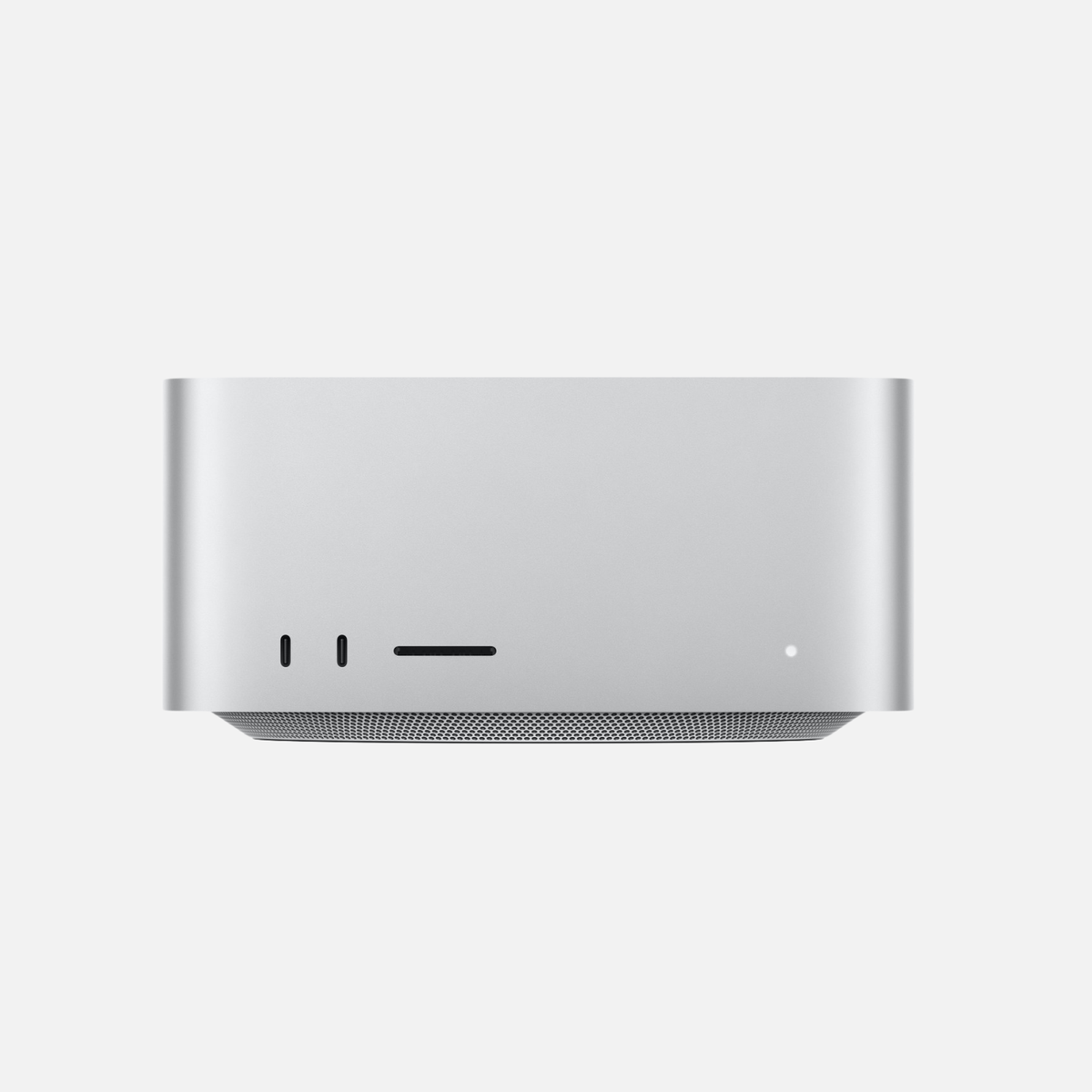
The Mac Studio is aimed at users who need sustained high performance, a powerful GPU, high memory bandwidth and particularly large amounts of unified memory.
It is suitable for larger local language models, software development, image generation, video production, 3D rendering and demanding AI workflows, among other uses. Thanks to its larger casing and powerful cooling, the Mac Studio can reliably handle high workloads over longer periods.
Who is a Mac Studio suitable for?
- Professional AI users
- Software developers and businesses
- Video and film production
- 3D designers and architects
- Research and data analysis
- Users of larger local language models
- Users with multiple high-resolution displays
Max or Ultra chip?
A Mac Studio with a Max chip is already very powerful for many professional users. It offers a good balance of purchase price, GPU performance and energy efficiency.
An Ultra chip is particularly interesting if you need especially large amounts of unified memory, very high memory bandwidth or maximum computing performance for several demanding tasks simultaneously.
| Mac Studio configuration | Typical use |
|---|---|
| Max chip with 36 to 48 GB unified memory | Development, content creation and medium-sized local AI models |
| Max chip with 64 GB or more | Demanding local models and several professional applications simultaneously |
| Ultra chip with a large memory configuration | Large local models, research, 3D, video and extensive professional AI workflows |
How much memory does a Mac need for AI?
For local AI applications, the available unified memory largely determines which models you can load and use effectively. However, not all installed memory is available exclusively to the AI model. macOS, background services and other open programs also require memory.
The required memory capacity also depends on model architecture, parameter count, quantisation, context length and the software used. The following table therefore provides general guidance rather than fixed technical limits.
Why the model file is not the whole memory requirement
As a calculation aid, 8 billion parameters at exactly 4 bits imply roughly 4 GB for weights; 32 billion imply 16 GB and 70 billion 35 GB. These are theoretical weight sizes, not RAM purchase recommendations. File format, quantization data, KV cache, context length, runtime, macOS and other applications need additional resources. Not all unified memory is available to the GPU. Check the specific model with your intended context length.
| Unified memory | Useful for | Assessment |
|---|---|---|
| 16 GB | Cloud AI and initial small local models | For beginners, but with limited headroom |
| 24 GB | Smaller local models and everyday development | Good introduction to local AI |
| 32 to 36 GB | Medium-sized local models and several applications | Balanced all-round range |
| 48 to 64 GB | More demanding models and professional workflows | Good headroom for more intensive use |
| 96 to 128 GB | Large models, research and extensive projects | For professional and specialist users |
| More than 128 GB | Very large models and particularly memory-intensive workflows | Specialist use |
Which SSD capacity makes sense for AI?
Local language models, development environments, image models and project data can require substantial storage space. Consider SSD capacity as well as unified memory.
| SSD capacity | Suitable for |
|---|---|
| 256 GB | Cloud AI and a few programs; quickly becomes tight for local AI |
| 512 GB | Getting started, a small model collection and normal Office use |
| 1 TB | Good standard capacity for local AI and professional programs |
| 2 TB or more | Many models, large projects, video and professional use |
A fast external SSD can be an economical addition if you want to store many models or large datasets. Programs and frequently needed files can remain on the internal SSD, while rarely used models are stored externally.
Specific Mac offers for different AI tasks
These example configurations were orderable when checked on 25 October 2026. Find current prices, availability, keyboard and exact variant on each product page. These are buying suggestions, not measured speed comparisons.
| Configuration | When to consider it | Offer |
|---|---|---|
| Mac mini M4 Pro · 24 GB RAM / 512 GB SSD | A compact workstation for smaller quantized models and development; check your model’s memory needs before buying. | View offer |
| Mac Studio M1 Max · 32 GB RAM / 512 GB SSD | A budget-conscious start with 32 GB RAM. An older Max chip may suit you when memory capacity and budget matter more than the latest generation. | View offer |
| MacBook Pro M3 Max · 36 / 48 GB RAM / 1 TB SSD | For mobile work with local models and creative applications. The 36 and 48 GB versions use different chips; choose the keyboard and exact variant. | View offer |
| Mac Studio M4 Max · 64 GB RAM / 1 TB SSD | For local models and simultaneous professional applications when 24 or 32 GB is insufficient for your specific workload. | View offer |
| Mac Studio M3 Ultra · 96 GB RAM / 2 TB SSD | For greater memory needs at a fixed workspace. Model fit and speed still depend on quantization, context and software. | View offer |
Is a used Mac worthwhile for AI?
For many AI applications, you do not necessarily need the newest Mac model. A used Mac with a powerful Max or Ultra chip and a generous memory configuration in particular can offer more attractive value for money than a new entry-level model.
For local AI applications, the combination of unified memory, GPU performance and memory bandwidth is often more important than the release year alone. An older Mac Studio with plenty of memory can therefore be better suited to certain tasks than a new Mac with a small base configuration.
When buying, pay particular attention to:
- The exact chip variant
- The amount of unified memory
- The internal SSD capacity
- The cosmetic and technical condition
- A clear description of the condition
- Warranty and statutory rights in the event of defects
- Secure shipping
Discover suitable Macs for AI
The Mac that suits you best depends on whether you want to use cloud-based AI, smaller local models or demanding professional workflows.
- Used and refurbished Mac mini – a compact and affordable introduction to AI.
- Used and refurbished MacBook Pro – for mobile developers, creatives and professional users.
- Used and refurbished Mac Studio – for larger local models and particularly demanding workflows.
Common questions about choosing a Mac for AI
Do I need 64 GB RAM for ChatGPT?
Not for ChatGPT in a browser. More local RAM helps your other applications; the provider runs the cloud model.
Will every 70B model run on a 64 GB Mac?
No. Parameter count is not enough: quantization, context, KV cache and usable GPU memory affect requirements. Check the exact model version and runtime.
What matters more: memory or a faster chip?
First the planned task must fit in usable memory. GPU, memory bandwidth and software then affect speed. Extra RAM does not automatically accelerate a model that already fits.
Technical sources and assessment
Technical information: Apple and the software providers. Device matching and calculation examples: mac-store24 editorial assessment. We did not conduct our own AI benchmarks for this guide.






Share:
Sell Apple devices – Best prices for Mac Studio, Mac mini, MacBook Pro & Mac Pro
Mac mini or Mac Studio? Comparison and buying guide 2026