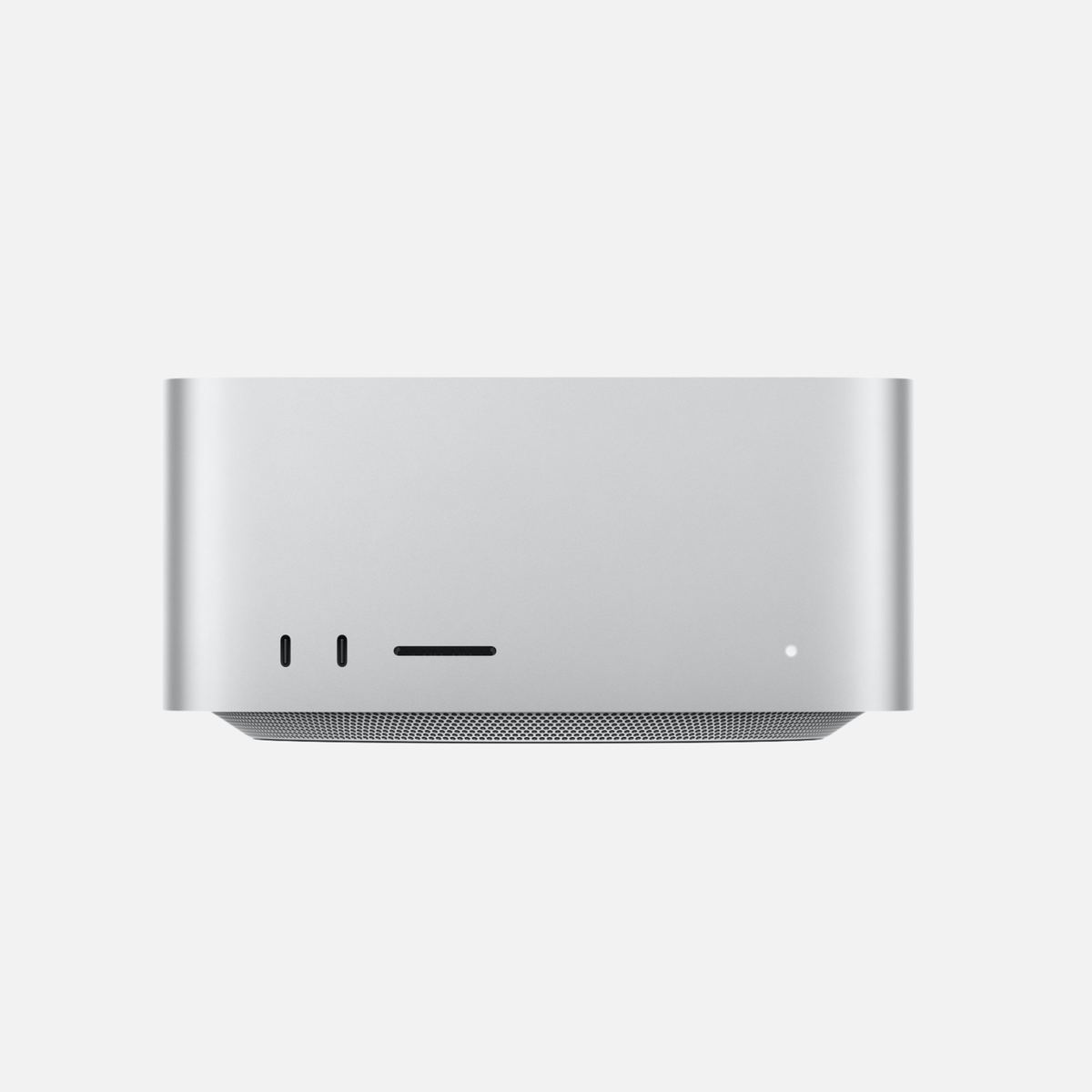

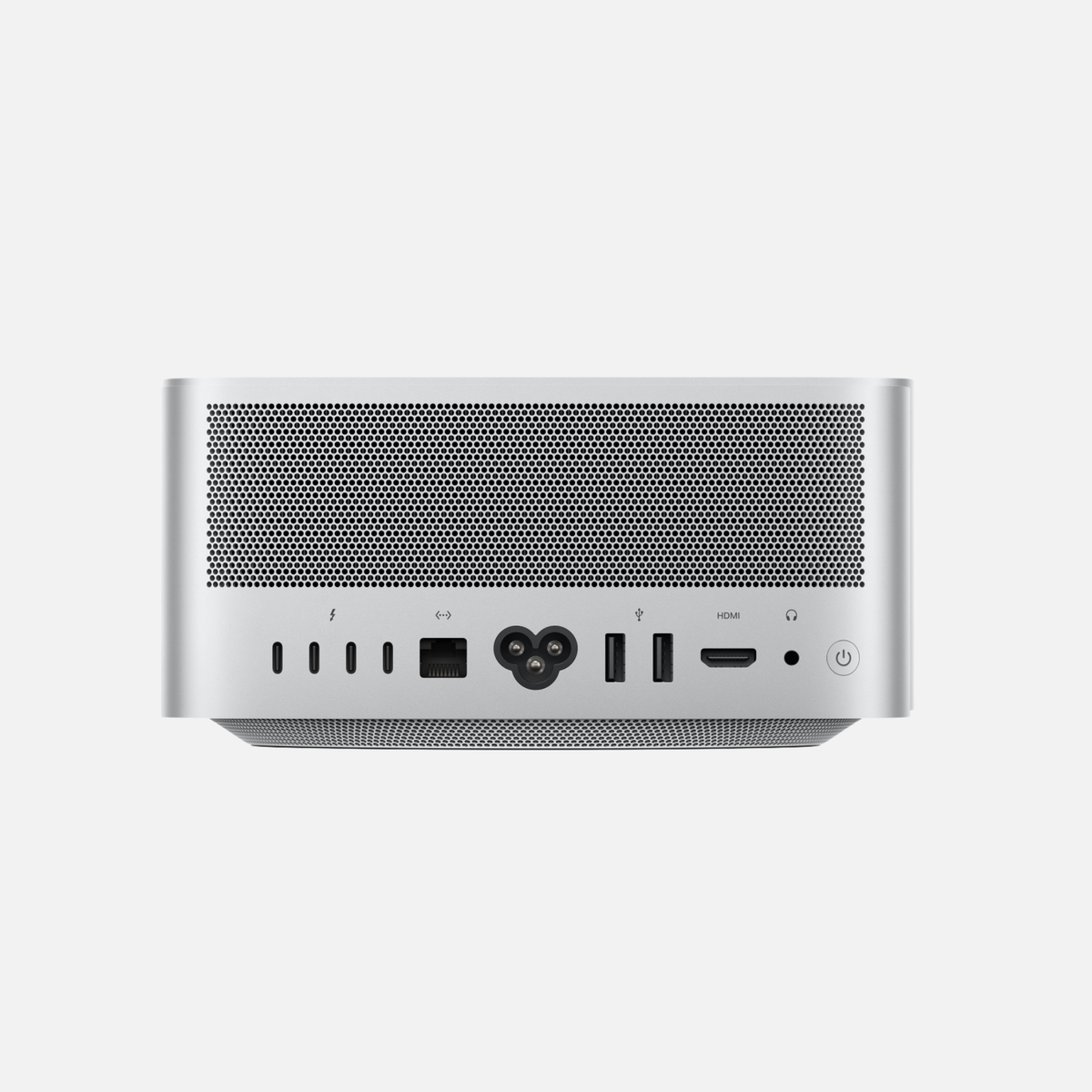
Used & refurbished Mac Studio M4 Max (2025) – 32 Core GPU, 36 GB RAM, 2 TB
At mac-store24, Mac Studio M4 Max (2025) is offered as a used and refurbished device.
Autumn deals are here! Get €25 off every purchase right now!
Apple premium technology
Discover refurbished premium Apple technology at substantially reduced prices.

At mac-store24, Mac Studio M4 Max (2025) is offered as a used and refurbished device.
At mac-store24, Mac Studio M3 Ultra (2025) is offered as a used and refurbished device.
At mac-store24, Mac Studio M4 Max (2025) is offered as Apple Certified Refurbished.
At mac-store24, Mac Studio M4 Max (2025) is offered as Apple Certified Refurbished.
At mac-store24, Mac Studio M4 Max (2025) is offered as a used and refurbished device.
At mac-store24, Mac Studio M2 Max, M2 Ultra (2023) is offered as a used and refurbished device.
At mac-store24, Mac Studio M1 Max, M1 Ultra (2022) is offered as a used and refurbished device.
Mac Studio M4 Max (2025) – 32 Core GPU, 36 GB RAM, 512 GB – Apple Certified Refurbished
Used & refurbished Mac Studio M2 Max, M2 Ultra (2023)
Used & refurbished Mac Studio M1 Max, M1 Ultra (2022)
Choose a model group first. Then compare the configuration actually available with your budget. Check the condition, included accessories and VAT treatment on each product page.
Mac Studio suits desktop photo, video, 3D and development workflows. Its strengths are the GPU, media engines and extensive connectivity. Ultra makes sense for suitably parallel workloads or large memory requirements; office work and everyday tasks rarely use those reserves.
Mac Studio M5 vs M4 Max and M3 Ultra: 2026 comparison
Start with the exact chip generation and variant. Ultra is worth considering when your project needs more usable memory or your software can use the extra processing units. For office tasks and occasional creative work, a Mac mini may be more economical. An older Ultra is not automatically faster than a newer Max in every task.
Choose according to the exact model, quantization and context length. Model weights, KV cache, macOS and other applications all need memory. More RAM allows larger workloads but guarantees no particular response speed. Check which memory size is actually paired with the chip variant on offer.
Larger configurations also belong in the comparison: Mac Studio with M2 Ultra supports up to 192 GB. Appropriately configured Mac Studio systems with M3 Ultra offer 256 or 512 GB. These capacities can make sense for particularly large AI models, long contexts or several models loaded at once. They are not a universal requirement for local AI. Base your choice on demonstrated memory needs and the exact chip configuration; a technically possible configuration does not guarantee current availability.
Check CPU and GPU cores, RAM, SSD, display support and ports. Verify condition, included accessories and VAT treatment in the specific offer. Select the configuration before comparing prices; not every variant has the same specifications.
Compare the exact chip configuration and your software's memory needs. An older Ultra is not automatically faster than a newer Max in every application.
If your project requires more than 36 GB of usable unified memory, extra capacity may be decisive. If it fits comfortably, compare performance in your actual software, ports and total price. The Ultra name alone does not decide the purchase.
Compare Mac mini M4 / M4 Pro · Browse Macs with more RAM
Apple technical specifications · M2 Ultra · Apple technical specifications · M4 Max / M3 Ultra · M3 Ultra · 512 GB
