
Used & refurbished iMac 24 inch M1 (2021)
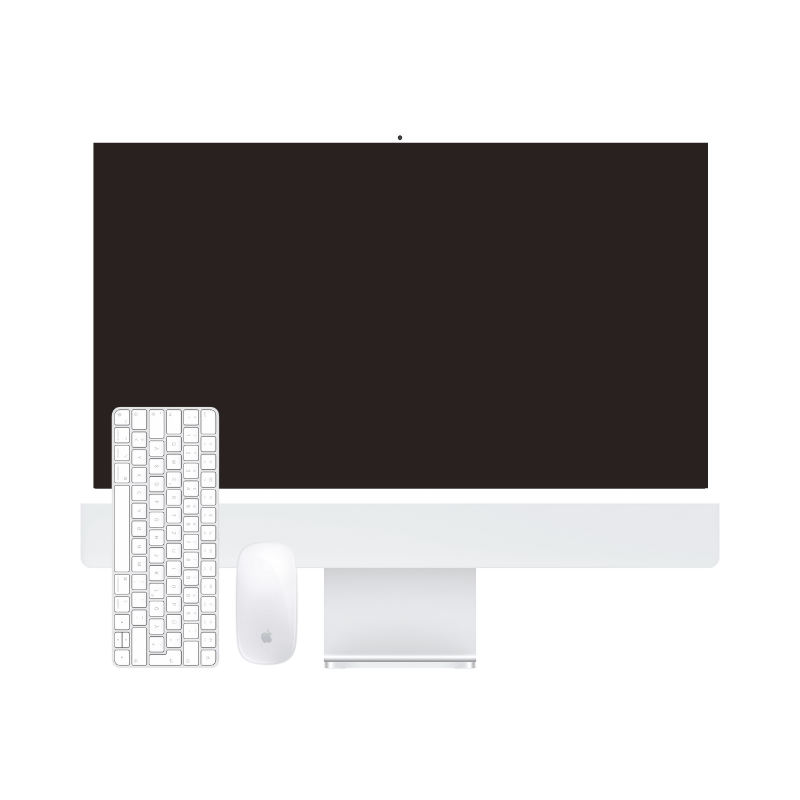
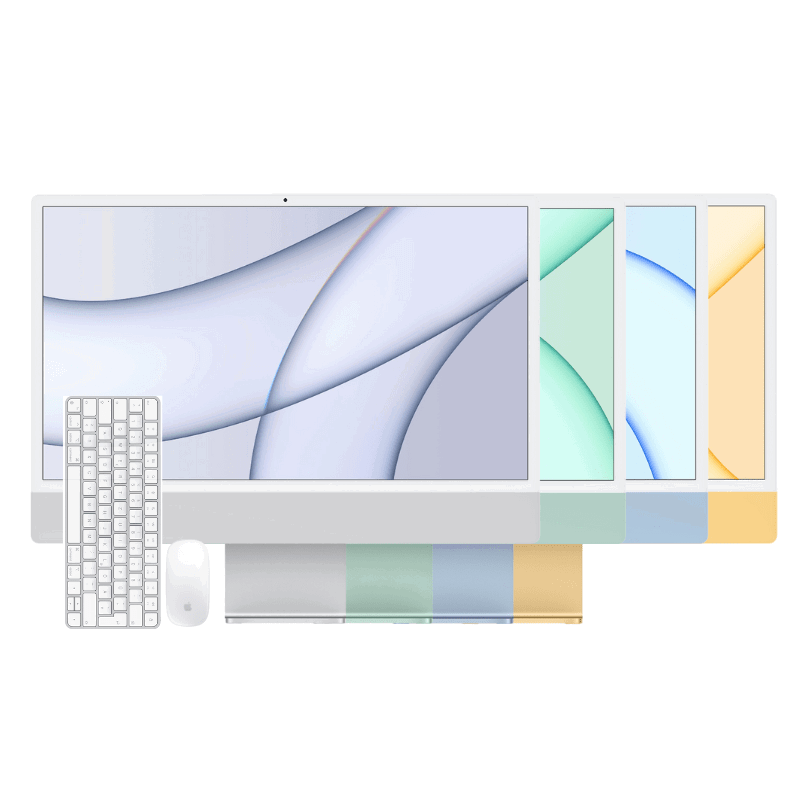
At mac-store24, iMac 24 inch M1 (2021) is offered as a used and refurbished device.
Autumn deals are here! Get €25 off every purchase right now!
Apple premium technology
Discover refurbished premium Apple technology at substantially reduced prices.

At mac-store24, iMac 24 inch M1 (2021) is offered as a used and refurbished device.
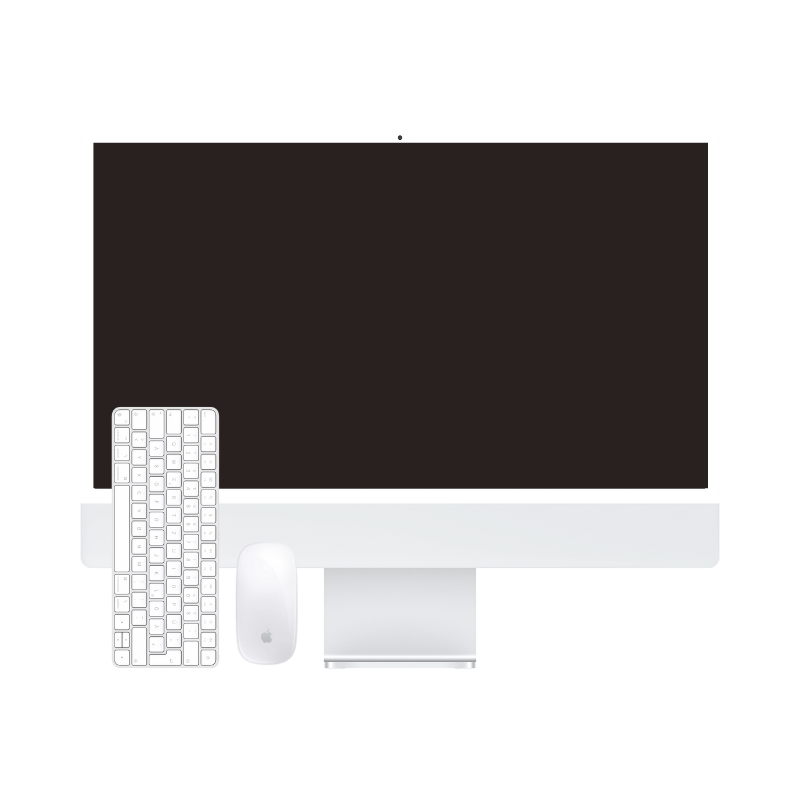
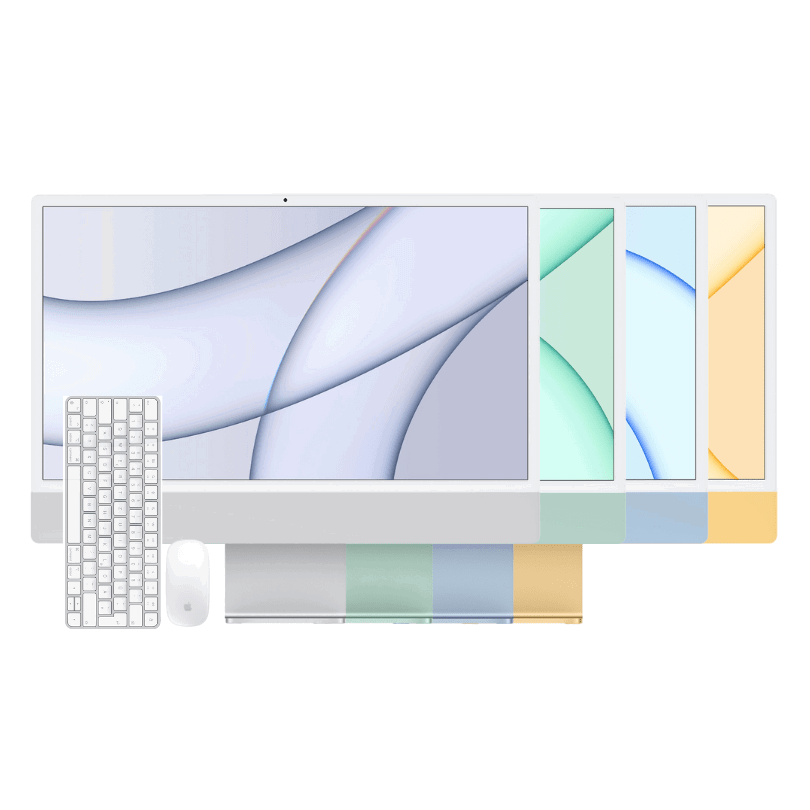
At mac-store24, iMac 24 inch M4 (2024) is offered as a used and refurbished device.
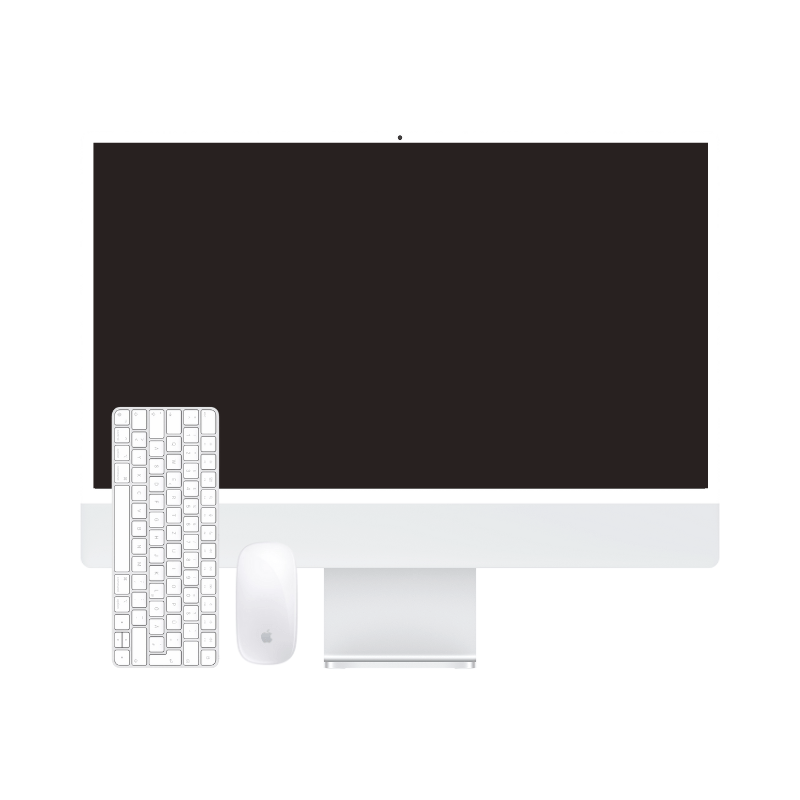
At mac-store24, iMac 24 inch M3 (2023) is offered as a used and refurbished device.
Used & refurbished iMac 24 inch M1 (2021)
Used & refurbished iMac 24 inch M4 (2024) – 16 GB RAM
Used & refurbished iMac 24 inch M3 (2023)
Beyond colour, the actual Apple Silicon generation is central to choosing a 24-inch iMac. Depending on availability, you will find M1, M3 and M4 models here. Match performance to your applications rather than choosing solely by the newest model year.
The M1, M3 and M4 iMacs compared here combine computer and screen in one device. That can suit a fixed office, study or creative workspace. What matters is your required software, memory workload and the accessories you want to connect.
An iMac is interesting if you want an integrated screen-and-computer workspace. With Mac mini, you choose the monitor separately and can replace computer and screen independently. Compare the total cost including display, input devices, cables and, if needed, a camera, rather than computer prices alone.
Our planning guidance is not a software minimum: for many simultaneous apps, 16 GB provides more headroom than 8 GB. Check large photo, video or development projects against actual memory demand. The SSD must hold apps, local files and working headroom. An external drive can hold files, but it does not replace RAM or automatically provide a backup.
No. The four-port M1 iMac has two Thunderbolt/USB 4 ports and two USB 3 ports. The four-port M4 model has four Thunderbolt 4 ports. Check the generation and actual port configuration, especially for fast drives and external monitors. Colour and screen size do not establish that specification.
The 24-inch Apple-silicon iMacs named here do not support Target Display Mode. Their USB-C ports are not ordinary monitor inputs for another computer. If you mainly want a wired display for your MacBook, compare a standalone monitor rather than a second complete computer.
Manufacturer information: Apple · iMac · Apple · iMac M4 (4 ports) · Apple · Target Display Mode
Office work, study and creative projects benefit from different configurations. Check condition and included accessories in the product listing; keyboard and mouse are included only when stated. For a larger Intel-based workstation, also compare 27-inch iMacs.
Memory in a 24-inch iMac with Apple silicon cannot be upgraded after purchase. Choose enough for your simultaneous apps and larger photo, video or development projects. Each listing specifies the installed memory and SSD configuration.
Compare this selection of listings assigned to this category. RAM and storage refer to the variants listed in each offer; not every combination is available to order.
| Model / listing | Memory | Internal storage |
|---|---|---|
| Used & refurbished iMac 24 inch M1 (2021) | 8 GB, 16 GB | 256 GB, 512 GB, 1 TB |
| Used & refurbished iMac 24 inch M3 (2023) | 8 GB, 16 GB | 256 GB, 512 GB, 1 TB |
| Used & refurbished iMac 24 inch M4 (2024) – 16 GB RAM | 16 GB | 256 GB, 512 GB, 1 TB |
| Used & refurbished iMac 24 inch M1 (2021) – 16 GB RAM, 512 GB, Daily deal | 16 GB | 512 GB |
| Used & refurbished iMac 24 inch M1 (2021) – 16 GB RAM, 256 GB, Silver, Daily deal | 16 GB | 256 GB |
| Used & refurbished iMac 24 inch M3 (2023) – 8 GB RAM, 256 GB, Daily deal | 8 GB | 256 GB |
See the linked product page for price, condition, included accessories and current availability. Select the exact configuration there.


