
Apple premium technology
MacBook Pro refurbished
Discover refurbished premium Apple technology at substantially reduced prices.

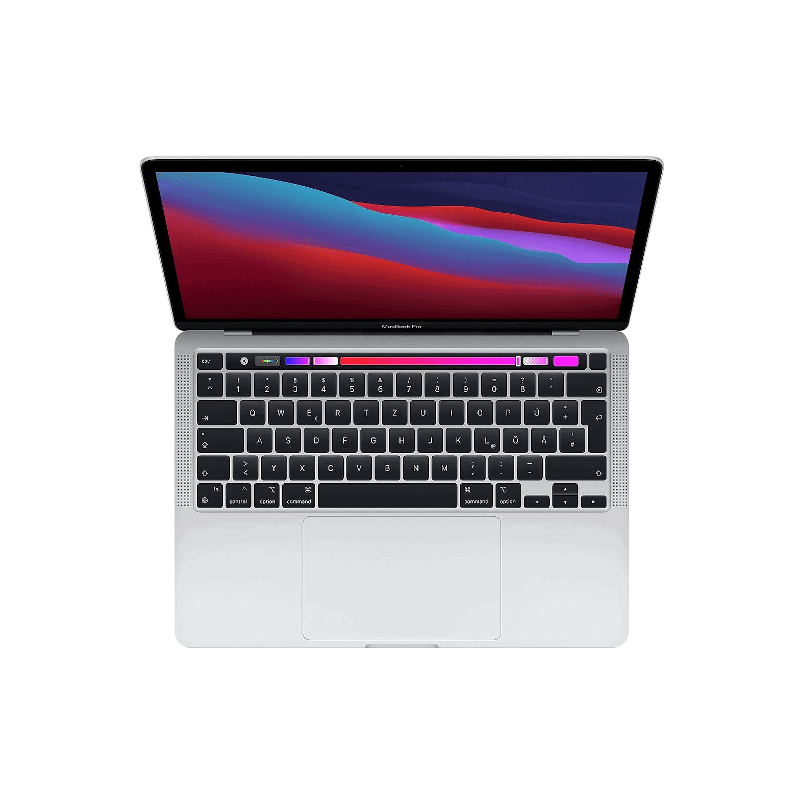
Used & refurbished MacBook Pro 13.3 inch M1 (2020)
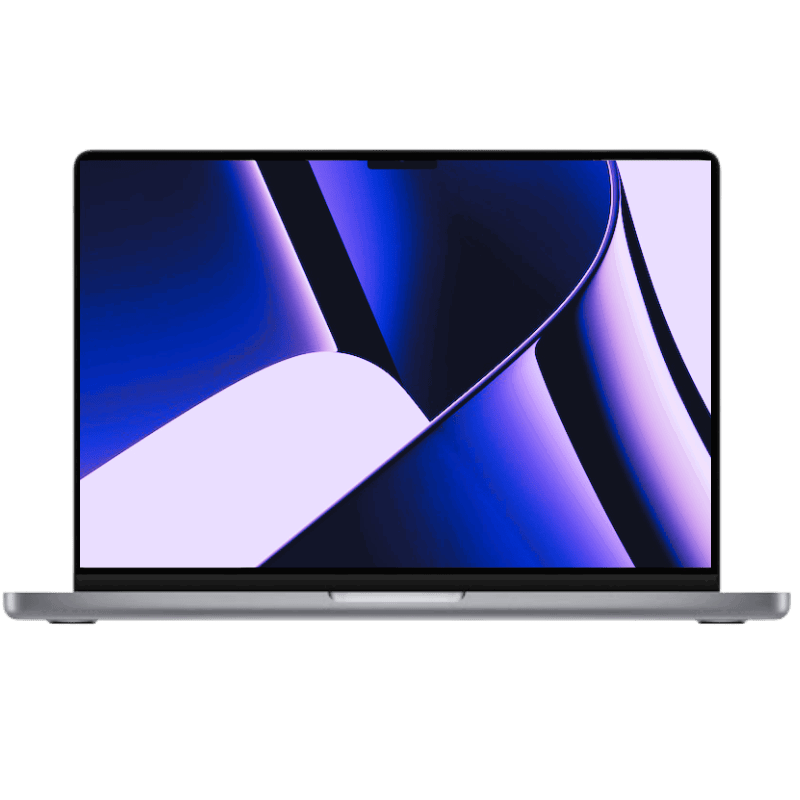
Used & refurbished MacBook Pro 16.2 inch M1 Pro (2021)
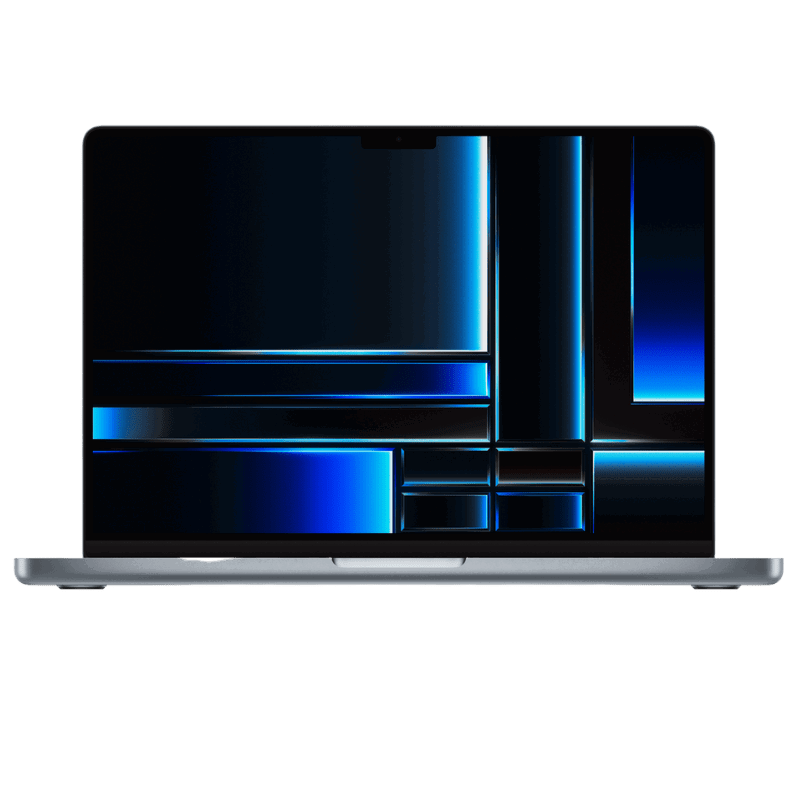
Used & refurbished MacBook Pro 16.2 inch M2 Pro (2023)
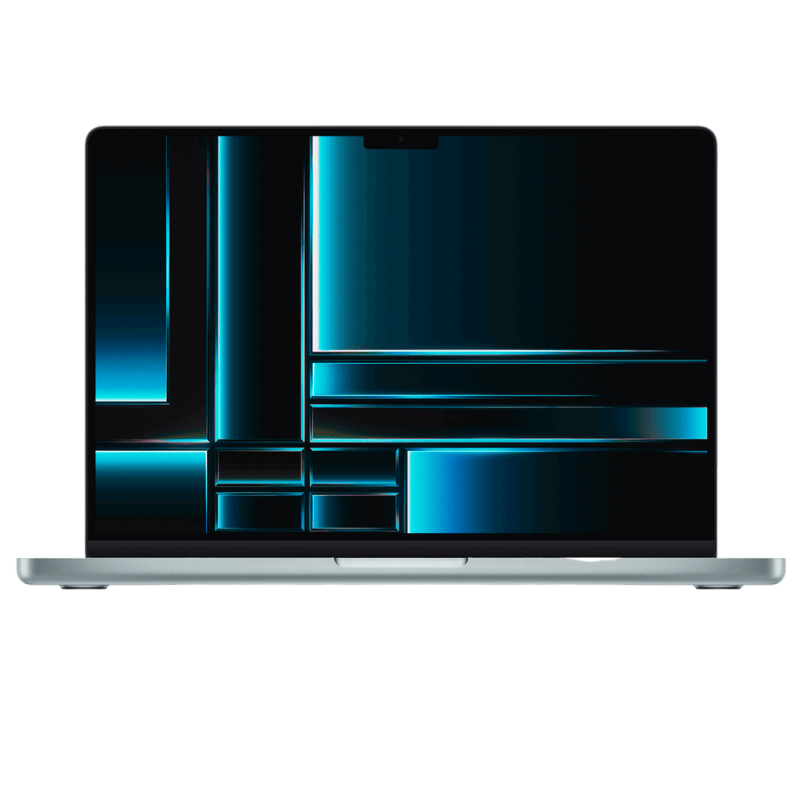
Used & refurbished MacBook Pro 14.2 inch M2 Pro (2023)
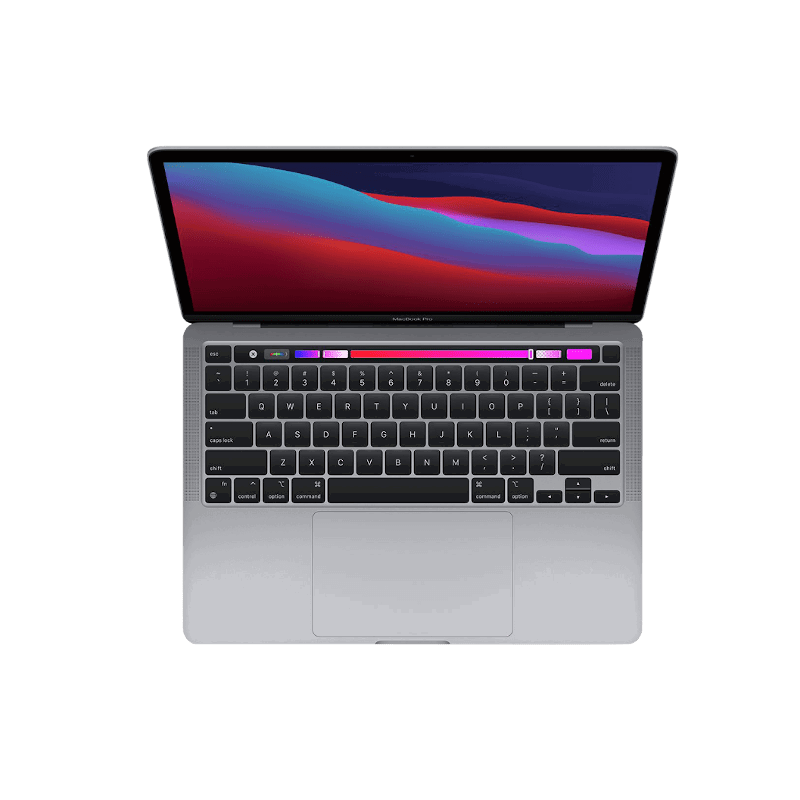
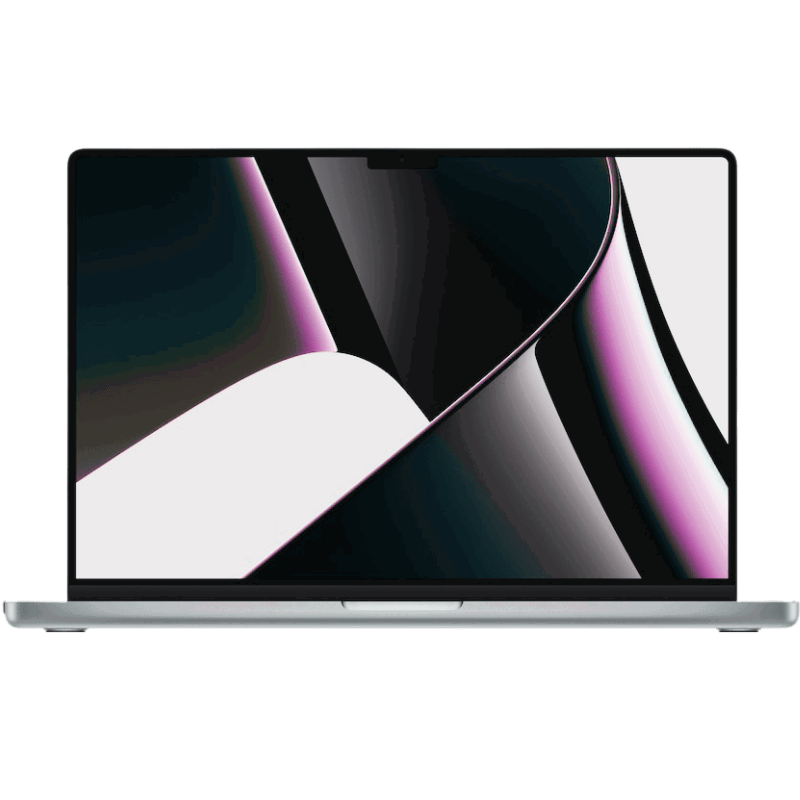
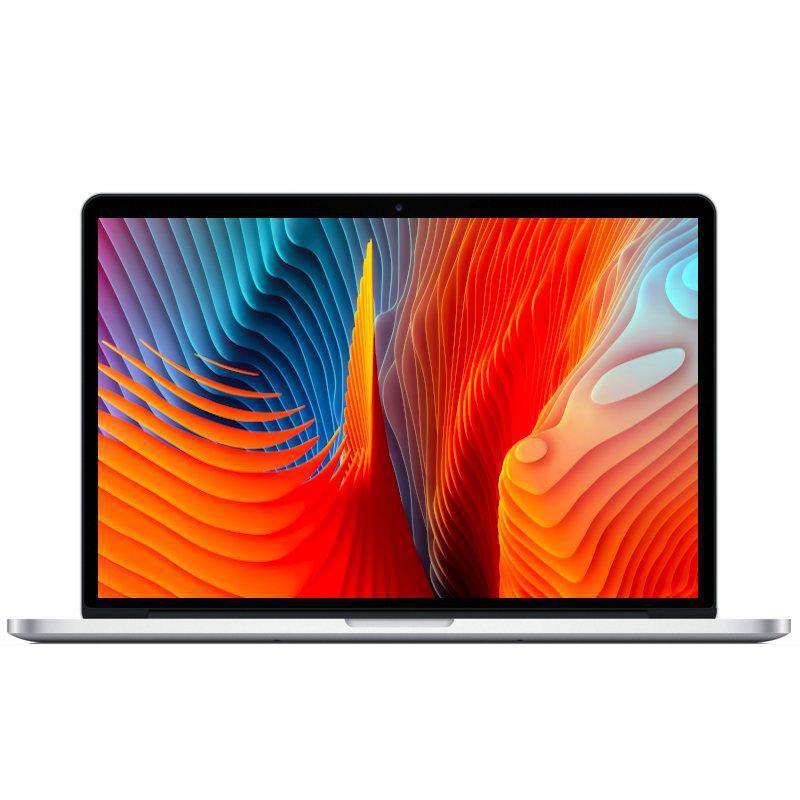
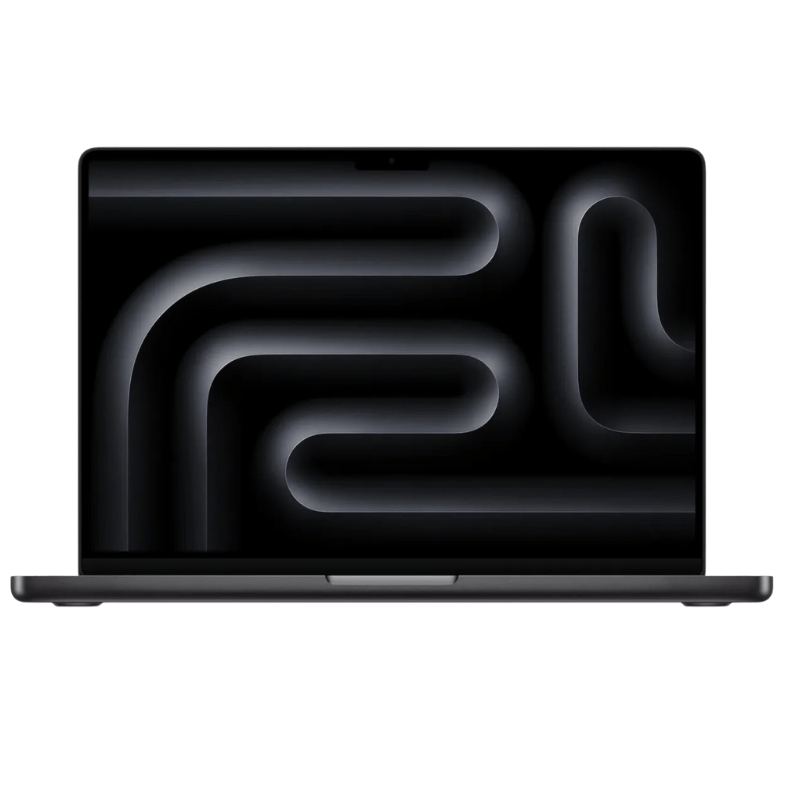
Used & refurbished MacBook Pro 14.2 inch M3 Pro (2023)
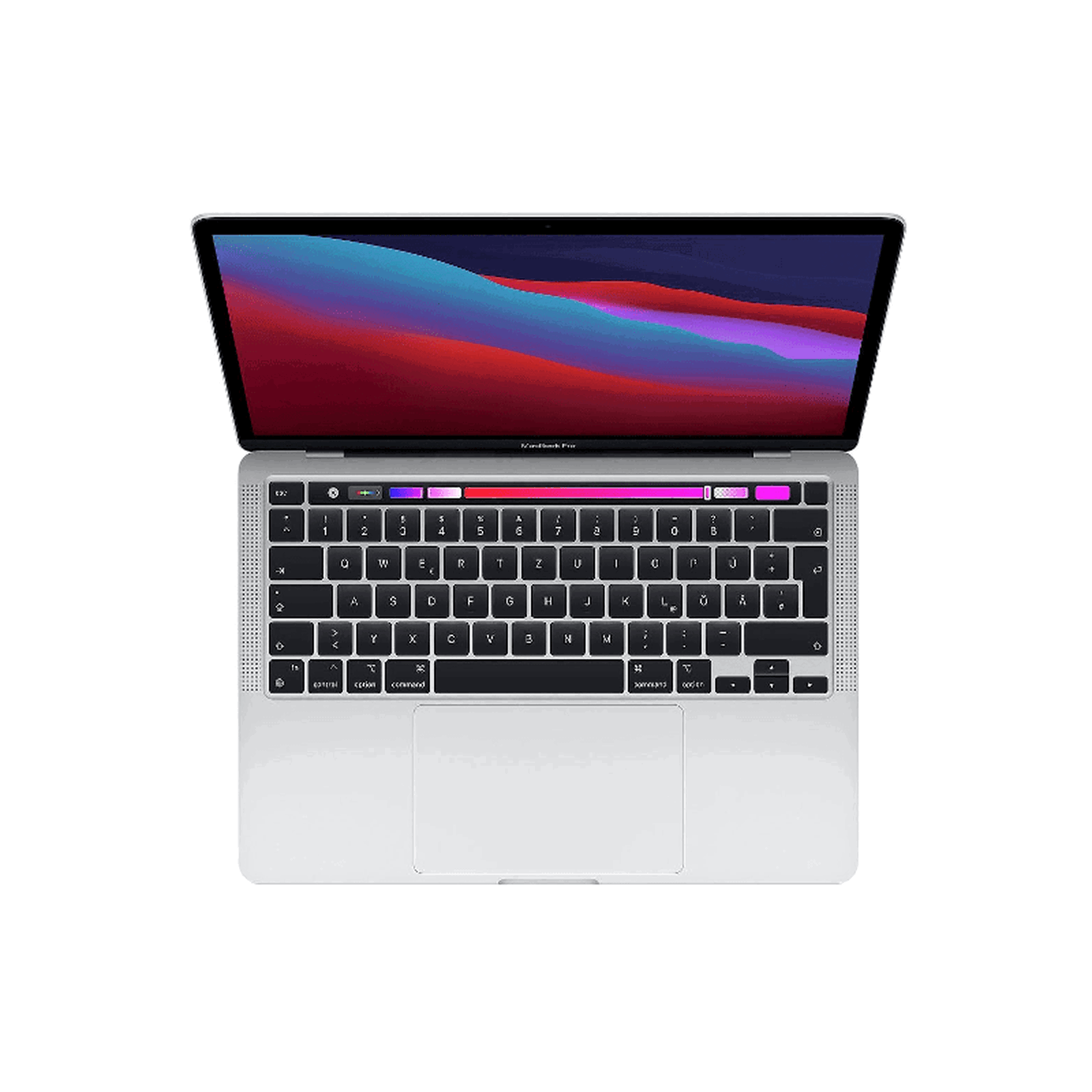
Used & refurbished MacBook Pro 13.3 inch M2 (2022)

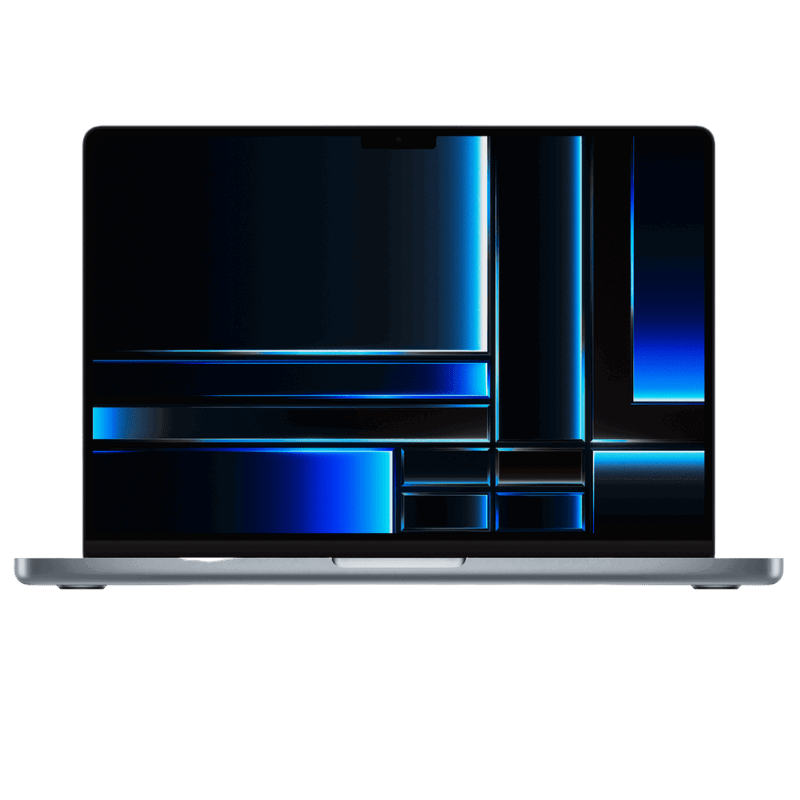
Buy a refurbished MacBook Pro: compare configurations
Find a refurbished MacBook Pro for your applications and budget. Compare screen size, chip, memory and SSD alongside the condition and equipment of each listing.
Applications before model names
Base performance needs on your projects. Photo, video, music and development applications use CPU, GPU and memory differently; a bigger model name alone does not decide usefulness.
Intel and Apple Silicon
Check processor architecture and software compatibility. Existing Intel workflows and applications on Apple Silicon may require different operating systems, extensions and accessories.
Choosing memory
Plan memory around your simultaneous applications and projects. Choose the offered configuration carefully; later upgrades must not be assumed for every model.
SSD and your files
Allow space for applications, photos, videos and local projects. Compare actual SSD capacity; external storage can hold archives but does not replace a backup.
Related categories
Check battery, keyboard and accessories before buying
Check the battery condition, keyboard layout and included power adapter and cables. Do not assume a new battery or Apple Certified Refurbished status; refer to the individual product description.
