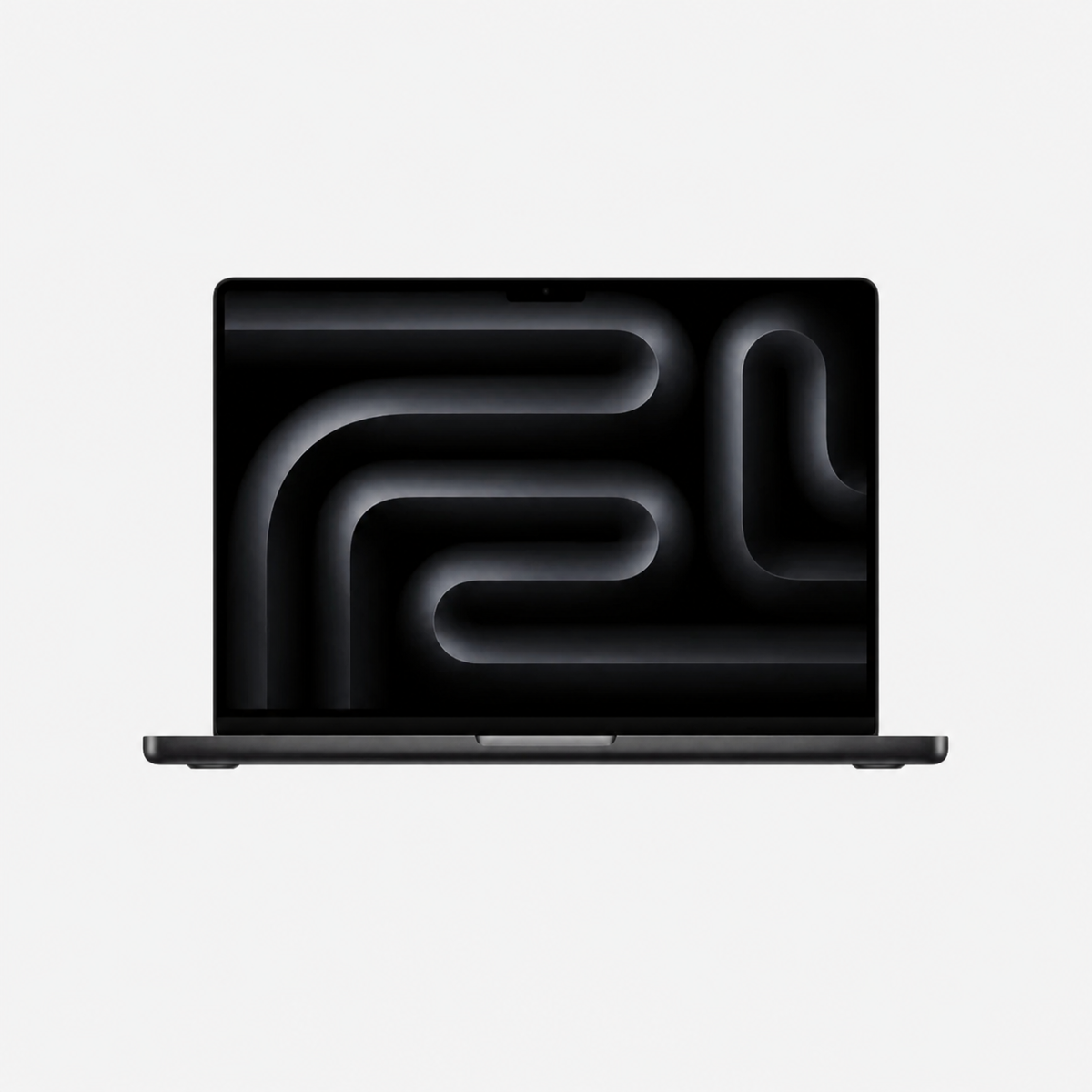
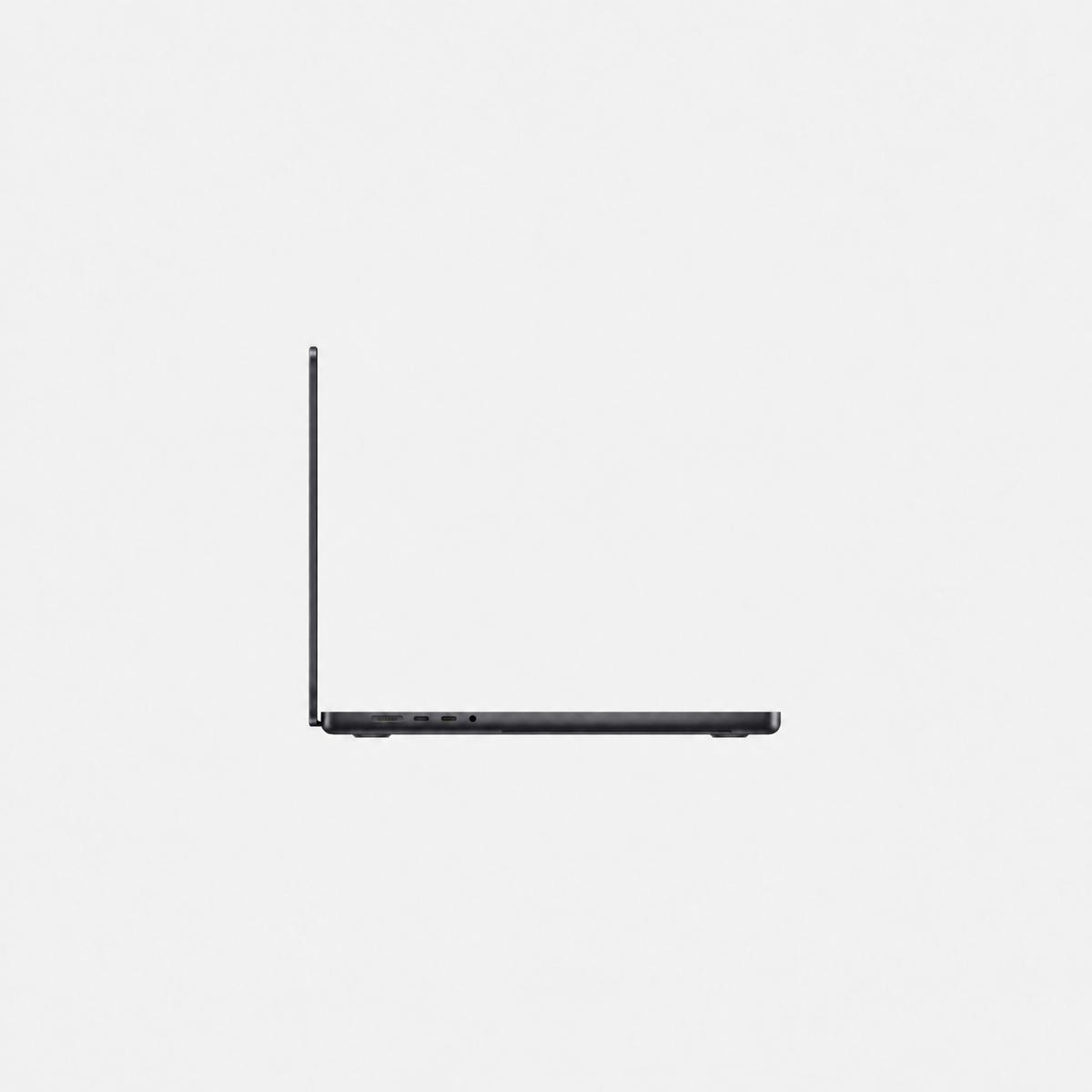
Used & refurbished MacBook Pro 14.2 inch M2 Pro (2023)
Battery capacity: At least 90% of the original capacity.
Autumn deals are here! Get €25 off every purchase right now!
Apple premium technology
Discover refurbished premium Apple technology at substantially reduced prices.

Battery capacity: At least 90% of the original capacity.
Battery capacity: At least 90% of the original capacity.
Battery capacity: At least 90% of the original capacity.
Battery capacity: At least 90% of the original capacity.
Used & refurbished MacBook Pro 14.2 inch M2 Pro (2023)
Used & refurbished MacBook Pro 14.2 inch M3 Pro (2023)
Battery capacity: At least 90% of the original capacity.
Compare the exact chip, RAM, SSD, keyboard layout and condition of the devices offered. Not every MacBook Pro of this size has the same specifications.
Different keyboard languages available: Many of our MacBooks are available with German QWERTZ, English QWERTY, French AZERTY, Italian QWERTY or Spanish QWERTY keyboards. Select your preferred physical keyboard layout directly on the product page. The available selection depends on the individual offer.
M1 Pro and M1 Max models date from 2021; M2 Pro, M2 Max and the M3 family date from 2023. Later generations may have different ports and display features. Check the technical specifications of the particular offer.
Consider applications running simultaneously, project sizes and local files. The memory in these models cannot be upgraded after purchase. Compare the offered configurations with your software requirements.
Check each product for details of cosmetic condition, battery, keyboard language and accessories. Refurbished does not automatically mean Apple Certified Refurbished; a CPO device is explicitly identified.
14 inches particularly suits frequent travel and a workspace with an external monitor. 16 inches is worth considering if you often work only on the notebook screen and want more room for timelines or multiple windows. Size alone is not a performance comparison: compare the actual devices’ chips, RAM and condition.
No. MacBook Pro is the product family; M3 and M3 Pro, for example, are different chips. Compare the full chip name and generation. A Max model is especially worth comparing if your apps actually use extra GPU performance or greater memory capacity. For ordinary office work, the Max name alone is not a reason to buy.
Our planning guidance is not a software manufacturer’s minimum requirement: for office work, study and typical development, first compare 16 or 18 GB against your needs. For large creative projects or several virtual machines, 32 or 36 GB may make sense if actual memory demand requires it. Check headroom for simultaneous apps particularly carefully with 8 GB offers. Observe a typical working day with your large projects and memory pressure in Activity Monitor. More SSD storage does not replace RAM.
Add up apps, local photos and videos, project files and temporary working files, and leave free space. Compare 1 TB if you need much of that while travelling without an external drive. An external SSD can hold files, but belongs in your price and mobility planning. It is not automatically a backup of your only copy.
Manufacturer information: Apple · MacBook Pro · Apple · Activity Monitor
Current prices and availability are shown in the product offers. See the warranty terms for information about our retailer warranty.
Compare this selection of listings assigned to this category. RAM and storage refer to the variants listed in each offer; not every combination is available to order.
| Model / listing | Memory | Internal storage |
|---|---|---|
| Used & refurbished MacBook Pro 14.2 inch M2 Pro (2023) | 16 GB, 32 GB | 512 GB, 1 TB |
| Used & refurbished MacBook Pro 14.2 inch M1 Pro (2021) – 16 GB RAM, 1 TB, Daily deal | 16 GB | 1 TB |
| Used & refurbished MacBook Pro 14.2 inch M3 Pro (2023) | 18 GB, 36 GB | 512 GB, 1 TB |
| Apple MacBook Pro 14 inch Retina 2023 M3 1TB SSD | 8 GB | 1 TB |
| Used & refurbished MacBook Pro 14.2 inch M1 Pro (2021) – 16 GB RAM | 16 GB | 512 GB, 1 TB |
See the linked product page for price, condition, included accessories and current availability. Select the exact configuration there.