
Which Mac Studio suits your business: M5 Max, M5 Ultra or a used M4 Max or M3 Ultra model? Compare memory needs and software first, then the exact chip variant and total price. The newest generation alone does not determine its value for your workspace.
Technical specifications by chip variant
| Chip | CPU / GPU cores | Memory bandwidth | Max. unified memory |
|---|---|---|---|
| M5 Max | 18 / 32 | 460 GB/s | 36 GB |
| M5 Max | 18 / 40 | 614 GB/s | 128 GB |
| M5 Ultra | 30 / 64; 36 / 80 | 1 200 GB/s | 512 GB |
| M4 Max | 14 / 32 | 410 GB/s | 36 GB |
| M4 Max | 16 / 40 | 546 GB/s | 128 GB |
| M3 Ultra | 28 / 60; 32 / 80 | 819 GB/s | 512 GB |
The table describes manufacturer configurations, not stock. Memory options depend on the exact chip variant; not all combinations exist. For M3 Ultra, the 512 GB configurations documented at launch are included.
What does higher memory bandwidth offer?
614 versus 546 GB/s for the larger Max variants is approximately 12.5% more bandwidth; 1,200 versus 819 GB/s for Ultra is around 46.5%. These figures do not predict application speed. Model, software, quantization, context and workload also determine project performance.
Mac Studio with 256 GB or 512 GB RAM for business
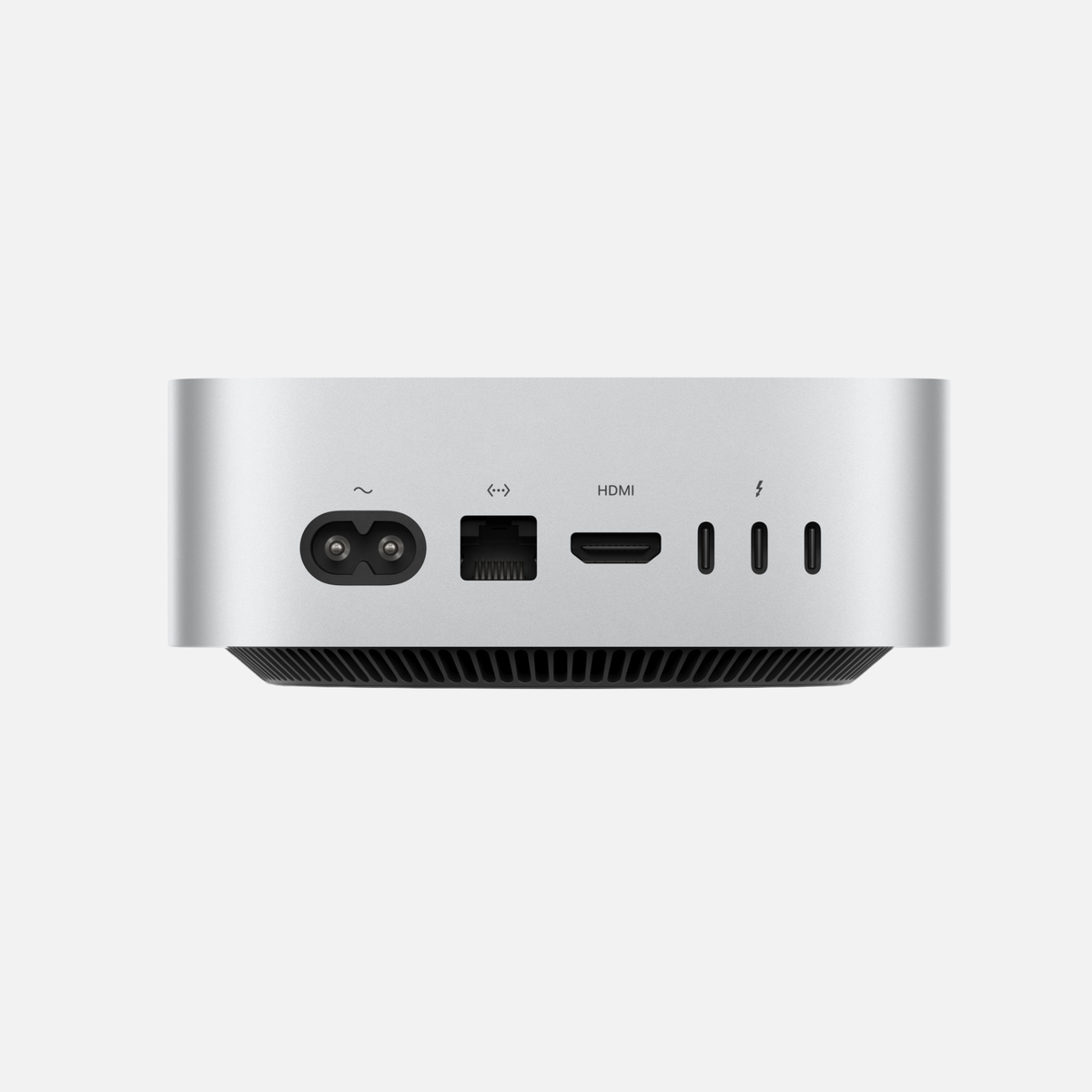
Mac Studio · 256 GB RAM
256 GB is worth considering when large local AI models, extensive data projects or multiple concurrent applications exhaust smaller configurations. Plan model weights, context/KV cache, macOS and other applications together. A cloud-only AI workspace does not need this specification simply to use the cloud service.
Mac Studio · 512 GB RAM
512 GB is a specialist configuration for very large memory needs. Apple documents this capacity class for M3 Ultra and M5 Ultra; on M5 Ultra, the 512 GB option requires the 36-core CPU/80-core GPU variant. Large RAM capacity replaces neither a suitable GPU nor sufficient SSD space.
Which Mac is suitable for AI? The comprehensive 2026 buying guide · How much RAM does a Mac need?
Buy M5 or choose refurbished M4 Max/M3 Ultra?
M4 Max can remain good value if its specifications cover your projects. M3 Ultra may be particularly interesting above 128 GB memory needs. Check M5’s benefits in your actual software. Compare the same RAM and SSD sizes and assess real workflows; we conducted no benchmarks for this article.
Current offers and advice
The Mac Studio category shows the generations currently offered. For 256 or 512 GB RAM, select the exact variant and check its availability. Business customers can request individual advice with their model requirements, quantity and intended use.
Frequently asked questions
Is M5 Max always better than M3 Ultra?
It depends on the project. M5 Max and M3 Ultra belong to different chip classes. If you need over 128 GB unified memory, M5 Max is insufficient. Software and the precise chip variant also matter for speed.
Does a 512 GB Mac Studio make every AI model fast?
No. More RAM can accommodate larger models and contexts. Loading a model and generating responses quickly are different questions. Check the exact model version and workflow before buying.
Sources and information date
Technical specifications: Apple, checked on 7 November 2026. Buying advice is mac-store24 editorial assessment. Percentages refer solely to the listed bandwidth figures.










Share:
iPad Vergleich 2026: Welches iPad ist das beste für dich?
Which Mac for Content Creators? YouTube, Reels, Podcasts & AI