
Do you produce YouTube videos, Reels, podcasts or photos? The right Mac depends on your complete workflow: recording, editing, publishing and backing up. Your apps, project sizes and need to work on the move are what matter.
YouTube, Reels and social media
Short clips with a few tracks usually need less headroom than long videos with multiple cameras, effects and demanding colour grading. Resolution alone therefore does not determine the right computer. Codec, frame rate and effects also influence requirements.
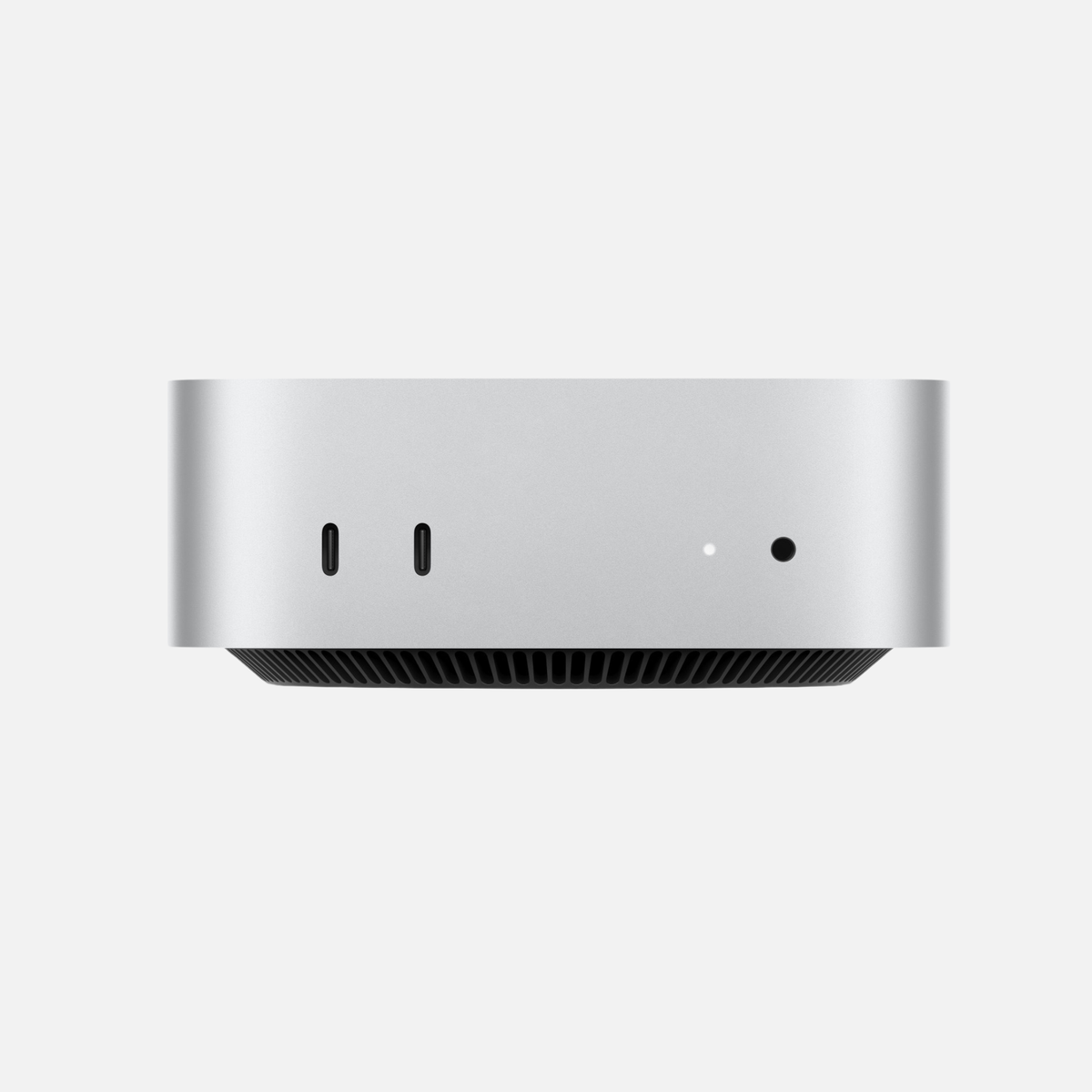
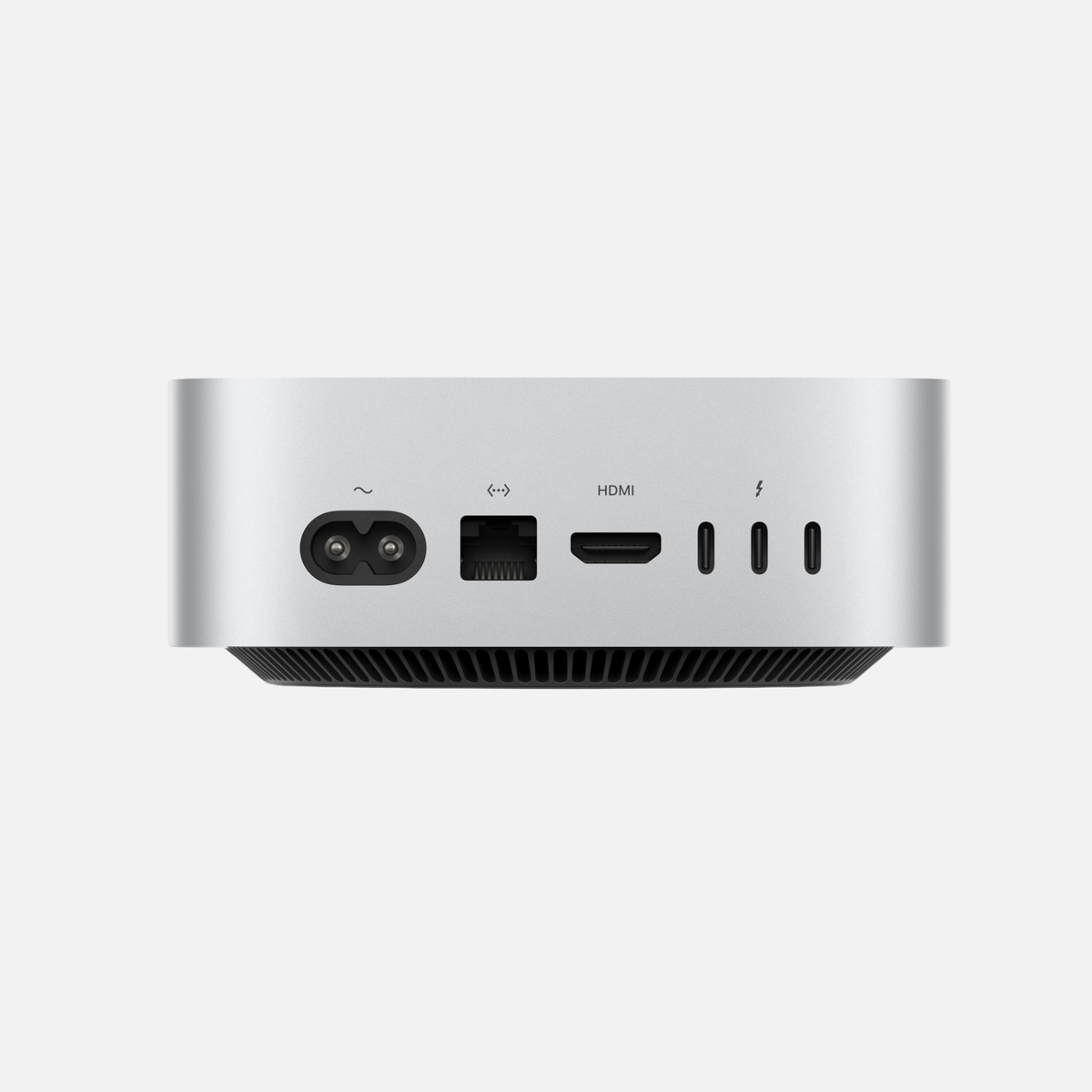
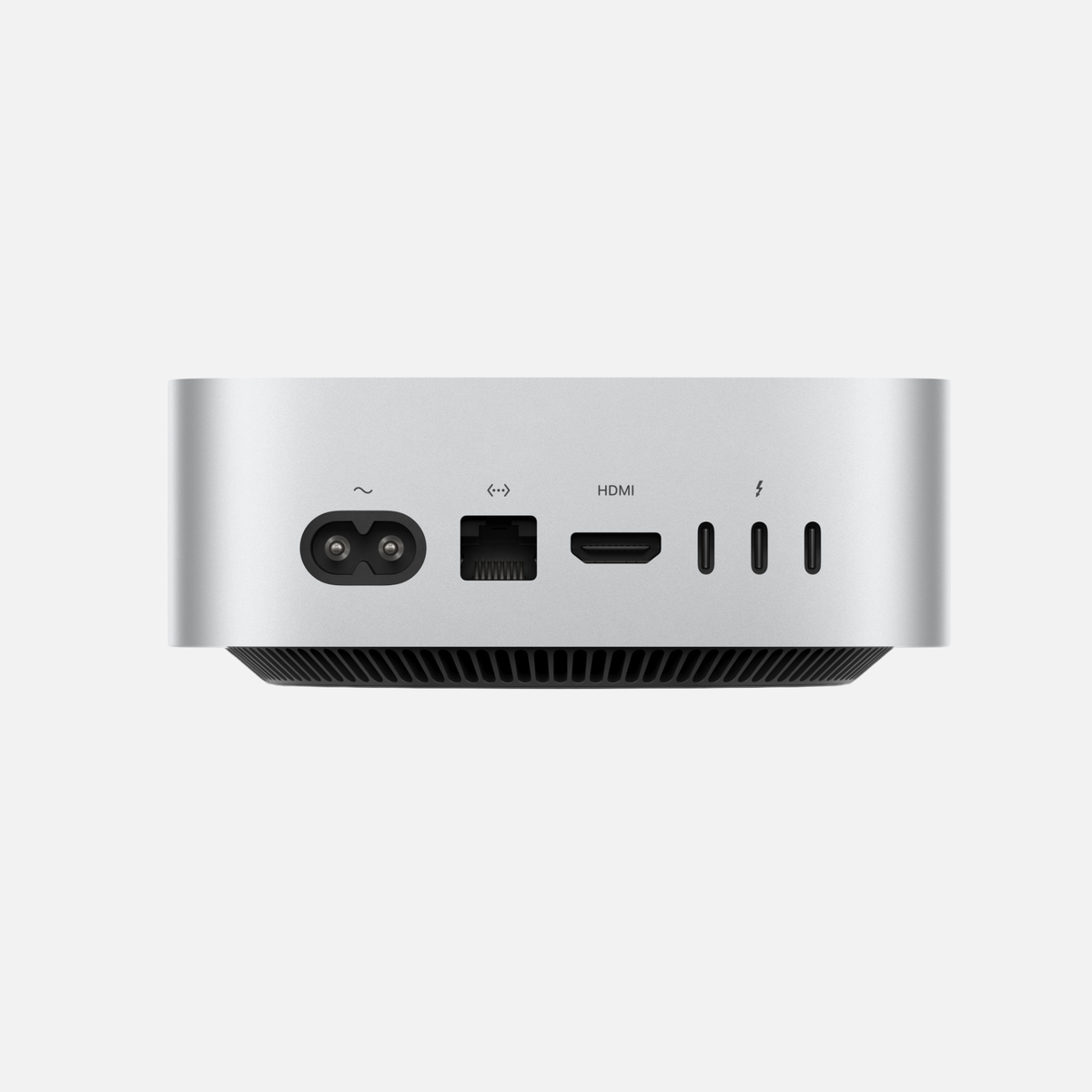
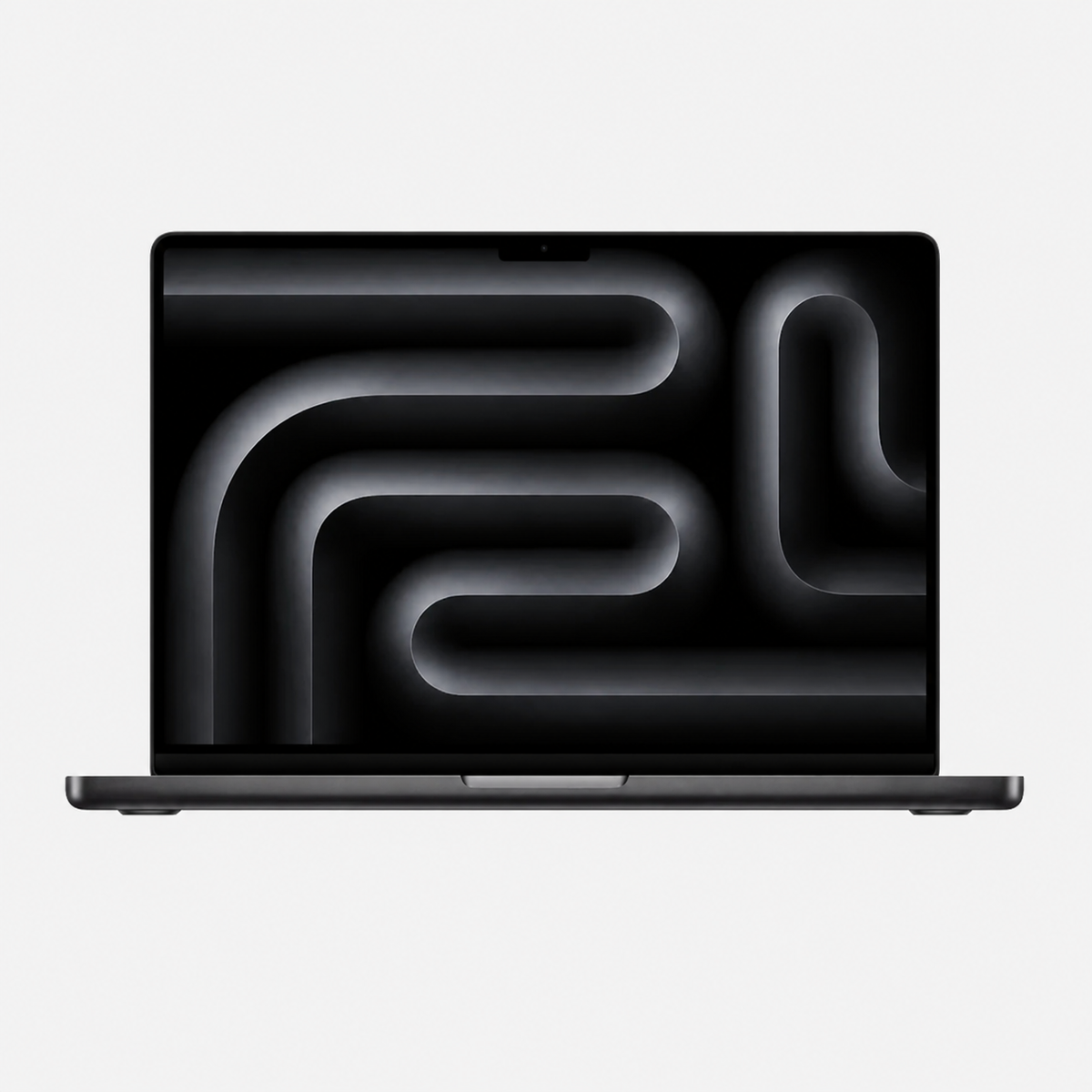
A Mac mini with Apple silicon is an interesting starting point. For regular productions, a Pro chip and more RAM may be worthwhile. If you shoot on location and want to edit immediately, a MacBook Pro offers practical advantages. Check your editing software and test one of your own projects if possible.
Photography, graphics and multitasking
For Lightroom, Photoshop and thumbnail design, image dimensions, layers, catalogue size and apps running simultaneously all matter. More RAM can help with large files; a stronger GPU accelerates only features that actually use it.
A good display with appropriate colour reproduction and reliable backups belong in a photography workspace. If you mainly edit photos and short videos, weigh up the complete budget before investing in the highest chip tier.
Podcasts, audio and streaming
For voice recording, a suitable microphone, room acoustics, headphones and, where needed, an audio interface are especially important. Additional computing power does not automatically improve a poor recording. Many plugins, virtual instruments or simultaneous video editing can place greater demands on the computer.
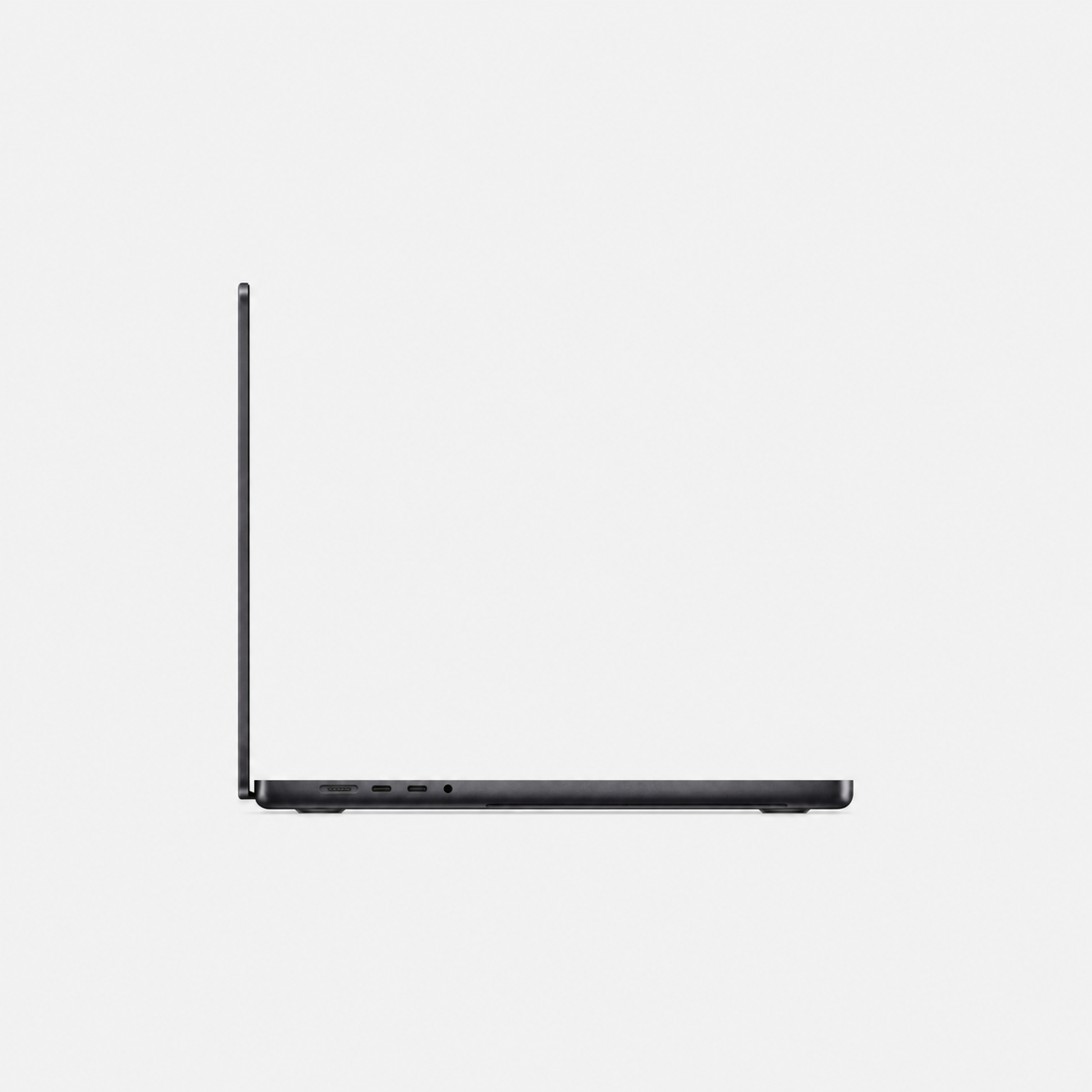
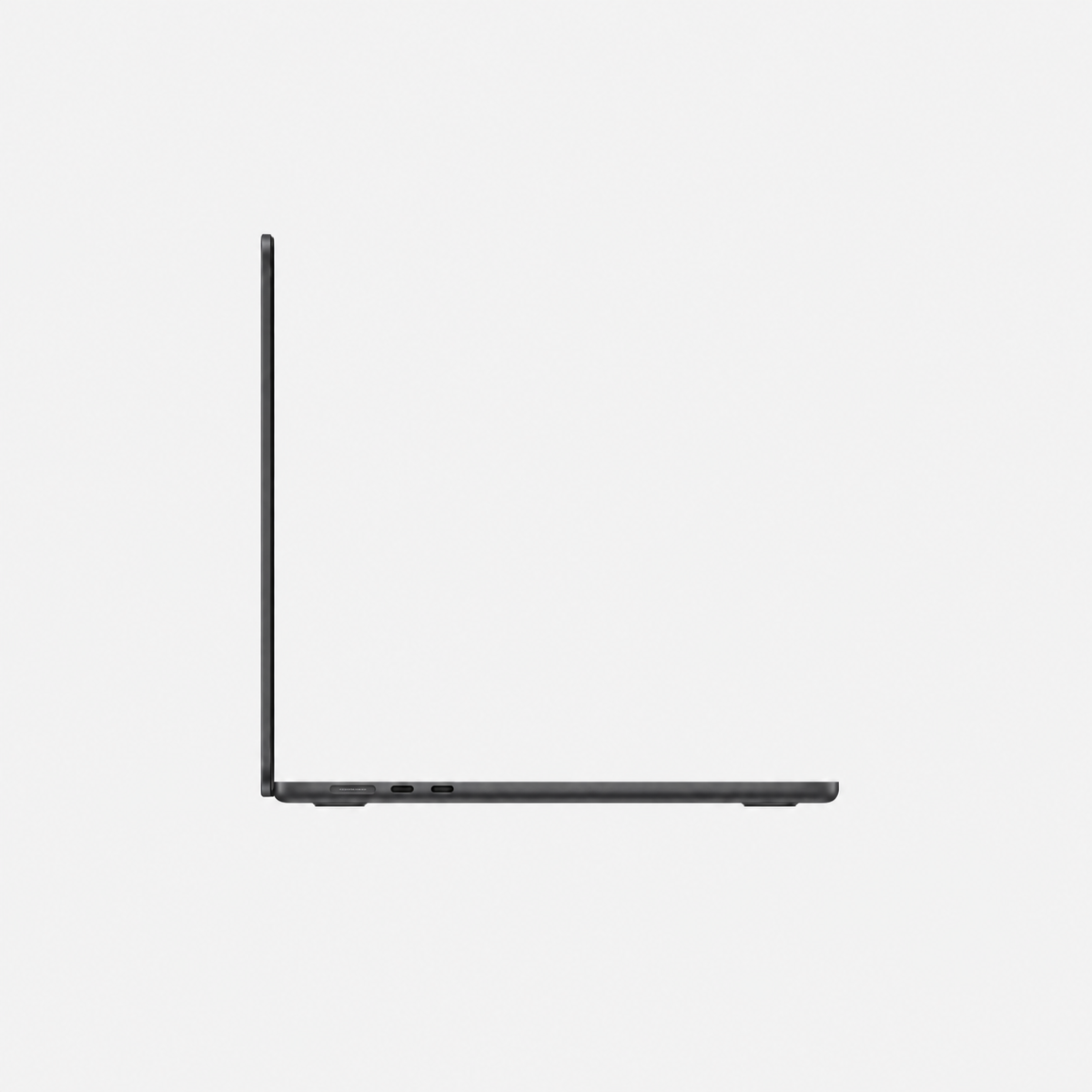
Streaming also involves a camera, capture device, connections and upload bandwidth. Check macOS support for your equipment and plugins. For a used MacBook, battery condition and the ports actually included also belong in the buying decision.
RAM: choose headroom to match the project
Our buying guidance: 16 GB may cover light projects; 24–32 GB is a useful planning range for regular mixed creative work. 48–64 GB may be worth considering for large timelines, many layers and several demanding applications.
96–128 GB or more is aimed at demonstrably memory-intensive specialist projects. 256 or 512 GB is not a blanket recommendation for creators. These are planning guidelines, not software minimum requirements or performance guarantees. On Apple silicon, unified memory cannot be upgraded after purchase; check the exact configuration.
SSD storage, media and backup
512 GB may be enough for smaller projects with consistent use of external storage. 1 TB provides more room for apps and active projects. A fast external SSD can hold media and archives; actual speed also depends on the enclosure, cable and connection.
A working SSD is not a backup. Copy important projects to a separate drive and keep another copy at a different location. Check regularly that files can be restored. Allow space for original footage, caches and exports too.
AI in a creator workflow: local or cloud?
With browser-based AI services, the provider usually handles the actual model computation. This does not automatically require a Mac Studio. Local image and language models, however, can demand considerably more RAM and GPU power.
Model size, quantisation, software and desired speed are decisive. Not every AI feature runs on every Mac or in every region. Check the requirements of the specific app; buy large memory configurations for a real use case.
Mac mini, MacBook Pro or Mac Studio?
The Mac mini suits a fixed workspace with an existing display. The MacBook Pro combines mobility with a built-in display. The Mac Studio becomes interesting when you regularly use strong GPU performance, large memory configurations or lengthy demanding computations.
A refurbished Mac with a Max or Ultra chip can make financial sense. Compare the specific generation, RAM, SSD, software support and condition. Apple Certified Refurbished and other used or refurbished offers are different types of offer; the individual product description is decisive.
Which workspace suits you?
| Workflow | A sensible direction |
|---|---|
| Reels, photos and smaller videos at a desk | Mac mini; budget for display and audio |
| Shooting, editing and working on the move | MacBook Pro; check ports and battery condition |
| Large video, graphics or local AI projects | Mac Studio or a powerful MacBook Pro; measure requirements |
| Podcasts and voice recording | Prioritise suitable audio equipment; check plugins |
Suitable Macs and further buying advice
- Compare Macs with 64 GB RAM or more
- Video editing guide
- RAM buying guide
- Mac mini or Mac Studio?
- External storage solutions
Frequently asked questions
Is a Mac mini enough for content creators?
Yes, it is an interesting option for many photography, audio and smaller video projects. For demanding effects, large projects and several apps running together, check the specific configuration.
Do creators need 64 GB RAM?
Not universally. Choose the configuration for your project sizes and apps. If you already work on a Mac, observe memory pressure and swap during a typical project.
Does refurbished make sense for professional production?
Yes, if the configuration, condition and software support fit your work. Check the included accessories, ports and conditions of the specific offer.
Official software requirements
Requirements depend on the app version and features. Compare them with the offered Mac before buying.



Share:
Mac Studio M5 vs M4 Max and M3 Ultra: 2026 comparison
Which Mac for business? 3D, architecture and development