
Published: 8 November 2026 · Reading time: approx. 7 minutes
A Mac for music production needs to fit your sessions, plug-ins, sample libraries and audio gear. Software requirements differ: Logic Pro, Ableton Live and Cubase do not always support the same macOS versions and Mac generations. Start by reviewing your actual studio workflow.
Quick recommendation
- For a fixed setup, Mac mini can be a flexible starting point if you already have a display and peripherals.
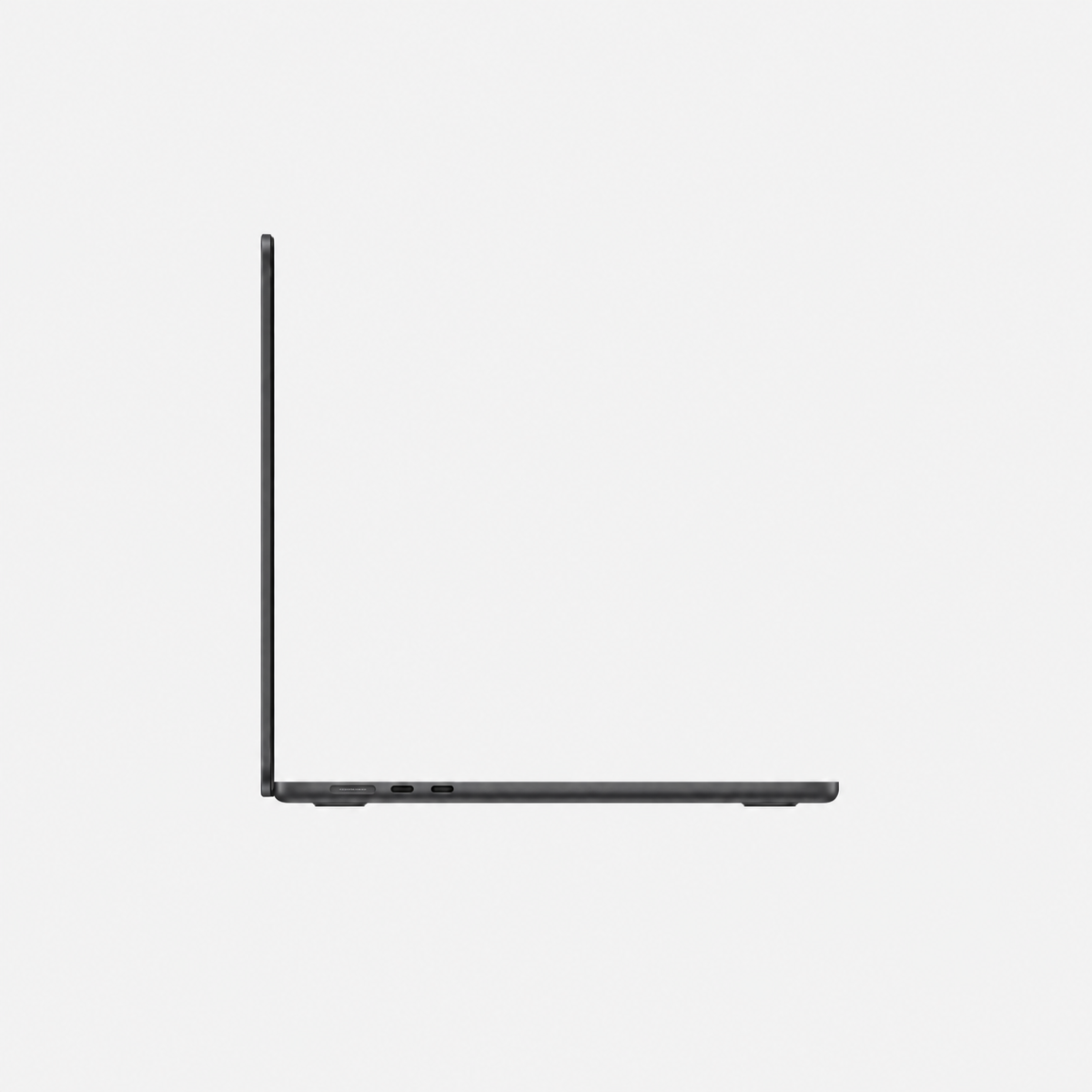
- For mobile sessions, consider MacBook Air for moderate projects and MacBook Pro for larger, longer workloads.
- Mac Studio suits a permanent workspace with extensive libraries, many instruments and several connected devices.
What music production needs from a Mac
The load is not determined by track count alone. Virtual instruments, effects, real-time monitoring and large sample libraries all affect the processing power, memory and storage you need.
- CPU: Many plug-ins and virtual instruments may run at once. The actual load depends on the project, effect chain and buffer size.
- Memory: Sample-based instruments and large templates use more RAM than simple audio recording.
- SSD: The DAW, sound libraries and projects need space. Apple lists 6 GB minimum for Logic Pro and 72 GB for the full Sound Library.
- Devices: Your audio interface, MIDI controller, drivers and plug-ins must work with the macOS version.
A single “maximum track count” would be misleading: buffer size, plug-ins, virtual instruments, sample rate and live monitoring all change the workload.
Check the DAW and macOS before choosing a Mac
Check requirements for your DAW, essential plug-ins and audio interface together. A Mac may support the DAW while a particular driver or older plug-in causes issues.
| Software | Published requirements | What this means |
|---|---|---|
| Logic Pro | Apple lists macOS Sonoma 14.4 or later; 72 GB for the full Sound Library | Check that the Mac model can run the macOS version you need. |
| Ableton Live 12 | Ableton lists support through macOS 27 on Apple silicon and macOS 26 on Intel Macs | The processor type matters when choosing for a current system version. |
| Cubase and plug-ins | Requirements depend on version and vendor | Check current requirements for each DAW, plug-in and audio device. |
Vendors update compatibility lists regularly. Before buying, review the latest details from Logic Pro technical requirements · Ableton Live requirements · Ableton Mac compatibility.
Mac mini, MacBook Air, MacBook Pro or Mac Studio?
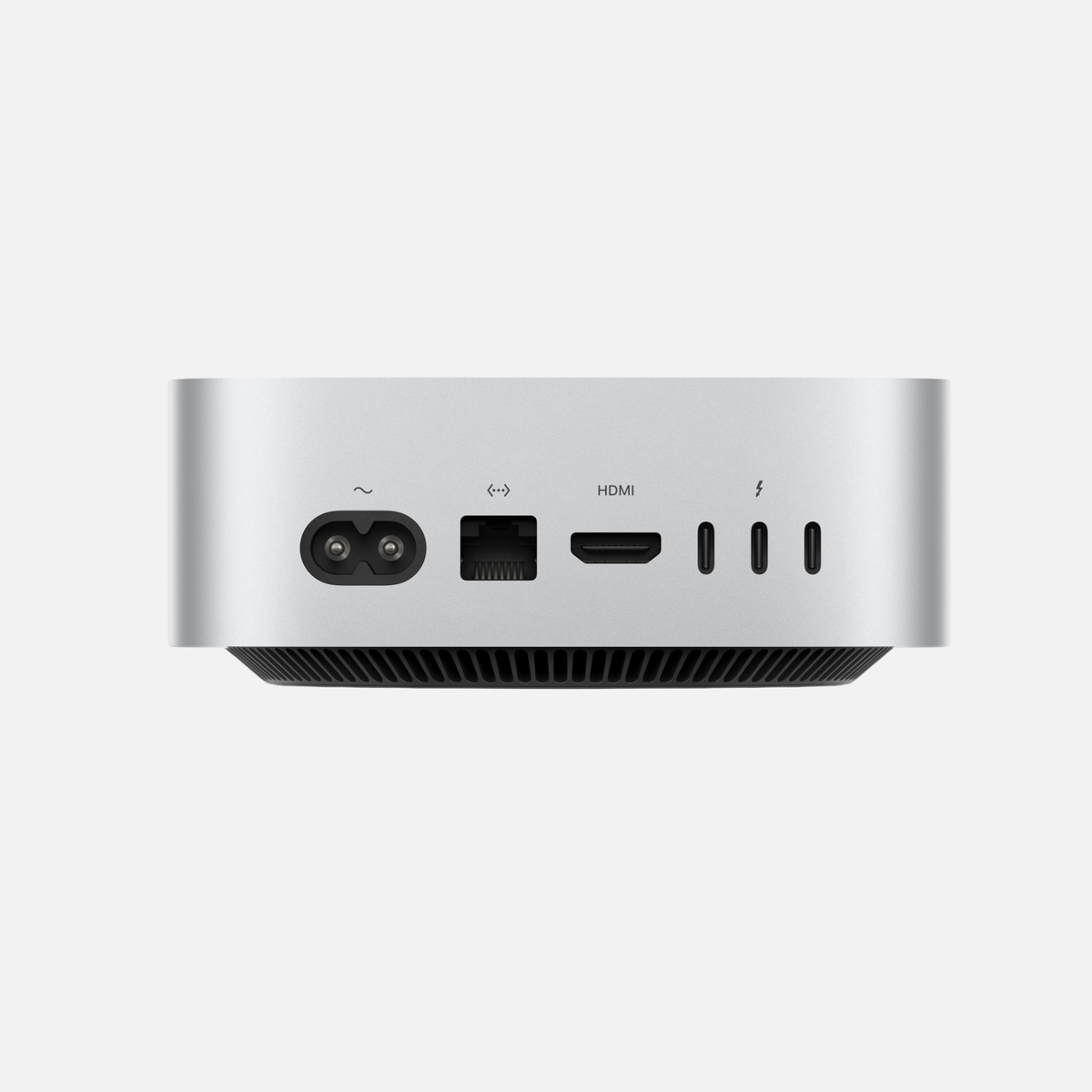
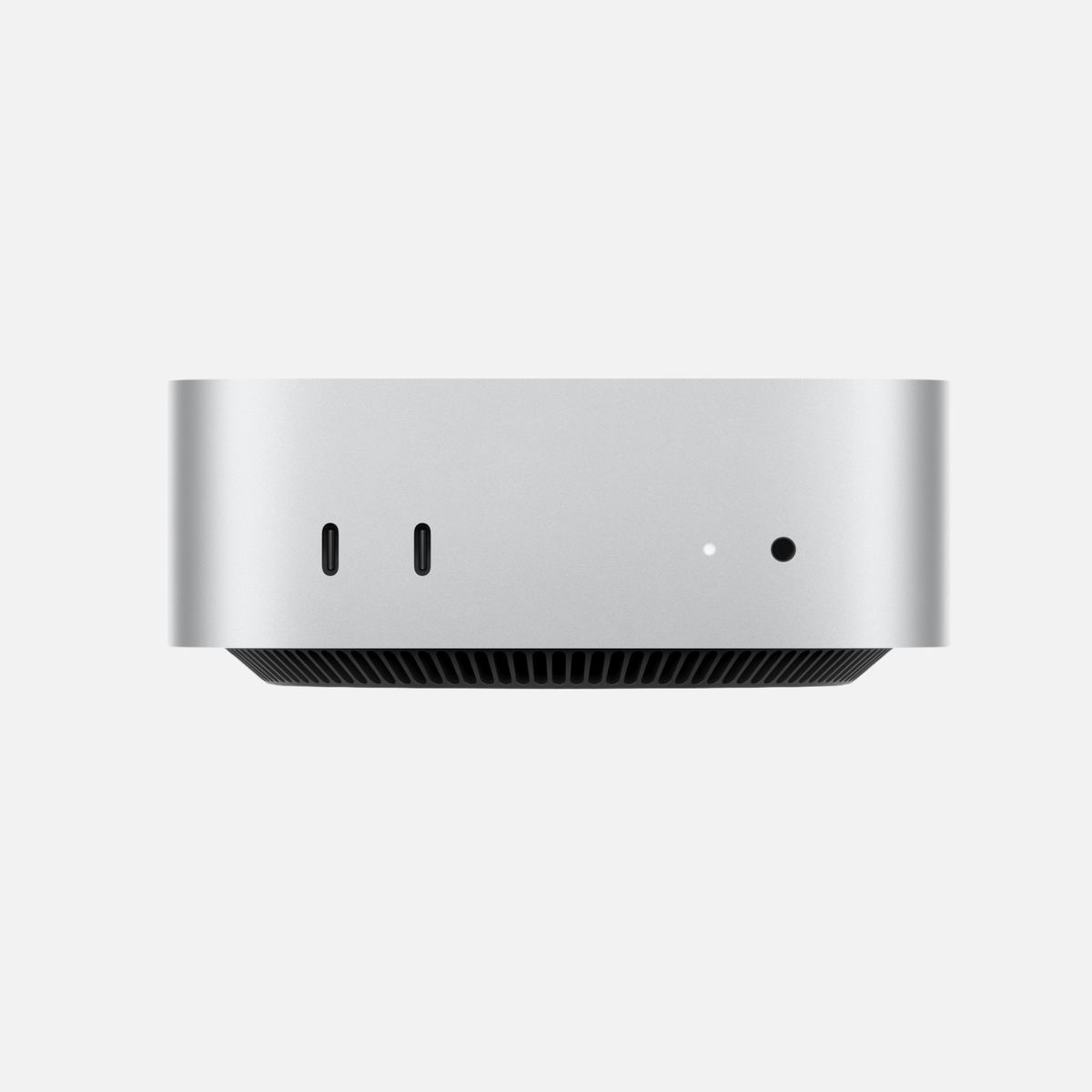
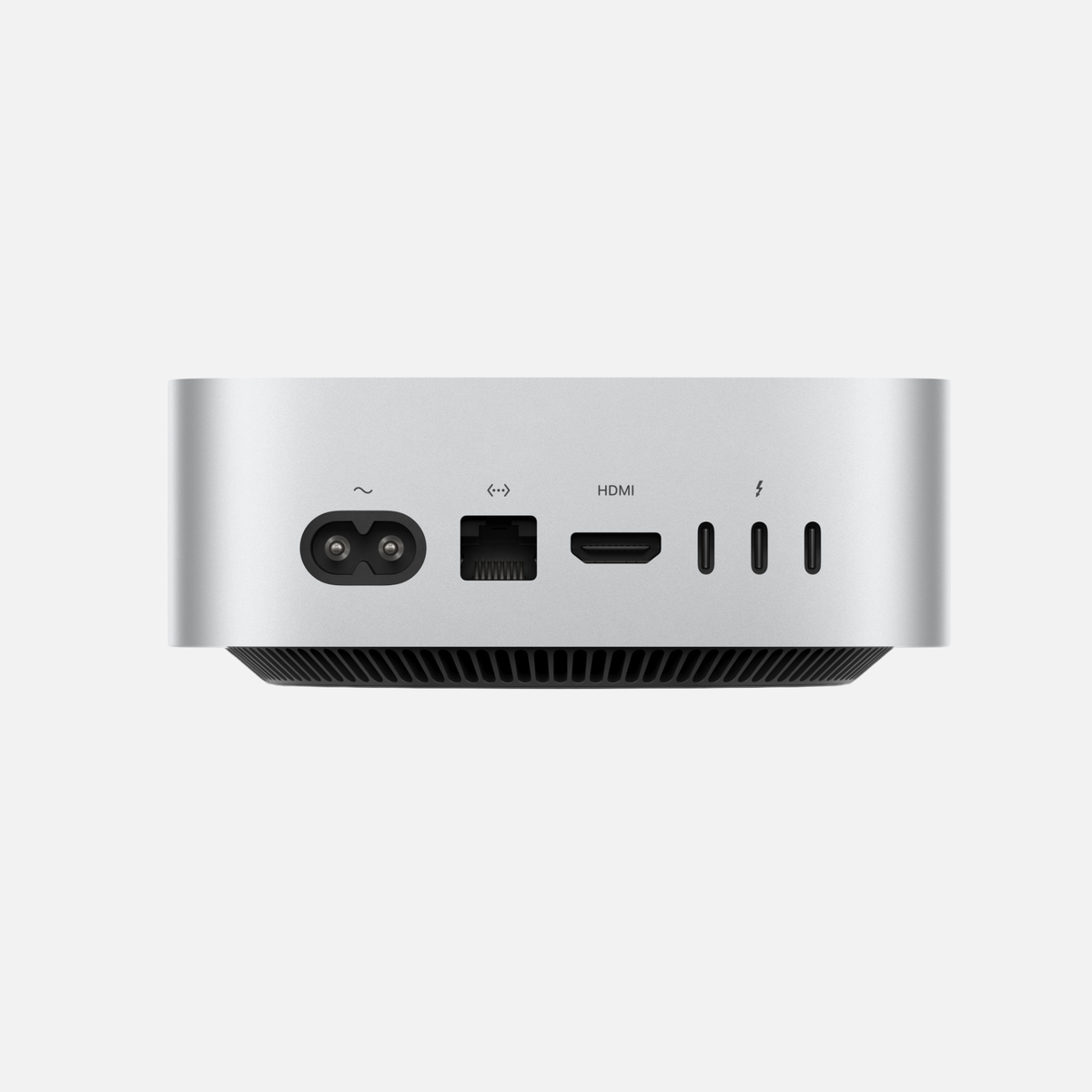
- Mac mini: For a fixed studio if you already have a monitor, keyboard and audio gear. Plan for the ports and external storage you need.
- MacBook Air: For mobile production and moderate projects. It is compact and fanless; check that it suits your longer sessions and connected devices.
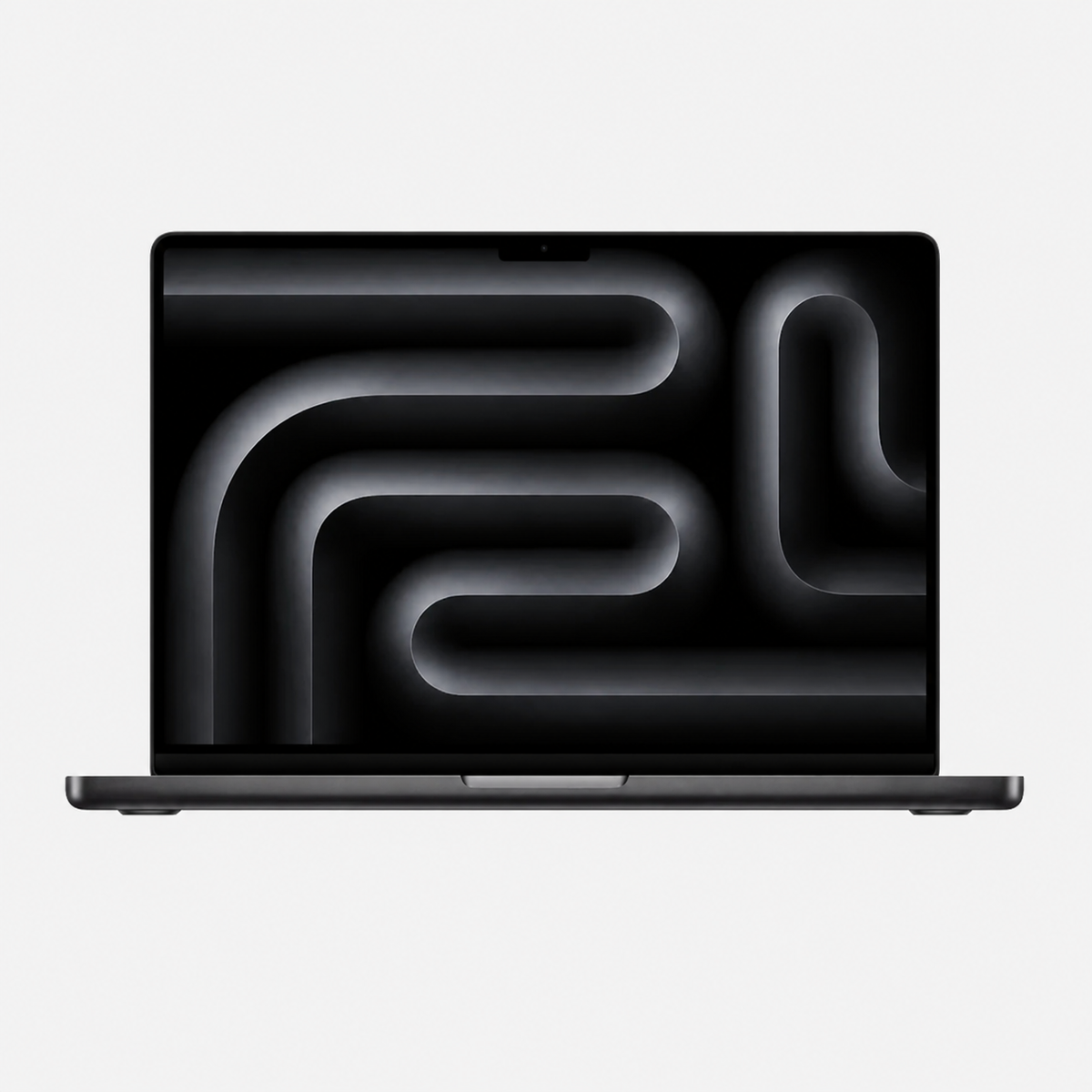
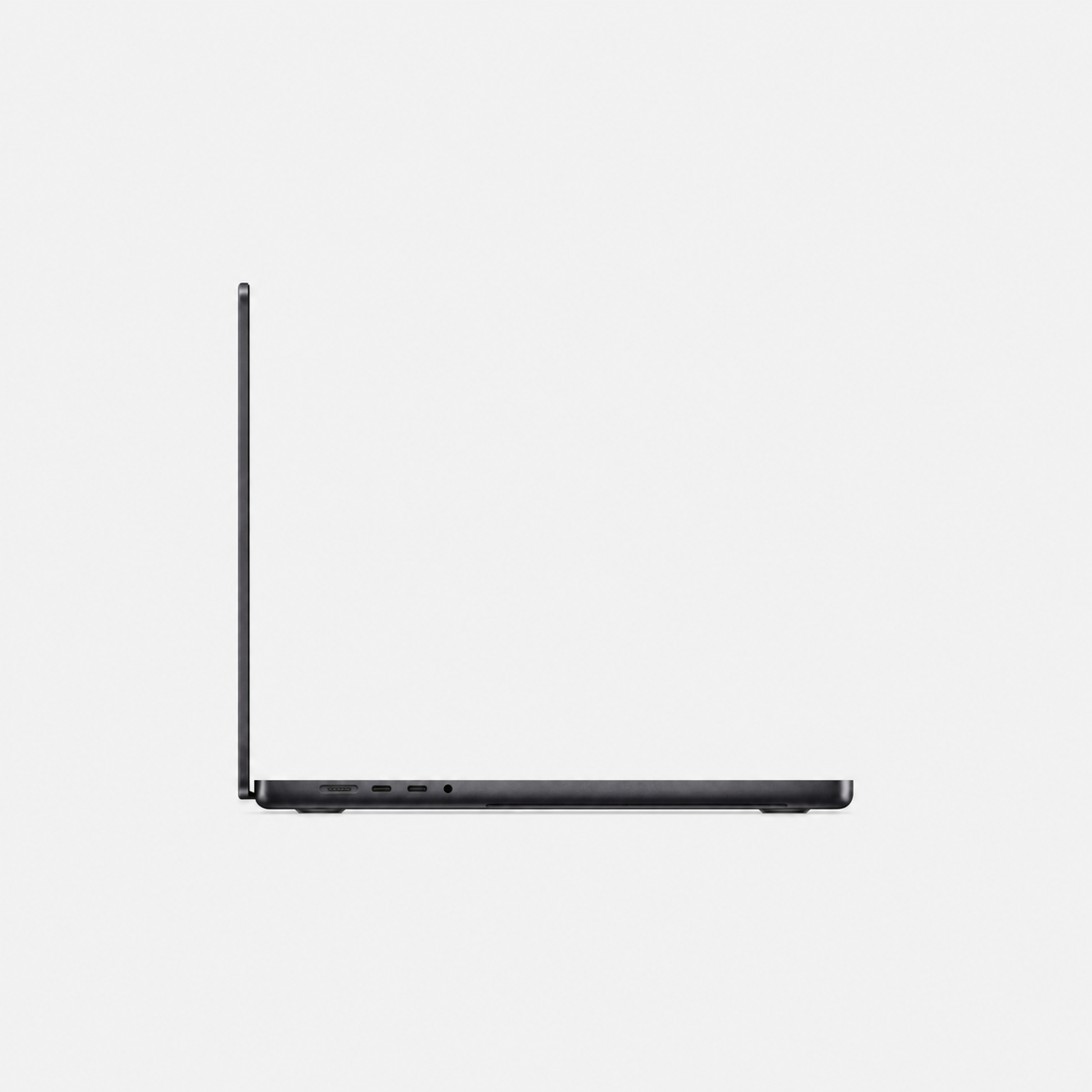
- MacBook Pro: For mobile setups with larger projects, many plug-ins or long render and export tasks. Display and ports vary by generation.
- Mac Studio: For a permanent workspace with a larger setup and high demand for simultaneous resources. Choose memory and SSD for your actual libraries and projects.
Do not choose by the “Pro” or “Studio” name alone. A well-configured smaller category may be enough; the exact configuration and workflow matter.
Plan memory, SSD and audio interface
Unified memory in Apple silicon Macs cannot be upgraded later. Choose it based on your largest typical projects, instruments used together and sample libraries. If comparing memory tiers, weigh the price difference against the cost and limits of replacing the Mac later.
Sound libraries can take considerable space. Logic Pro lists 72 GB for its full library. Leave room for sessions, exports and backups. An external SSD can hold libraries and projects if it fits your workflow.
For an audio interface, check drivers, supported macOS versions, connection type and required inputs and outputs. Buffer size and direct monitoring also affect recording latency; this cannot be determined from the Mac model alone.
Checklist before buying a music Mac
- List your DAW, plug-ins, virtual instruments and their current versions.
- Check macOS compatibility from every essential software and hardware vendor.
- Estimate the size of your largest sessions and sample libraries.
- Choose memory and SSD for those projects; Apple silicon memory is not upgradeable.
- Check ports and drivers for your interface, MIDI devices and external drives.
- Compare the total price of suitable configurations, not just the chip name.
Compare the relevant categories: MacBook Air and Pro, Mac mini or Mac Studio.
Frequently asked questions about Macs for music
How much memory do I need for music production?
It depends on sample libraries, virtual instruments, plug-ins and project size. Check typical sessions. Apple silicon memory cannot be upgraded later.
Is Mac mini enough for Logic Pro or Ableton?
It can suit many fixed studio setups. The exact model, memory, SSD, DAW version and connected hardware all matter.
Can I put a sample library on an external SSD?
Many libraries can be stored externally. Check the vendor’s instructions and plan for a reliable drive and backup.
Should I choose Intel or Apple silicon?
Check current macOS support for your DAW, plug-ins and audio interface. Ableton lists Live 12 support through macOS 27 on Apple silicon and through macOS 26 on Intel.
Find the right Mac for your music studio
Compare Mac mini, MacBook and Mac Studio by DAW, sample library, memory, SSD and ports.
Browse Mac mini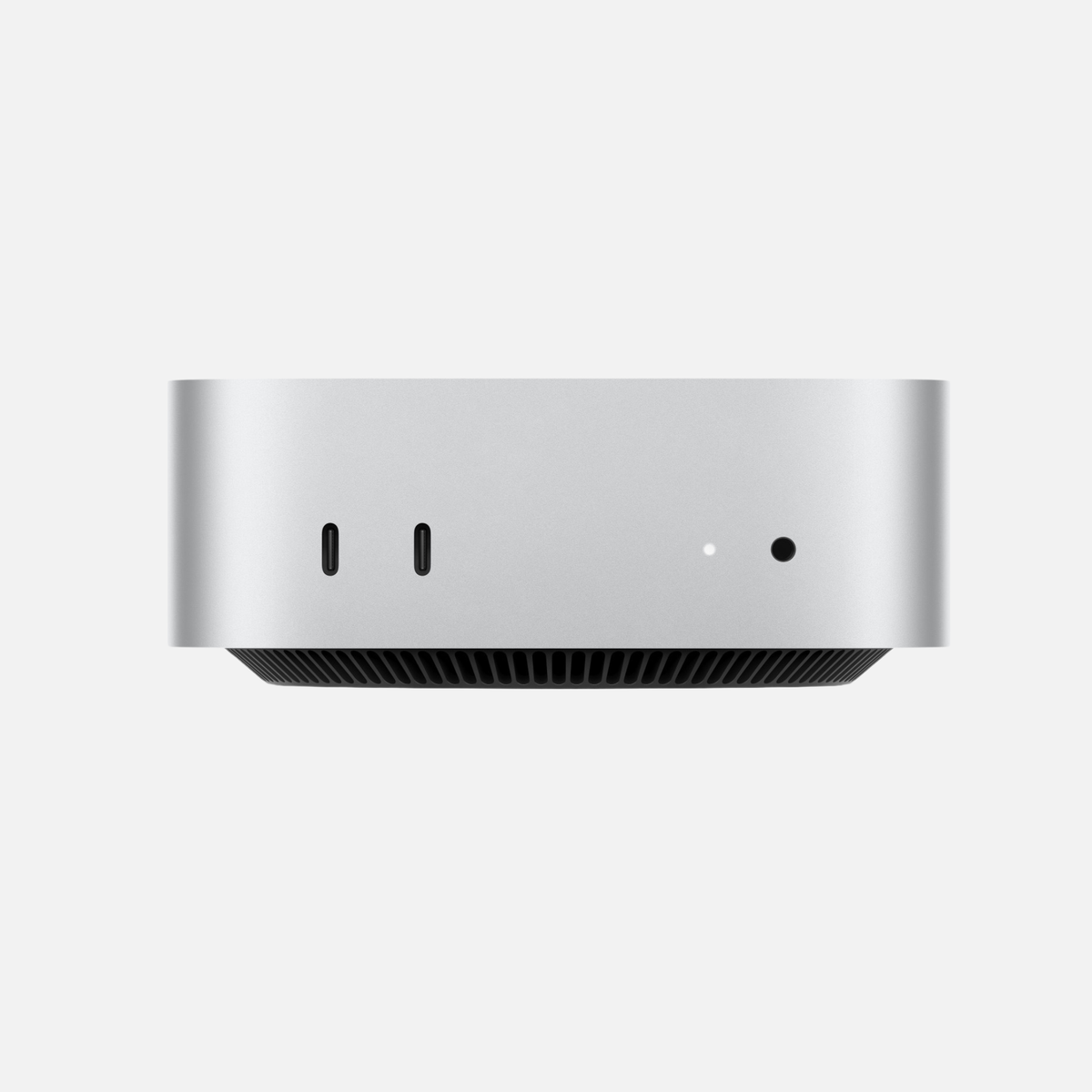


Share:
Which iMac is right for you? Intel vs Apple silicon compared
Buying a used iPhone: which model suits you?