

Last updated: 25.10.2026 · Reading time: approx. 18 minutes
Is 16 GB of unified memory still enough, or should you choose 24, 36, 48, 64 GB or more when buying a Mac? Choosing memory is one of the most important decisions when buying a Mac, because memory in Apple Silicon models cannot be expanded later.
More RAM or a faster chip? Check the bottleneck
Open typical projects on your current Mac and check memory pressure in Activity Monitor. Persistently yellow or red pressure together with slow work suggests a memory bottleneck. A single swap reading is not a reason to buy. If pressure stays green while CPU or GPU use is high, a faster chip may matter more than extra RAM.
For office work and cloud AI, 16–24 GB is a useful starting point; for regular photo work, 24–36 GB; for demanding video and parallel creative projects, 48–64 GB. These are buying suggestions, not minimum requirements. For local AI, the exact model, quantization and context matter. More RAM does not guarantee faster responses.
Quick overview
- 16 GB is enough for many everyday tasks, but offers less headroom.
- 24 to 36 GB is the best compromise between price and future-proofing for many buyers.
- 48 to 64 GB is suitable for demanding creative and development workflows.
- 96 to 128 GB is interesting for large projects, virtualisation and local AI.
- 192 to 512 GB is aimed at specialist professional users.
What is unified memory on a Mac?
With Apple Silicon, the CPU, GPU, Neural Engine and other components are part of a shared system-on-a-chip. They access a common memory pool that Apple calls unified memory. Unlike many conventional PCs, data does not need to be constantly copied between the CPU’s memory and separate graphics memory.
This can benefit many workflows: lower latency, more efficient memory use, high bandwidth and comparatively low energy consumption. Photo editing, video editing, 3D applications and local AI models in particular can benefit because the CPU and GPU access the same data.
All Mac RAM capacities at a glance
Not every memory capacity is available for every Mac model. Possible configurations depend on the generation, chip variant and product line. The following overview helps you understand the different capacities in general terms.
16 GB
Everyday tasks, Office, web and simple projects.
24 GB
A comfortable all-round option for many users.
32–36 GB
More headroom for creatives and developers.
48–64 GB
Professional applications and multitasking.
96–128 GB
Large projects, AI and virtualisation.
192 GB
Specialist professional workflows.
256 GB
AI, 3D, research and large amounts of data.
512 GB
Extreme workloads on the Mac Studio.
Discover suitable Macs by memory configuration
Compare available models and consider the chip, SSD, ports and device condition as well as RAM.
16, 24 or 36 GB: Which capacity is enough for most users?
16 GB unified memory
16 GB is still sufficient for Office, email, web browsing, video conferencing, streaming and many study tasks. Light photo editing and smaller development projects are also possible. However, if you use many tabs and programs simultaneously or want to keep the Mac for a long time, you will often benefit from more headroom.
Suitable for: Office, school, studying, web browsing, media consumption, simple photo editing and normal everyday use.
24 GB unified memory
24 GB is the best middle ground for many buyers. This capacity provides more room for multitasking, larger photo collections, Xcode, music projects and occasional local AI models without immediately moving to a much more expensive professional configuration.
Suitable for: demanding everyday users, photographers, developers, music production and long-term use.
32 or 36 GB unified memory
32 or 36 GB is aimed at users who regularly use professional applications. These include larger Lightroom catalogues, Photoshop files with many layers, Xcode projects, Docker containers, video editing and several demanding programs running simultaneously.
Suitable for: creatives, developers, photographers, content creators and intensive multitaskers.
48 to 128 GB: Memory for power users and professionals
| Memory | Typical users | Applications | Assessment |
|---|---|---|---|
| 48 GB | Creative professionals | Final Cut, Lightroom, Logic, development | Strong starting point for professional workflows |
| 64 GB | Developers and media professionals | 4K/8K projects, Docker, 3D, local AI | Comfortable long-term capacity for many professionals |
| 96 GB | Power users | Large projects, VMs, AI and extensive multitasking | Plenty of headroom for demanding tasks |
| 128 GB | Professional workstations | VFX, 3D, large models, virtualisation | Only worthwhile if the workflow uses the memory |
Computing performance is not the only decisive factor for local AI. The model must fit into the available memory alongside macOS, context data and other applications. Detailed device advice is available in our guide to the best Mac for AI.
192 / 256 / 512 GB
192, 256 or 512 GB are specialist configurations for large working datasets, virtualization or local AI. These figures refer to specific devices and sometimes earlier factory options, not every generation currently available to order. Check the exact offered device and its technical specifications. Choose these capacities only for a justified memory requirement.
How much RAM do you need for your applications?
| Application | Solid starting point | Comfortable | Professional |
|---|---|---|---|
| Office, web, studying | 16 GB | 24 GB | Usually unnecessary |
| Lightroom and Photoshop | 24 GB | 36–48 GB | 64 GB+ |
| Xcode and development | 24 GB | 36–64 GB | 96 GB+ |
| Final Cut and DaVinci Resolve | 36 GB | 48–64 GB | 96–128 GB+ |
| Logic Pro and music production | 24 GB | 36–64 GB | 96 GB+ |
| Local AI and LLMs | 24–36 GB | 64–128 GB | 192–512 GB |
| Virtualisation | 36 GB | 64–128 GB | 192 GB+ |
These figures are deliberately presented as guidelines. Project size, plug-ins used, model quantisation, number of virtual machines and programs running in parallel can significantly change actual requirements.
More RAM or a larger SSD: Which is more important?
Memory and an SSD perform different tasks. Too little RAM can slow down the Mac because data is moved to the SSD more frequently. Too little SSD storage, on the other hand, can often be offset by an external SSD or consistent data management.
If your budget is limited, I would often choose enough unified memory first in an Apple Silicon Mac and then decide on the SSD capacity. The reason: you can add an external SSD later, but not unified memory.
Typical mistakes when choosing RAM
- Buying too little: choosing 16 GB even though you plan to use local AI, large photo collections or video in the future.
- Buying too much: ordering 128 GB even though the Mac is used solely for Office and web browsing.
- Only considering the number: ignoring the chip, GPU, memory bandwidth and software requirements.
- Confusing SSD storage and RAM: a large SSD does not replace memory.
- Overestimating future-proofing: an extremely expensive upgrade offers no benefit if the workflow never uses it.
- Ruling out used models too quickly: an older Max or Ultra Mac with plenty of RAM can be more economical than a new base model.
Can memory in a Mac be upgraded later?
In current Apple Silicon Macs, unified memory is integrated into the chip architecture and cannot be expanded after purchase. Choose an appropriate configuration from the outset.
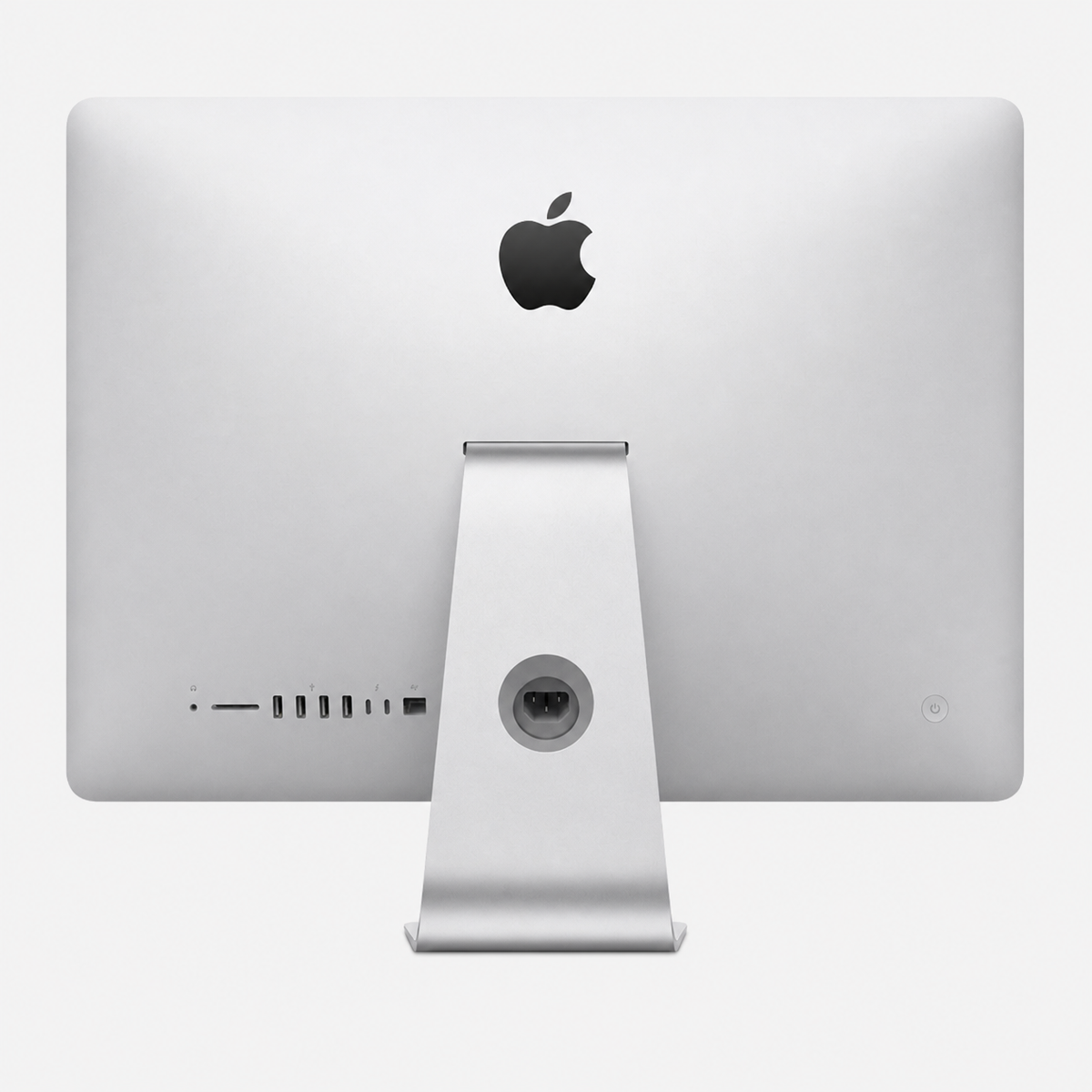
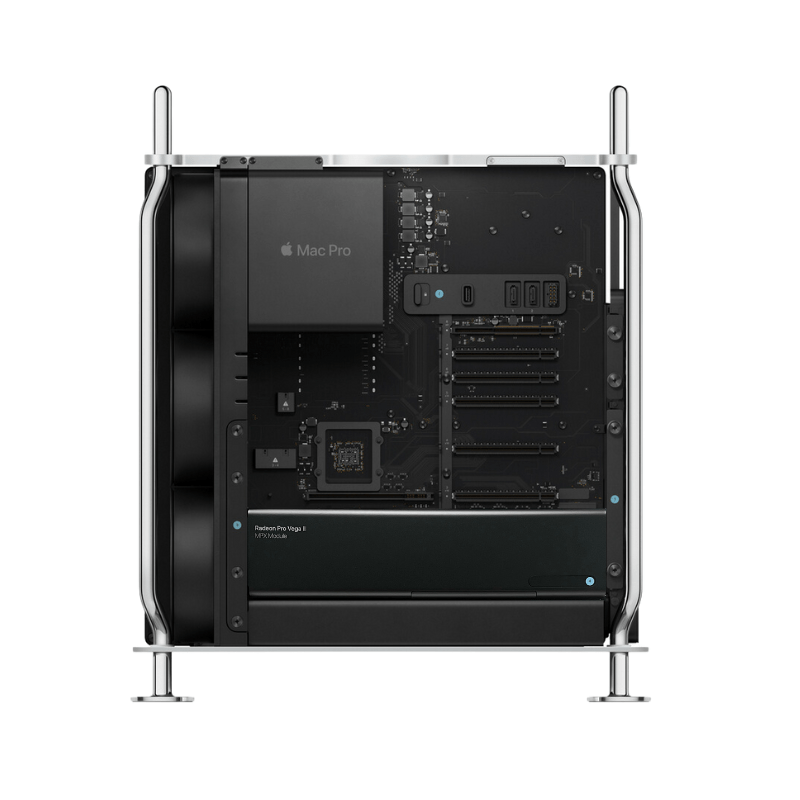
Older Intel Macs are an exception: depending on the model, their memory may be replaceable or expandable. Certain iMac and Mac Pro generations in particular offer more flexibility here.
Is a used Mac with more RAM worthwhile?
A used or refurbished Mac can be particularly attractive with high memory configurations. The additional cost of unified memory is often substantial when buying new. A professionally tested model with a Max or Ultra chip and generous specifications can therefore offer excellent value for money.
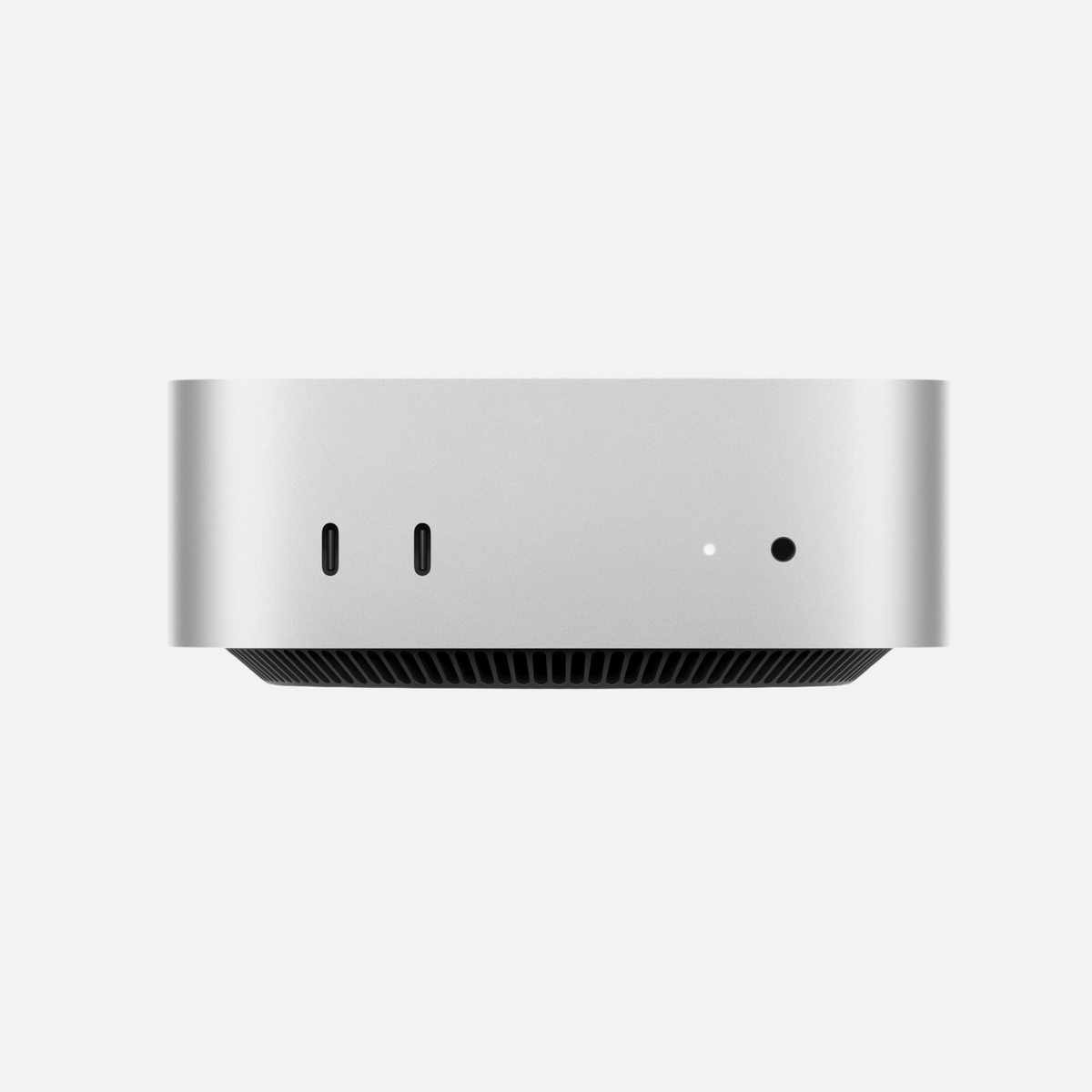
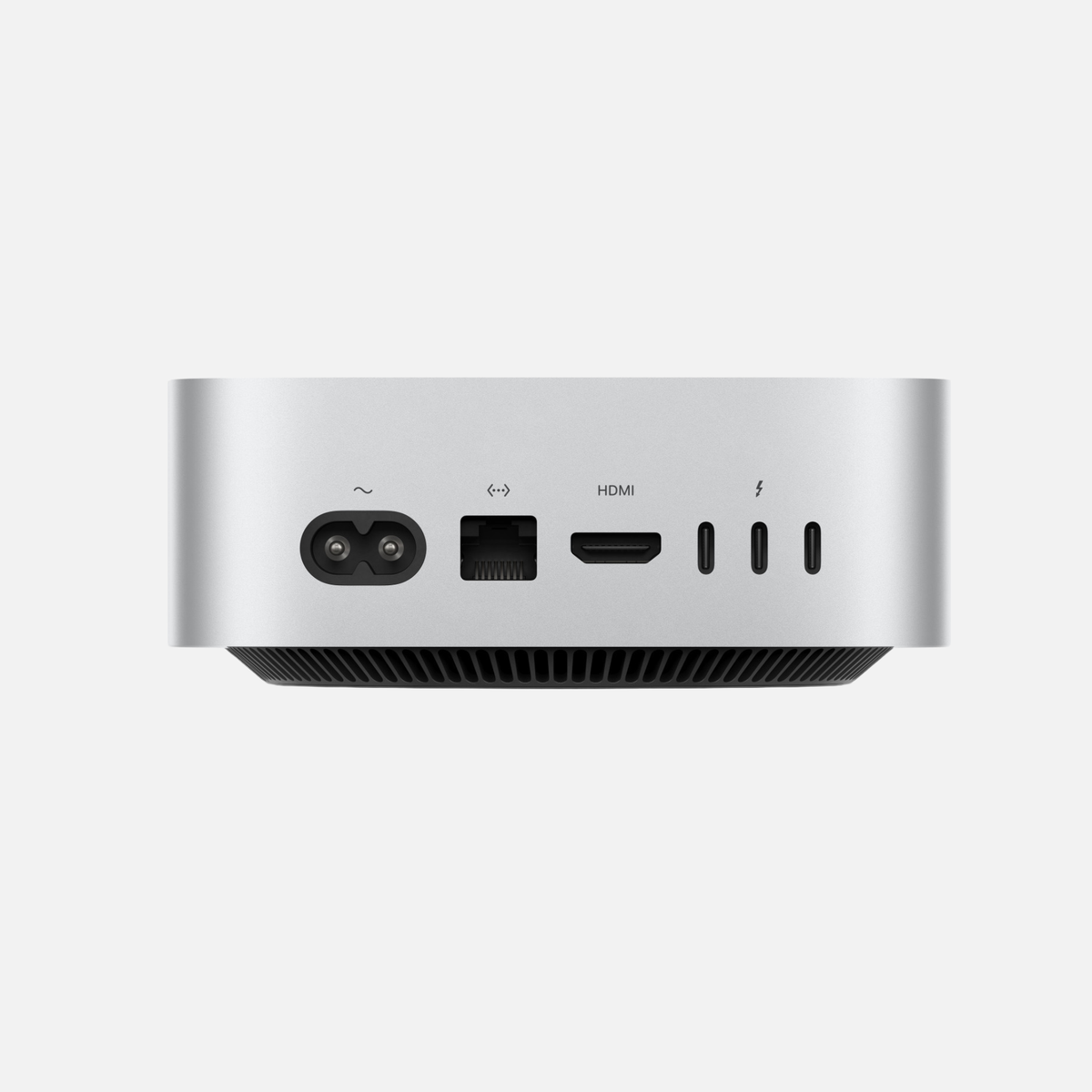
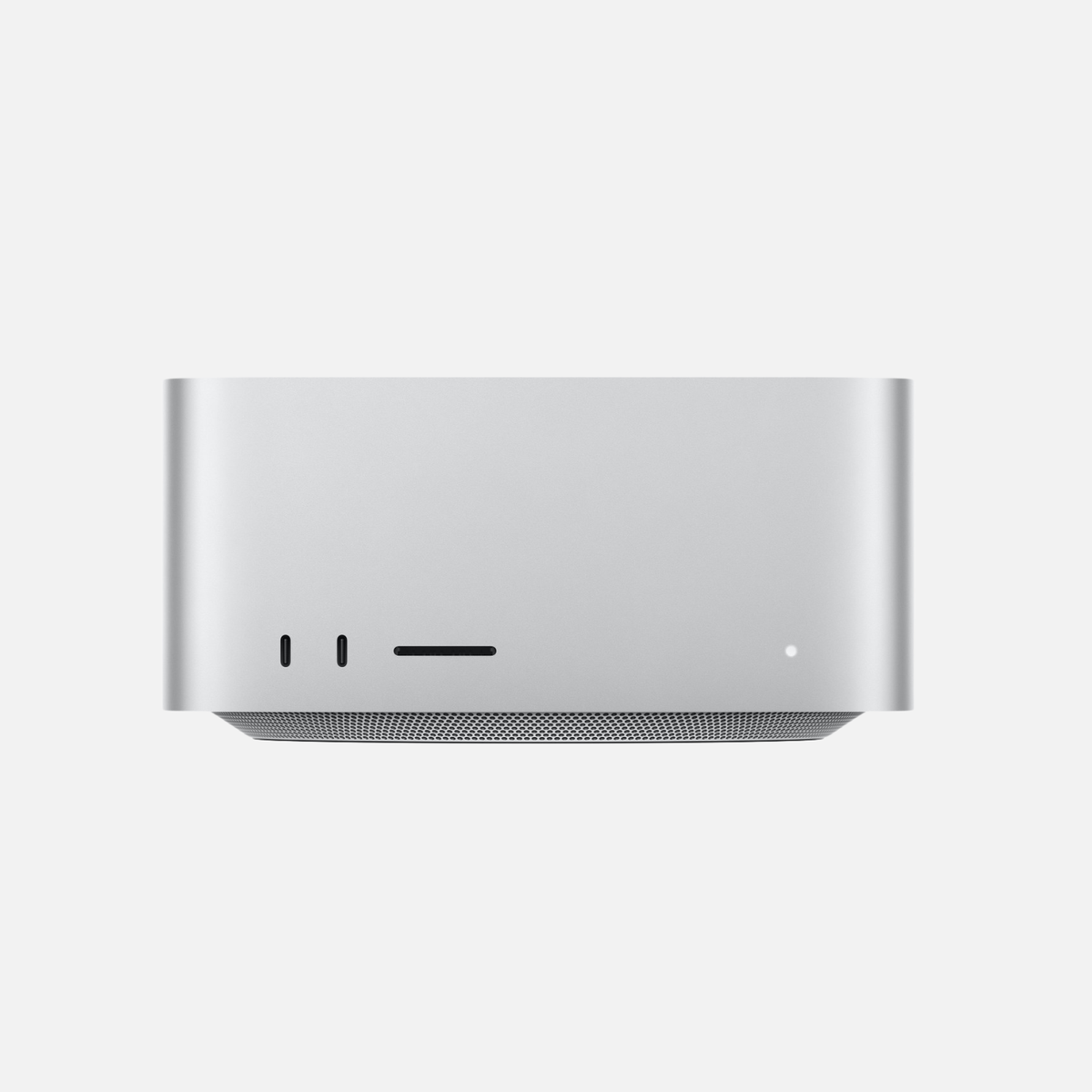
When comparing, consider not only RAM capacity, but also the chip generation, CPU and GPU configuration, SSD capacity, ports, condition and warranty. You can find a direct comparison of the two desktop product lines in our article Mac mini or Mac Studio?.
For more information about tested used devices, see our guide Buying used or refurbished.
Frequently asked questions about RAM in a Mac
Is 16 GB of unified memory still enough in 2026?
For Office, web browsing, studying, streaming and simple creative tasks, usually yes. For long-term use or more demanding programs, 24 GB is often more comfortable.
Is 24 GB the best compromise?
For many all-round users, yes. 24 GB offers significantly more headroom than 16 GB without entering the price range of professional memory configurations.
When is 36 or 48 GB worthwhile?
For regular photo editing, software development, music production, video editing and intensive multitasking.
Who needs 64 GB or more?
Professional creatives, developers with many containers or virtual machines, and users of larger local AI models often benefit.
Does ChatGPT need a lot of RAM?
Not for using ChatGPT in the cloud. Plenty of RAM becomes particularly relevant when running language models locally with Ollama, LM Studio or similar applications.
Is more RAM always better?
Technically, more memory provides additional headroom. Economically, however, it is only worthwhile if your applications actually use it.
Conclusion: Which RAM capacity should you choose for your Mac?
16 GB remains usable for simple everyday tasks. If you want to use the Mac for a long time or regularly open several more demanding applications, 24 to 36 GB is often the best range. Professional creatives and developers should consider 48 to 128 GB depending on the project. Capacities of 192, 256 or 512 GB are specialist solutions for workstations, local AI, research, virtualisation and extreme media projects.
Do not automatically buy the largest configuration. What matters is that the operating system, applications and typical projects fit comfortably in memory, including sensible headroom for the years ahead.
Find the right Mac with the right RAM configuration
Discover tested used and refurbished Macs with different memory and SSD configurations.
Specific configurations from the shop
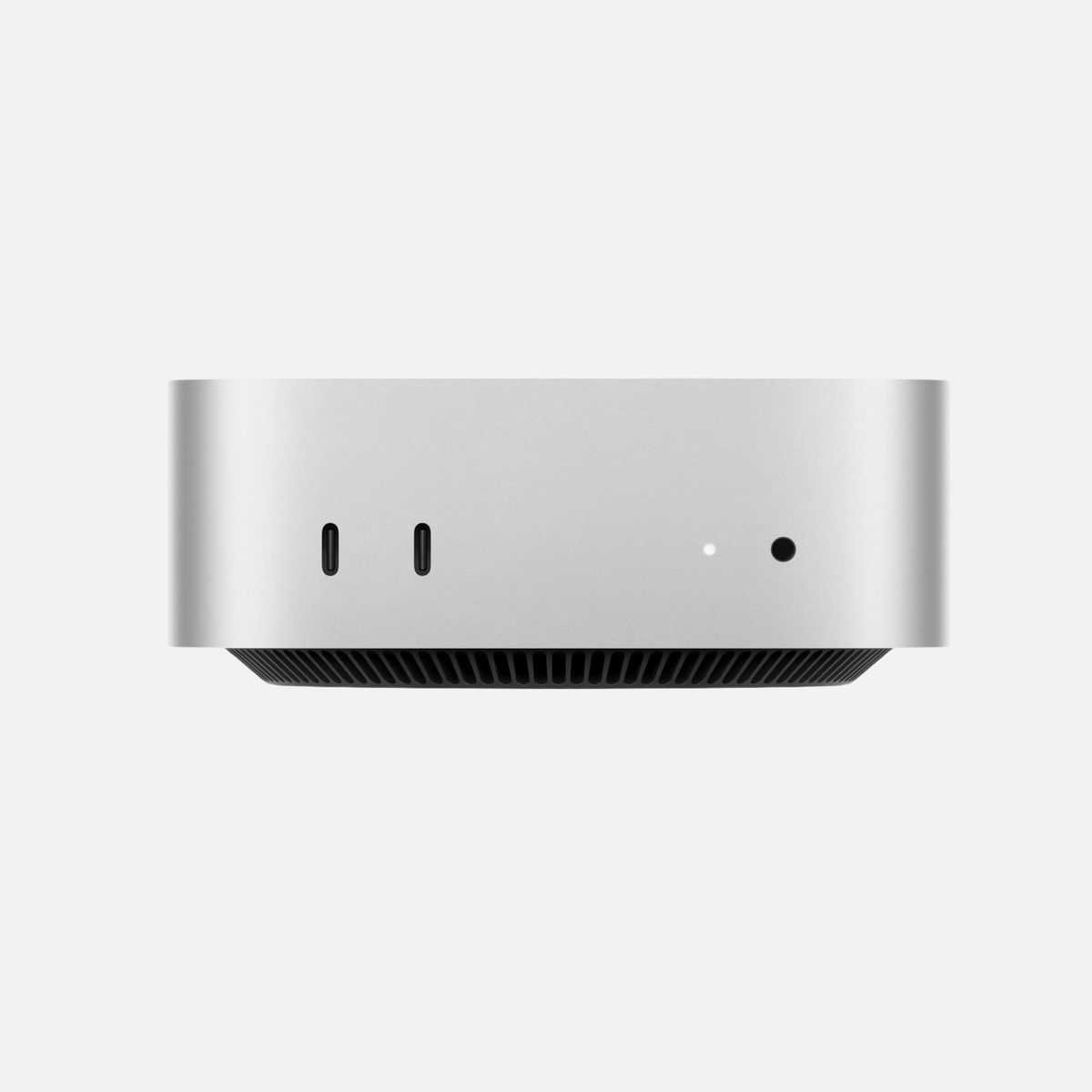
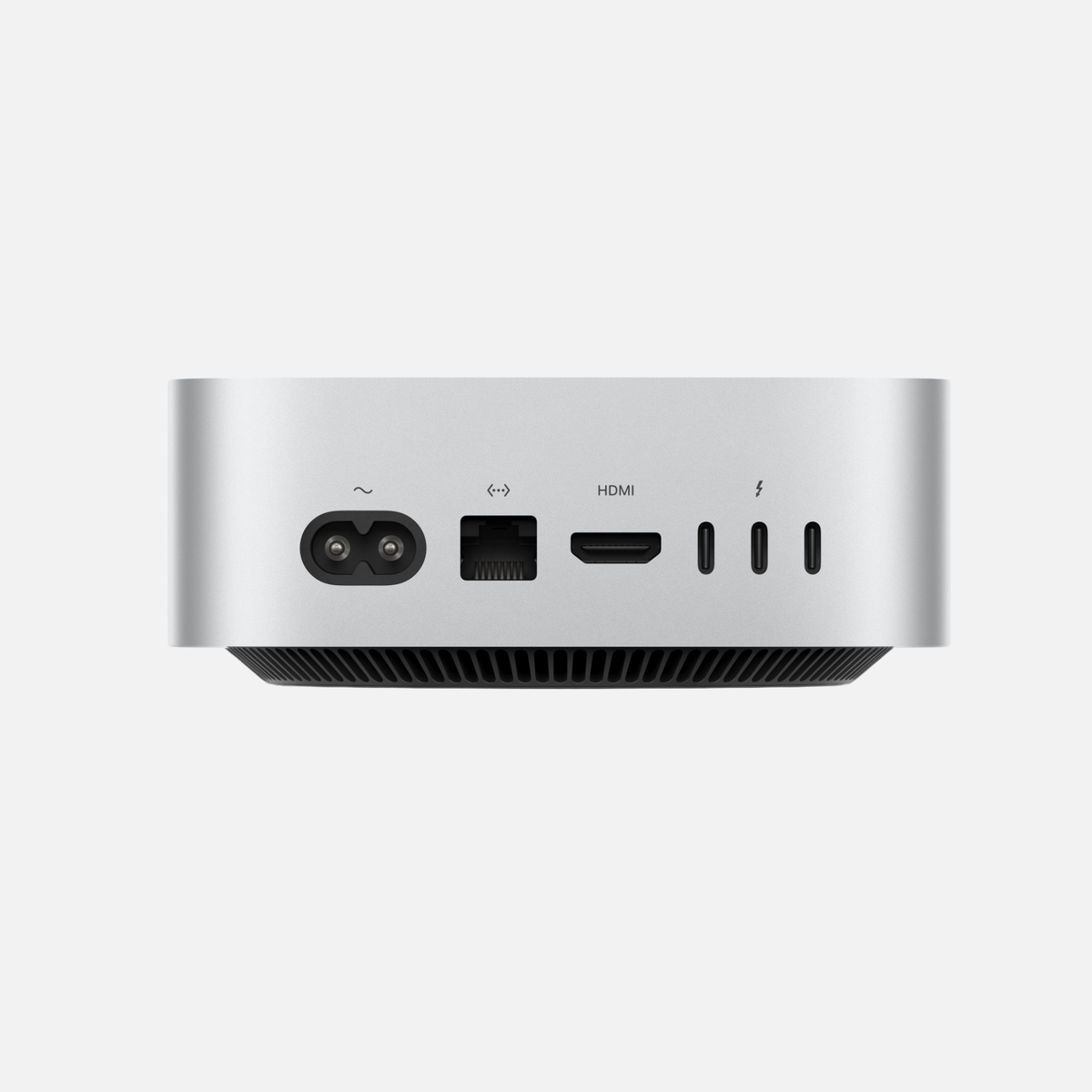
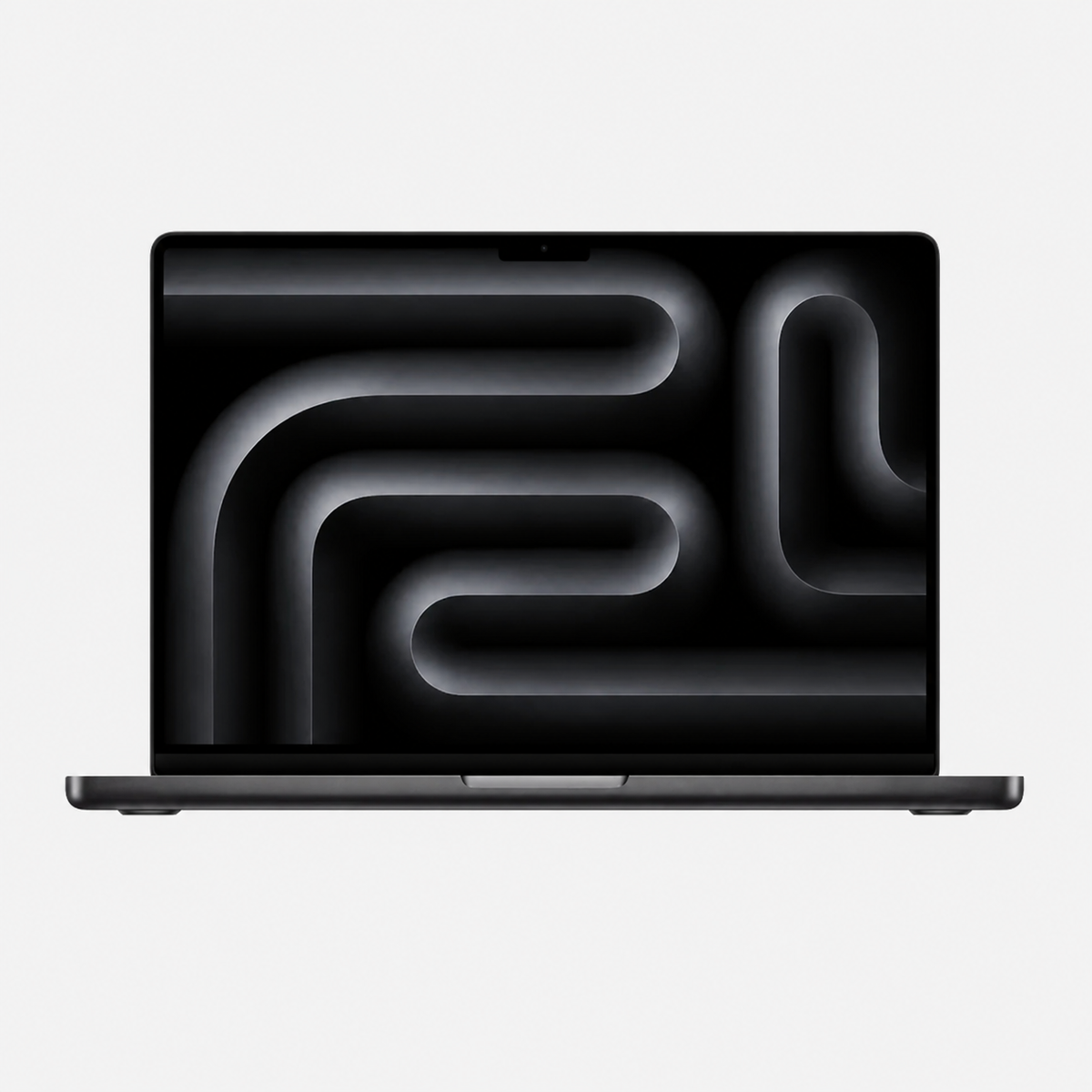
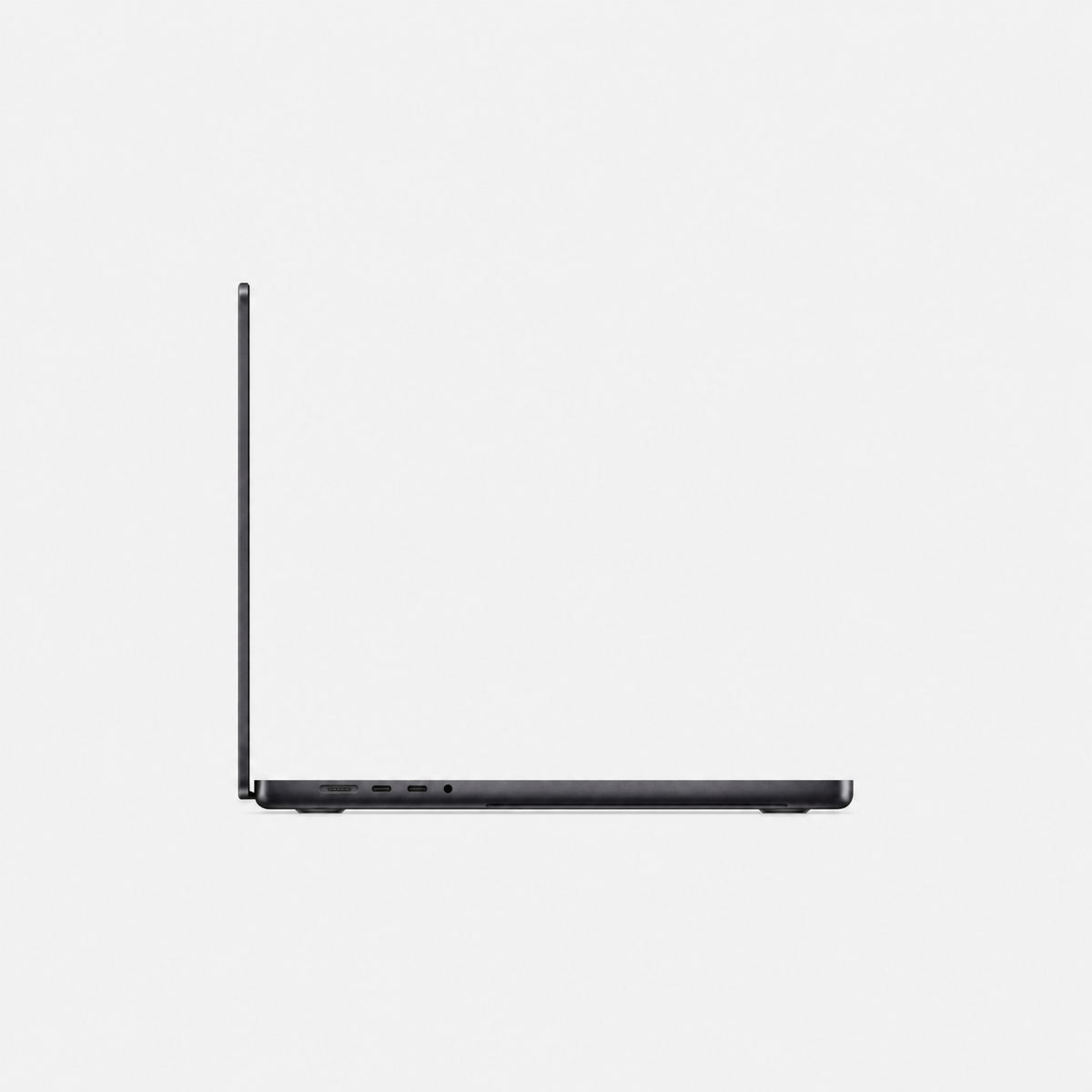
Configuration examples checked on 25 October 2026. See each product page for price, condition and current availability. For MacBook Pro, select RAM, SSD and keyboard layout.
Related detailed guides
Recommendations are editorial guidance, not our own performance measurements.
Technical sources: Apple · Activity Monitor · Apple · Mac mini (2024) · Apple · Mac Studio (2025) · Ollama · Context length



Share:
Mac mini or Mac Studio? Comparison and buying guide 2026
How much SSD storage does a Mac need? 256 GB, 512 GB, 1 TB or more?