
Updated: 25.10.2026 · Reading time: approx. 18 minutes
Which Mac really suits you? MacBook Pro, Mac mini, Mac Studio and iMac differ not only in performance and price, but above all in how and where you work.
This buying guide explains which Mac family makes sense for Office, studying, photo editing, video editing, programming, music production and AI. We also explain when a more affordable model is entirely sufficient and when paying extra for more performance, RAM or SSD storage is genuinely worthwhile.
Four steps to the right Mac
1. Mobile work: consider MacBook Pro. 2. A fixed desk with an existing monitor: start with Mac mini. 3. Regular sustained GPU work or high memory needs: compare Mac Studio. 4. Display and computer together: consider iMac. Office work and cloud AI do not require a Max or Ultra configuration.
Then choose RAM and SSD around your projects. Check software and macOS compatibility, display connections and, for notebooks, keyboard layout and battery condition. Each detailed guide answers a different question, helping you move from device family to configuration.
Quick overview
- MacBook Pro: ideal if you need high performance on the go.
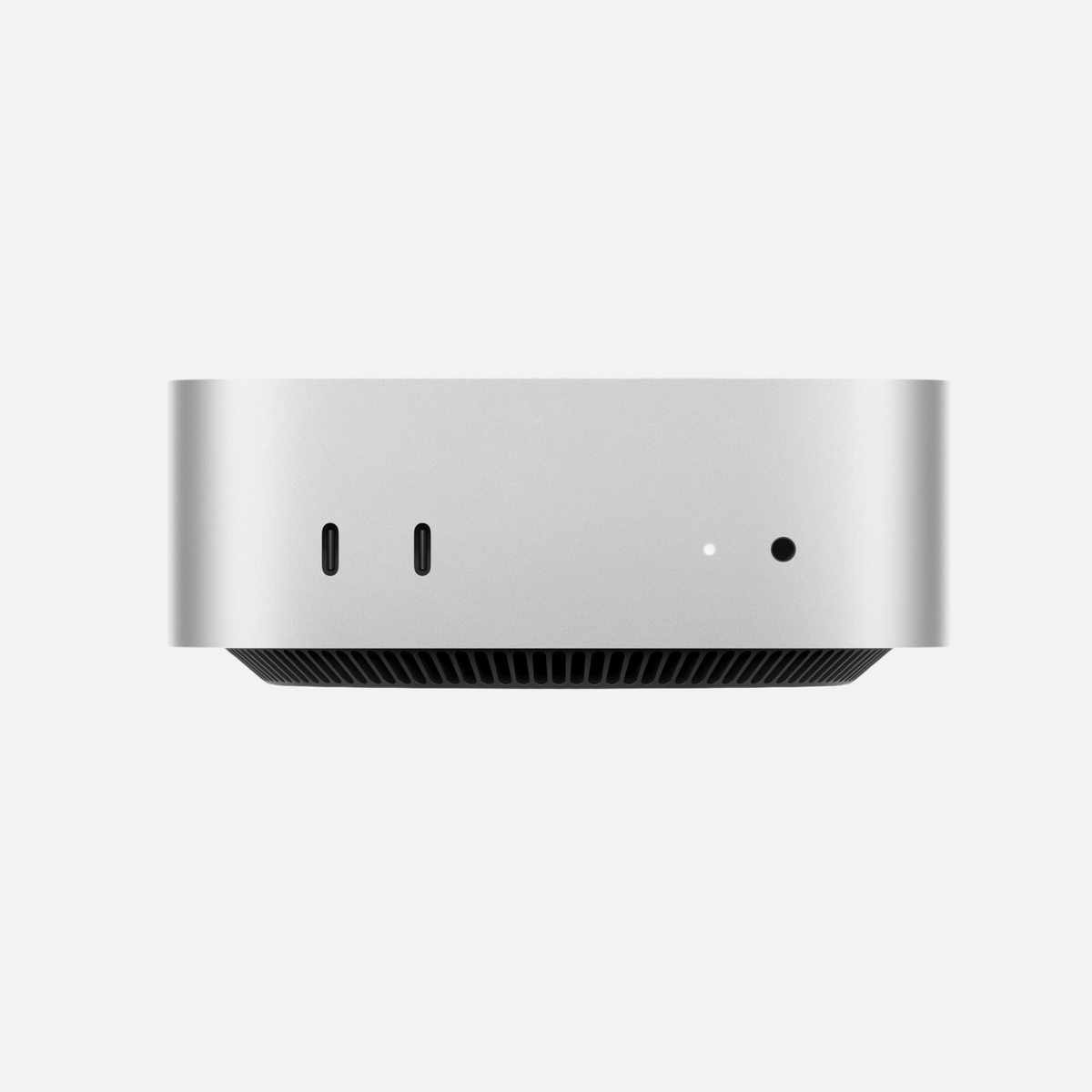
- Mac mini: particularly strong on value for money and for fixed workstations.
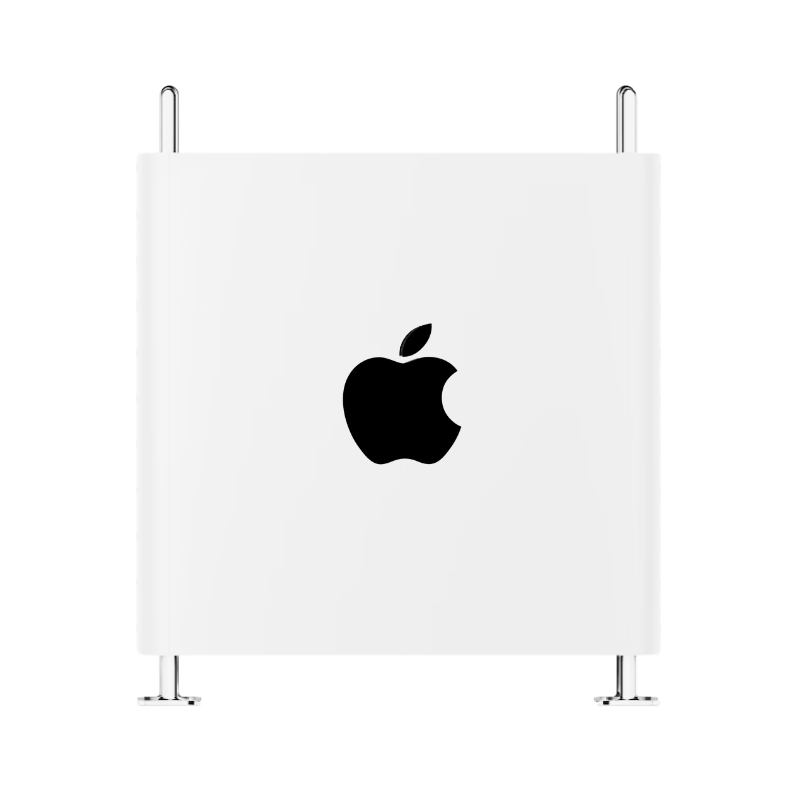
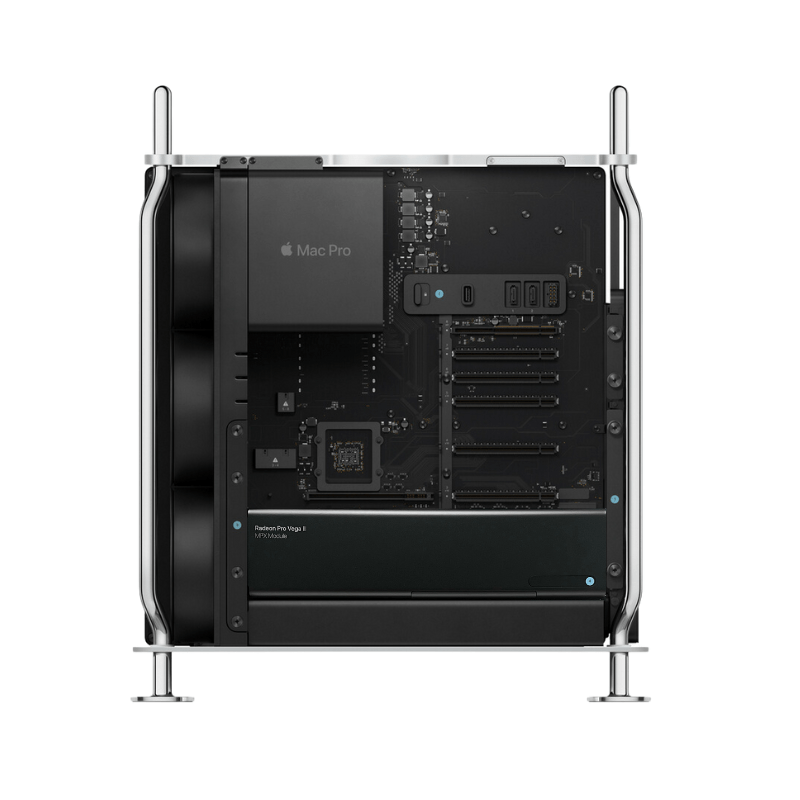
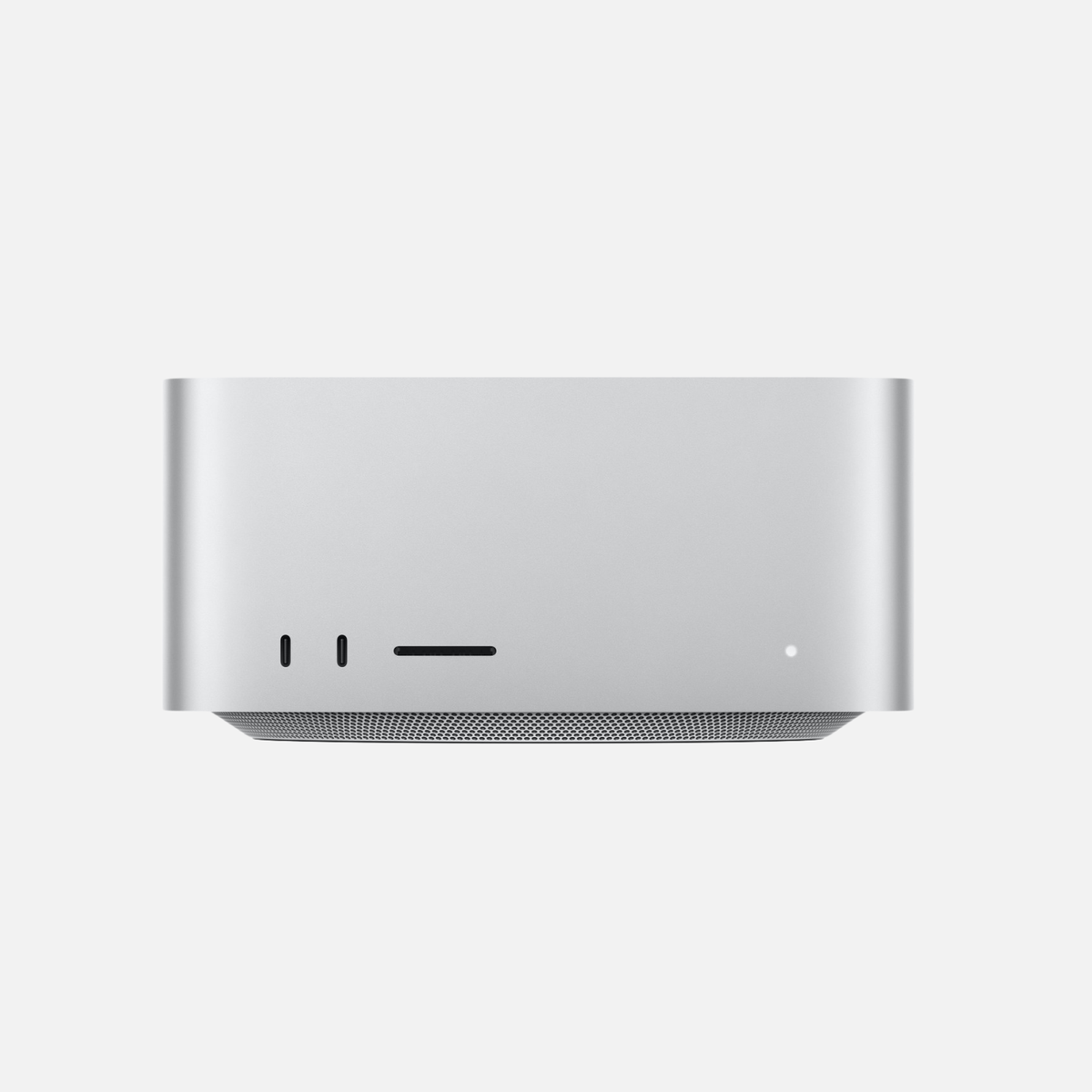
- Mac Studio: for professional workflows, large projects and maximum headroom.
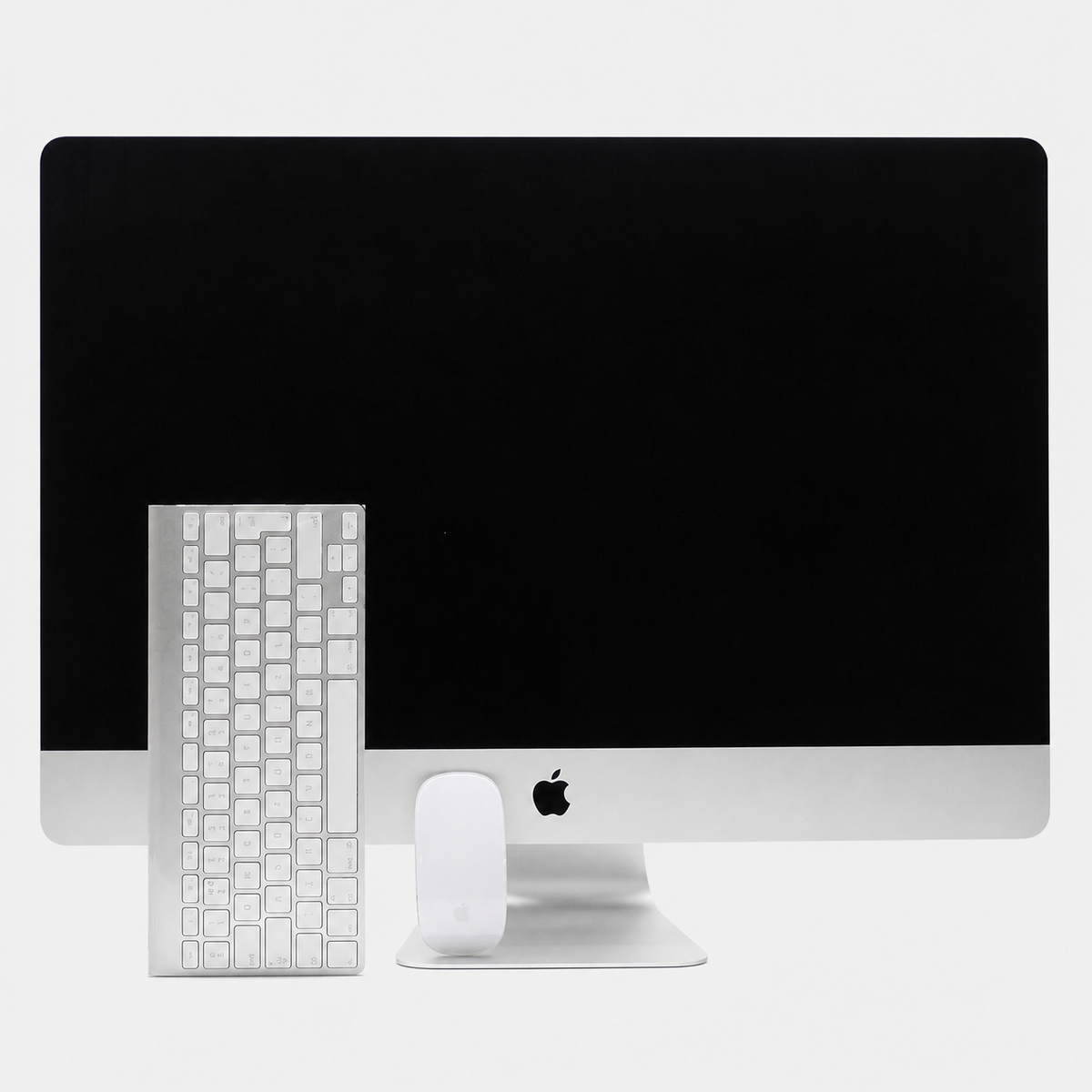
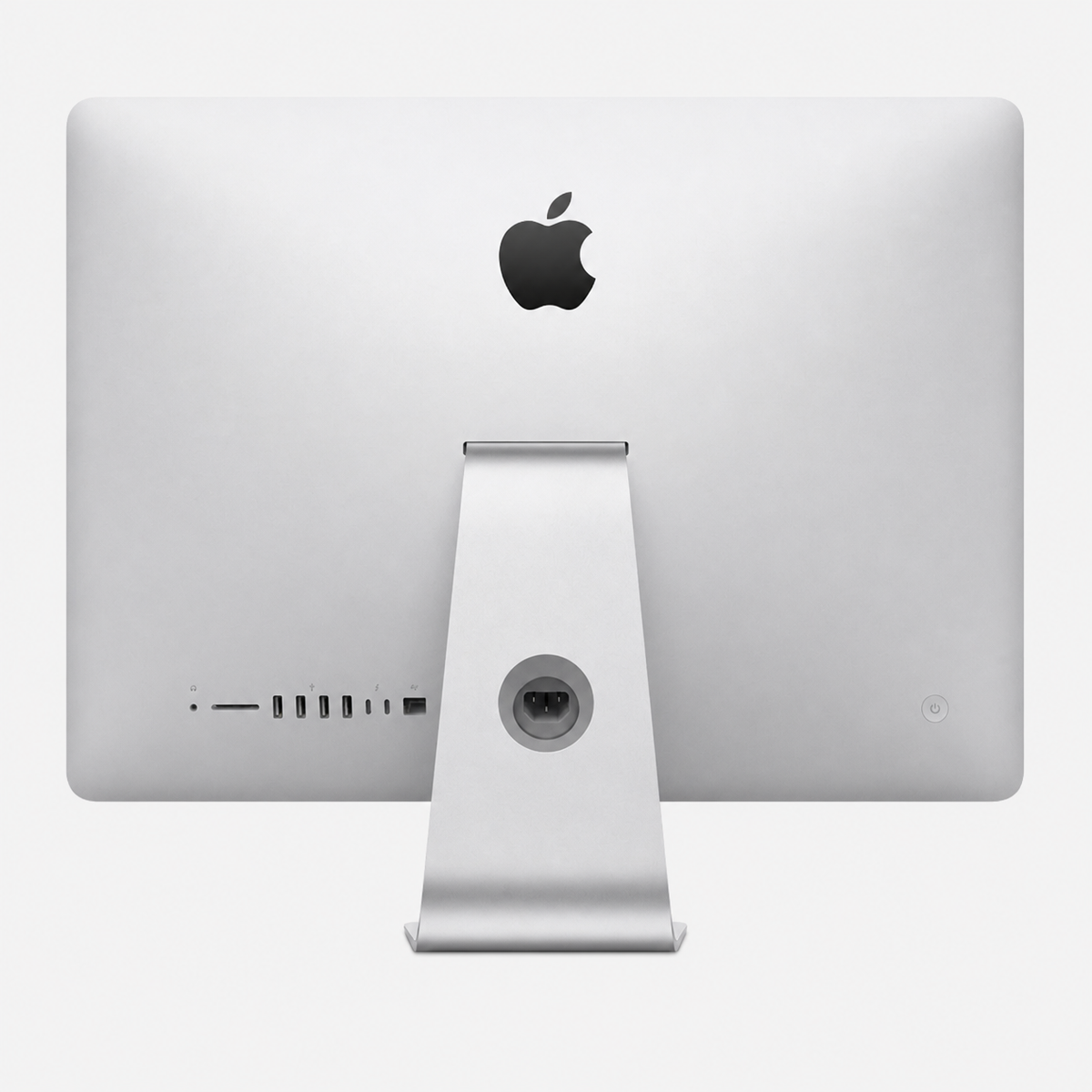
- iMac: the simple all-in-one solution with a built-in display.
- The right choice depends more on your workflow than on the newest chip.
Which Mac is right for me?
The most important question is not which Mac is technically the most powerful, but which Mac best fits your everyday life. A Mac Studio can offer significantly more performance than a Mac mini, but is not automatically the better choice. Equally, a MacBook Pro can be unnecessarily expensive for a fixed workstation if you rarely use its mobility.
| Mac | Strength | Ideal for | Less suitable for |
|---|---|---|---|
| MacBook Pro | Mobility + performance | Professionals, creatives, developers on the go | Desktop-only use on a tight budget |
| Mac mini | Value for money | Office, studying, development, compact desktop | Extreme professional workloads |
| Mac Studio | Maximum headroom | Video, 3D, AI, large projects | Normal Office use |
| iMac | All-in-one convenience | Family, office, school, everyday creative use | Maximum flexibility in monitors and setups |
MacBook Pro: Who benefits from the mobile Pro model?
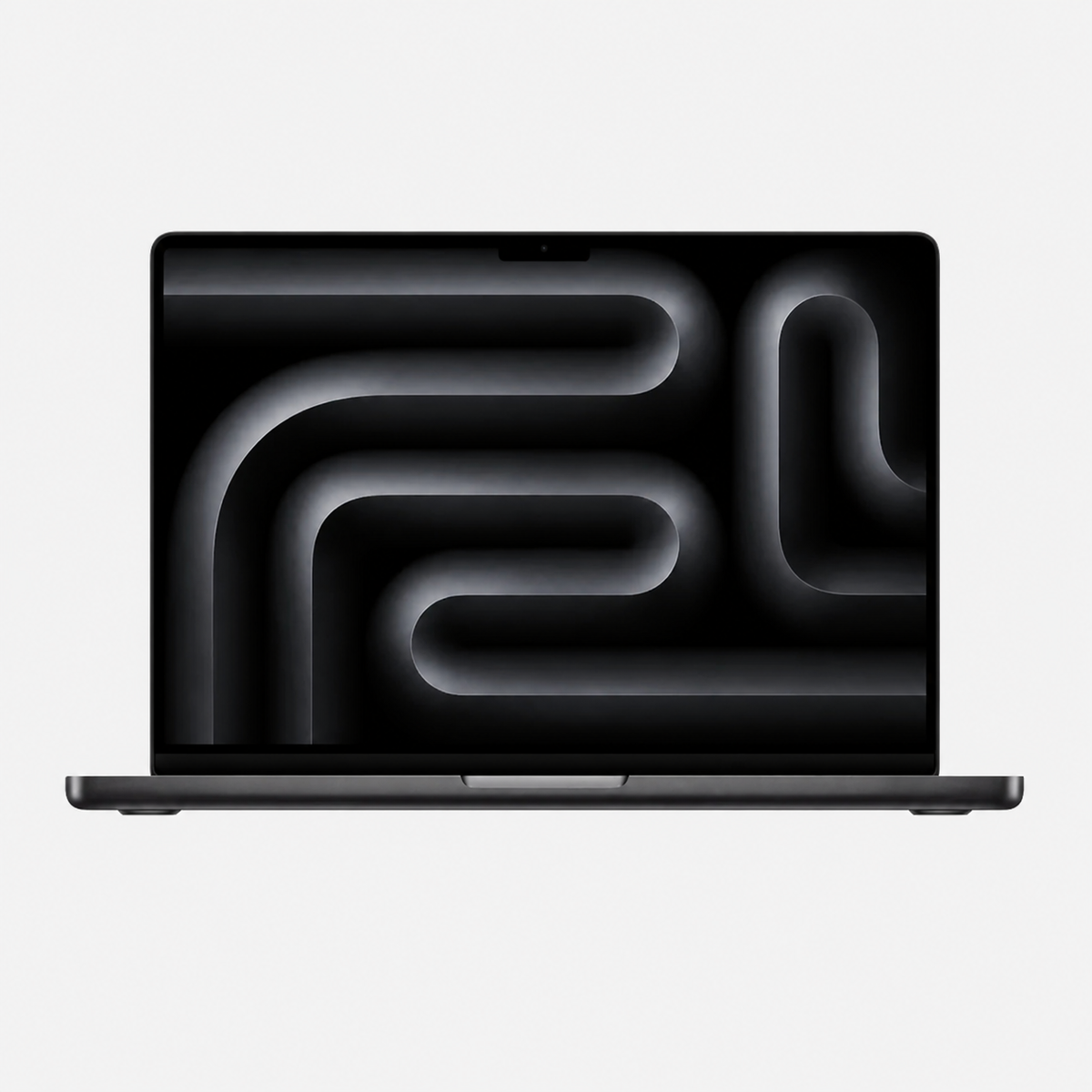
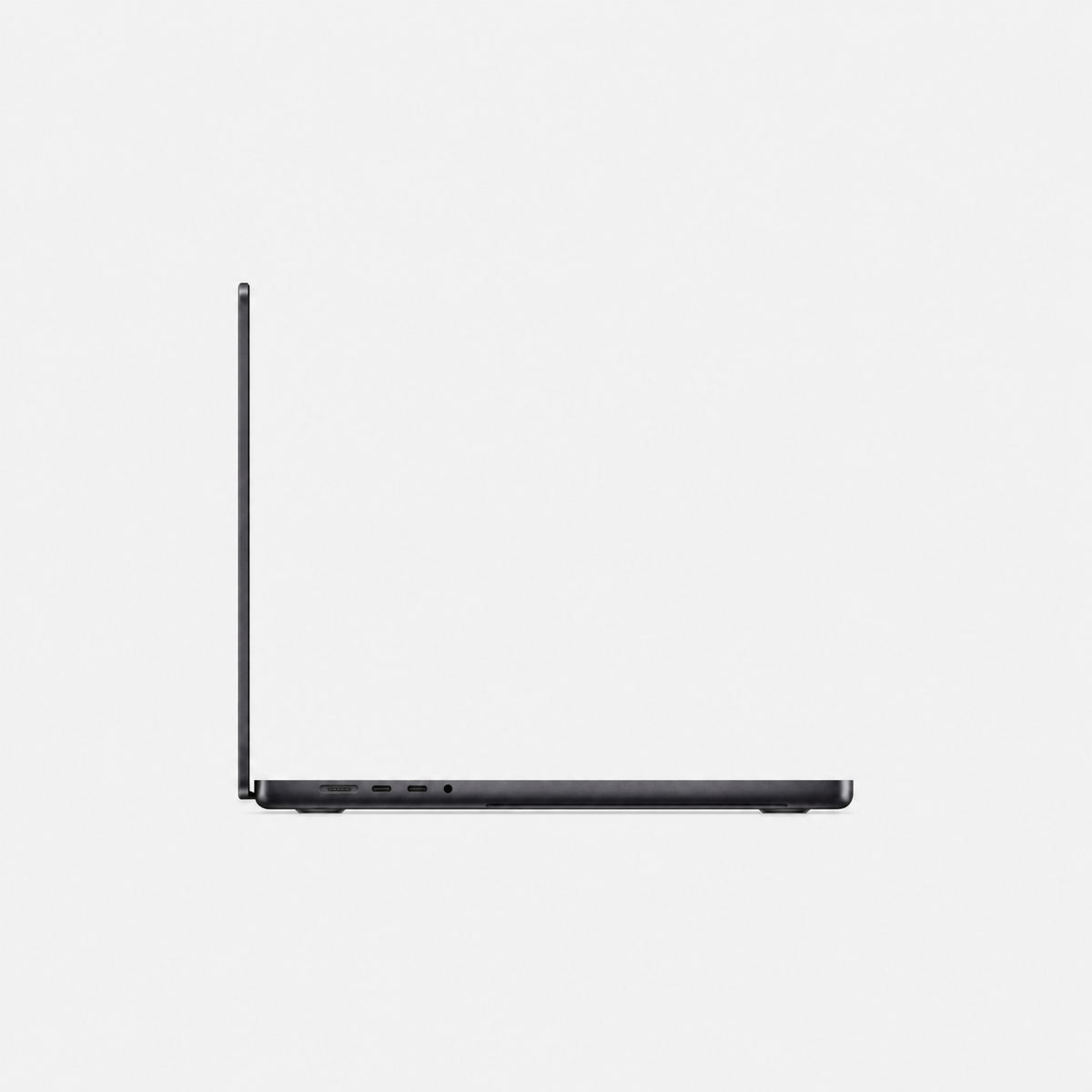
The MacBook Pro is the best choice if you want to combine high performance with mobility. It is particularly suitable for creatives, developers, photographers, video editors and professional users who do not work exclusively at a desk.
MacBook Pro for photo and video editing
With its high-quality display, powerful Apple Silicon platform and the option of larger storage and RAM configurations, the MacBook Pro is particularly flexible. If you regularly use Lightroom, Photoshop, Final Cut or DaVinci Resolve, you benefit from more unified memory and a sufficiently large SSD.
MacBook Pro for developers and AI
A powerfully equipped MacBook Pro is also interesting for Xcode, Docker, virtual machines and local AI models. If you want to use AI locally, pay particular attention to unified memory as well as the chip. You can find more information in our “Which Mac is suitable for AI?” guide.
Mac mini: Who is the compact Mac the best choice for?
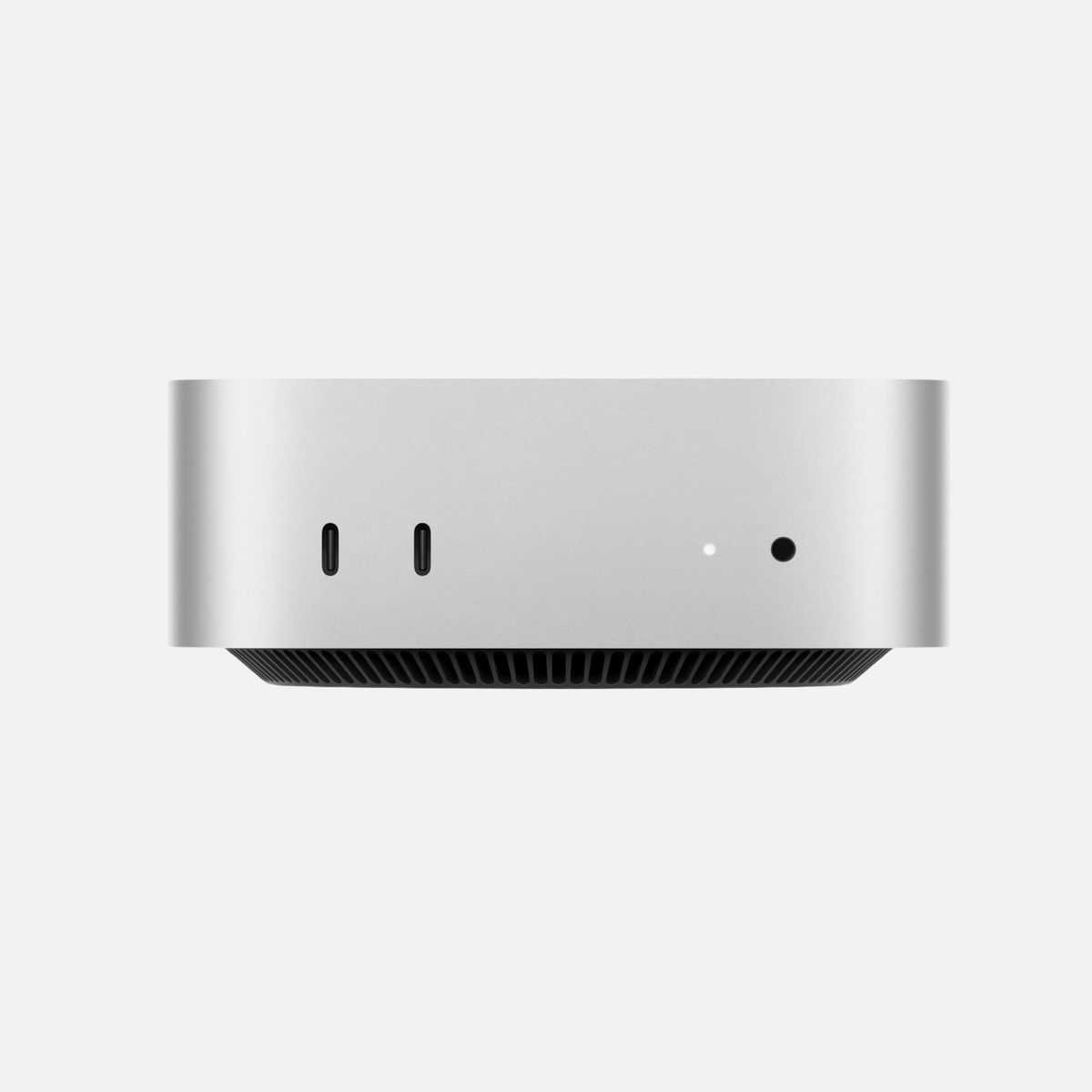
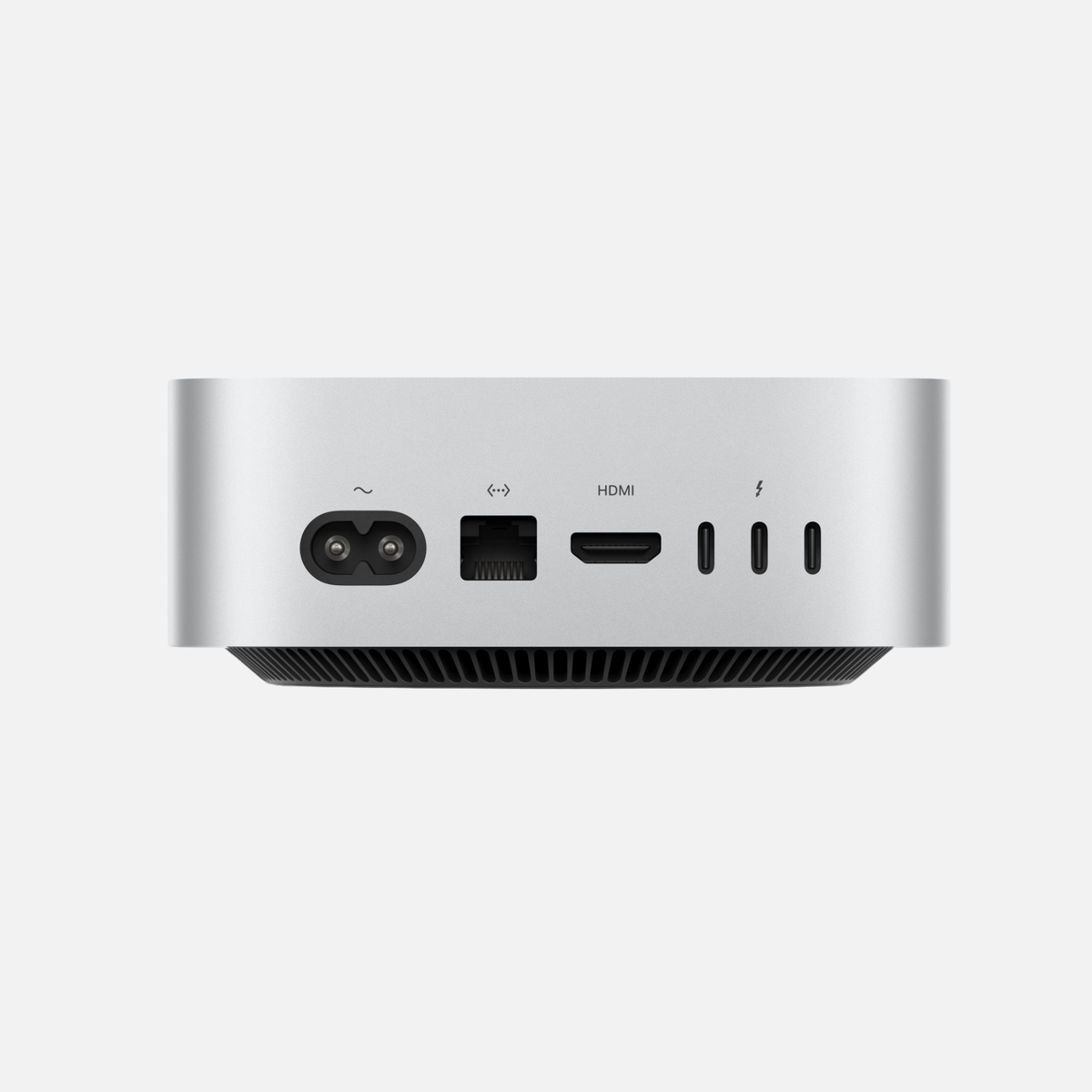
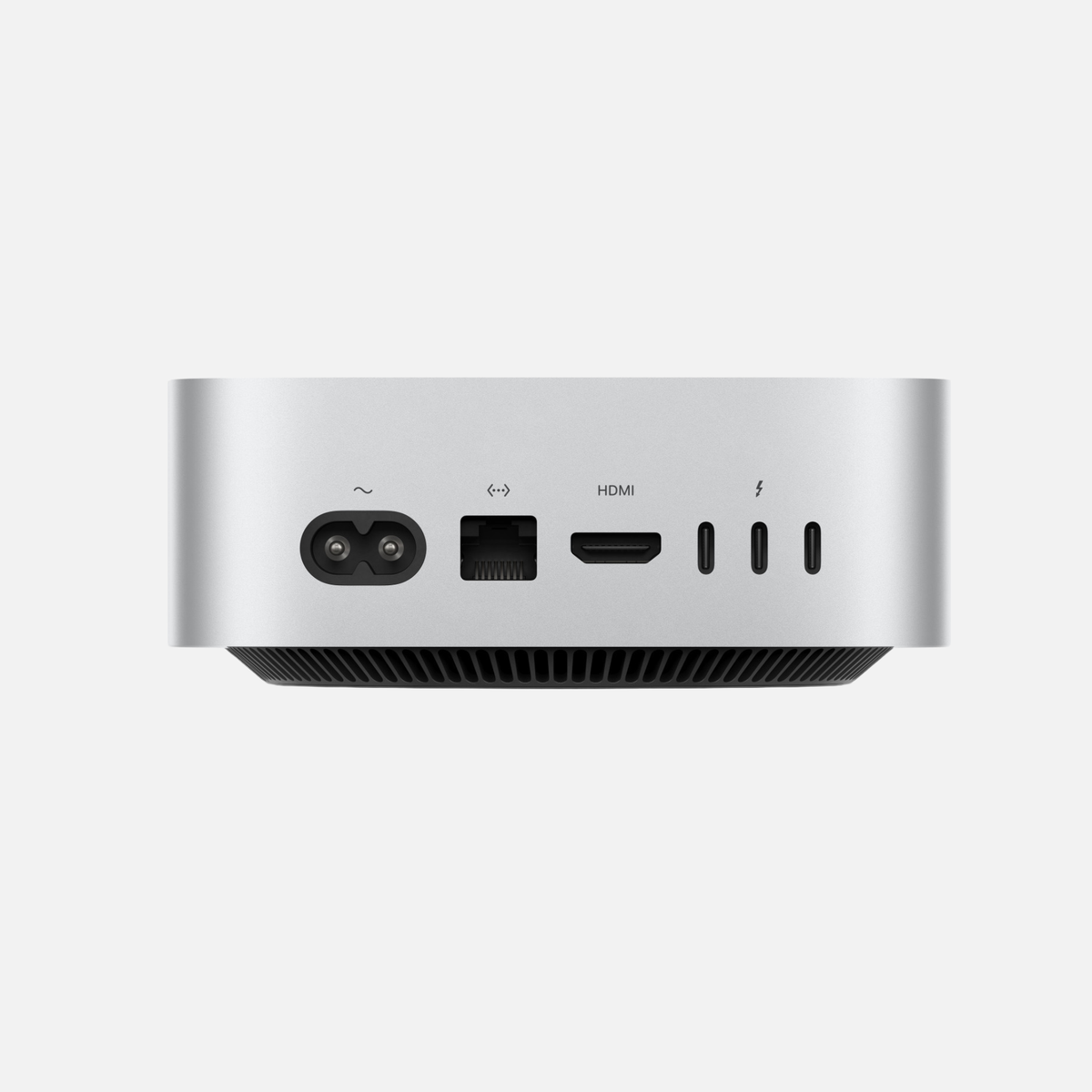
The Mac mini is the value-for-money winner for many users. If you already own a monitor, keyboard and mouse or are setting up a fixed workstation, you get considerable performance in an extremely compact casing.
Mac mini for Office, studying and working from home
For Office, browsers, video conferencing, studying and normal everyday tasks, a Mac mini is usually entirely sufficient. Photo and music projects as well as software development are also straightforward, depending on the configuration.
Mac mini for professional use
More powerful Mac mini variants can also handle demanding creative and technical workflows. The Mac Studio becomes more interesting only when very large video, 3D or AI projects are a regular occurrence.
You can find a direct comparison in our “Mac mini or Mac Studio?” guide.
Mac Studio: When is the additional performance worthwhile?
The Mac Studio is aimed at professional users who need more GPU performance, larger memory configurations and more headroom for prolonged workloads. This performance is often unnecessary for Office or normal photo editing.
Mac Studio for video, 3D and large projects
With large Final Cut or DaVinci projects, 3D rendering, VFX, extensive audio sessions or large local AI models, the Mac Studio can show its strengths. The combination of chip, unified memory and SSD is particularly important here.
Mac Studio for local AI
Local language models can require a great deal of unified memory. This is precisely where the Mac Studio with high RAM configurations becomes particularly interesting. We explain which memory capacity makes sense in our RAM guide.
iMac: Who is the all-in-one Mac ideal for?
The iMac is the most straightforward solution for users who want a high-quality workstation without choosing a separate monitor or dealing with many cables. The display and computer form one unit, making the iMac particularly attractive to families, schools, offices and everyday creative users.
iMac for office, family and creative use
The iMac is very convenient for Office, video conferencing, photo editing, music, web browsing and media. If you need maximum performance or a freely chosen professional display, the Mac mini or Mac Studio provides more flexibility.
iMac or Mac mini?
The iMac scores with simplicity and a built-in display. The Mac mini, on the other hand, offers more flexibility in monitors, accessories and later setup changes. For an existing workstation, the Mac mini is often more economical; for a completely new, tidy workstation, the iMac can be the more convenient solution.
Discover the right Mac
Compare tested used and refurbished Macs by use case, RAM and SSD.
Which Mac for Office and working from home?
For Office, email, browsers, video conferencing and typical business applications, you do not need maximum performance. A Mac mini is often the most economical choice here. If you want a completely new workstation without a separate monitor, an iMac is particularly convenient.
If you regularly switch between the office, home and travelling, choose a MacBook Pro. A Mac Studio is usually overpowered for Office-only use.
Which Mac for studying and university?
For most students, mobility is more important than maximum performance. A MacBook is therefore often more sensible than a desktop. However, if you mainly work at home and already own a display, a Mac mini can be substantially cheaper.
For computer science, engineering, media production or other computing-intensive courses, also consider RAM and SSD storage.
Which Mac for photo editing?
For Lightroom, Photoshop and Capture One, a good display, enough unified memory and sufficient SSD storage are particularly important. A MacBook Pro is ideal if you work on the go. A Mac mini is a strong choice if you already own a good monitor. The iMac provides a convenient all-in-one solution.
A Mac Studio is particularly worthwhile for very large libraries, complex Photoshop projects or when other professional applications run in parallel.
Which Mac for video editing?
For Final Cut Pro, DaVinci Resolve and larger video projects, performance requirements increase significantly. A well-equipped MacBook Pro provides plenty of performance on the go. The Mac Studio is the stronger desktop solution for demanding 4K/8K projects, VFX and long rendering jobs.
A powerful Mac mini can also be sufficient for many 4K projects and often offers excellent value for money.
Which Mac for music production?
Logic Pro, Ableton Live and large sample libraries benefit from plenty of RAM and SSD storage. A Mac mini is an excellent choice for many studios. If you produce music on the go, a MacBook Pro provides more flexibility.
The Mac Studio becomes interesting when very large sessions, many virtual instruments or professional audio workflows regularly require substantial headroom.
Which Mac for programming and software development?
For Xcode, web development and normal development environments, a Mac mini is often entirely sufficient. If you work on the go, a MacBook Pro is a better choice. With Docker, many containers, virtual machines and large build processes, additional unified memory becomes particularly important.
Which Mac for AI and local AI models?
You do not need an extremely powerful Mac for cloud services such as ChatGPT. Local AI models are different: GPU performance, unified memory and SSD capacity become significantly more important.
A Mac mini can be an excellent starting point. For larger local models and professional AI workflows, a MacBook Pro and especially a Mac Studio with higher memory configurations are more interesting. You can find detailed decision guidance in our comprehensive Mac AI buying guide.
MacBook Pro vs Mac mini vs Mac Studio vs iMac: The quick comparison
MacBook Pro
Best choice for performance on the go.
Mac mini
Best choice for value for money at a desk.
Mac Studio
Best choice for maximum professional headroom.
iMac
Best choice for a simple all-in-one workstation.
How much RAM and SSD storage should your Mac have?
The device class alone does not determine performance. With used or refurbished Macs in particular, consider the specific specifications.
For many users, 16–24 GB of unified memory is enough. Creatives and developers often benefit from 24–48 GB, while large AI, video and virtualisation projects can require significantly more. You can find detailed decision guidance in our RAM guide.
For the SSD, 512 GB is a good starting point for many users, 1 TB is significantly more convenient, and 2 TB or more becomes interesting for large media libraries, local AI models or professional projects. Find out more in our SSD guide.
Which used or refurbished Mac should you buy?
When buying used, it is particularly worthwhile to look beyond the model year or chip alone. An older Pro configuration with more RAM and SSD storage can make more sense for your workflow than a new base model.
Consider the condition, battery condition for MacBooks, SSD capacity, unified memory, ports and the specific chip variant. Higher-specification MacBook Pro, Mac mini and Mac Studio models in particular can offer very attractive value for money when bought used.
Frequently asked questions about buying a Mac
Which Mac is best for most users?
For a fixed workstation, the Mac mini is often the best value-for-money compromise. If you want to work on the go, the MacBook Pro provides more flexibility.
Mac mini or iMac – Which is better?
The Mac mini offers more flexibility in monitors and accessories. The iMac is simpler and tidier because the display and computer are already combined.
MacBook Pro or Mac mini?
If you need mobility, the MacBook Pro has a clear advantage. For a fixed workstation, the Mac mini usually provides more performance for your money.
Mac mini or Mac Studio?
For everyday tasks, development and many creative applications, the Mac mini is often sufficient. The Mac Studio is worthwhile when GPU, RAM and sustained performance requirements are very high.
Which Mac is suitable for photo editing?
MacBook Pro, Mac mini and iMac are all very well suited. The display, RAM and SSD capacity are decisive. The Mac Studio is only needed for very large professional workflows.
Which Mac is suitable for video editing?
For mobile use, a powerful MacBook Pro is ideal. At a fixed workstation, the Mac Studio provides the greatest headroom; a well-equipped Mac mini is also enough for many 4K projects.
Which Mac is suitable for programming?
A Mac mini is enough for many developers. If you work on the go or use more demanding workflows, consider a MacBook Pro with sufficient RAM.
Which Mac is suitable for AI?
Almost any current Mac is enough for cloud AI. Local AI, however, benefits greatly from GPU performance and plenty of unified memory. Powerful MacBook Pro and Mac Studio configurations are particularly interesting for this.
Conclusion: Which Mac suits you?
If you want to work on the go, the MacBook Pro is the most flexible Pro solution. For a fixed workstation, the Mac mini often offers the best value for money. The Mac Studio is worthwhile for professional workflows with very high performance and memory requirements. The iMac is ideal if you want a straightforward all-in-one solution.
The best buying decision comes from considering the device class, RAM, SSD and your actual workflow together. This avoids both unnecessarily expensive excess specifications and a configuration that becomes too limited shortly after purchase.
Find the right Mac now
Discover tested used and refurbished Macs in various performance, RAM and SSD configurations.
Related Mac guides
Specific configurations from the shop
Configuration examples checked on 25 October 2026. See each product page for price, condition and current availability. For MacBook Pro, select RAM, SSD and keyboard layout.
Related detailed guides
Recommendations are editorial guidance, not our own performance measurements.
Technical sources: Apple · Activity Monitor · Apple · Mac mini (2024) · Apple · Mac Studio (2025) · Ollama · Context length



Share:
How much SSD storage does a Mac need? 256 GB, 512 GB, 1 TB or more?
Which Mac for photo editing? The 2026 buying guide