
Updated: September 2026 · Reading time: approx. 16 minutes
A refurbished MacBook Pro can be particularly interesting if you want plenty of performance, a high-quality display and strong specifications without necessarily paying the new-device price. But which generation is really worthwhile in 2026: M1 Pro, M1 Max, M2 Pro, M2 Max, M3 Pro, M3 Max, M4 Pro, M4 Max or already M5 Pro and M5 Max?
This buying guide compares the most important Apple Silicon MacBook Pro generations, explains the differences between 14-inch and 16-inch models and shows how much RAM and SSD storage makes sense for Office, studying, photo editing, video editing, development and local AI.
Which refurbished MacBook Pro is most worthwhile in 2026?
For many buyers, M1 Pro/M1 Max, M3 Pro/M3 Max and M4 Pro/M4 Max offer particularly interesting tiers. M1 Pro models are often attractive when you want as much MacBook Pro as possible for your budget. M3 and M4 are more interesting for modern graphics, video and AI workflows. Current M5 Pro and M5 Max models offer the newest platform, but refurbished prices are naturally usually less heavily discounted yet.
Why buy a refurbished MacBook Pro?
Refurbished can be particularly interesting with the MacBook Pro because models differ considerably in chip, memory, SSD, GPU and display size. For the same budget, a higher-specification previous generation is therefore often more interesting than a newer base model.
Pro and Max chips from previous generations can still provide enormous headroom.
Particularly for photos, video, development and AI, a larger memory configuration can matter more than the latest model year.
1 TB, 2 TB, 4 TB or 8 TB can be significantly more practical for professional workflows.
You can prioritise performance and display size independently of the latest generation.
Refurbished MacBook Pro in 2026: M1 to M5 at a glance
| Generation | Typical models | Strength | Our assessment for 2026 |
|---|---|---|---|
| M1 | M1, M1 Pro, M1 Max | Strong value for money | Very interesting at a good price with suitable specifications |
| M2 | M2, M2 Pro, M2 Max | Development of the M1 generation | Worthwhile if the price gap to M1 and M3 is appropriate |
| M3 | M3, M3 Pro, M3 Max | Modern GPU features, strong Max variants | Very good sweet spot for many Pro workflows |
| M4 | M4, M4 Pro, M4 Max | High CPU/GPU performance, modern ports | Premium recommendation for demanding use |
| M5 | M5, M5 Pro, M5 Max | Current generation, strong AI/graphics platform | Best future headroom, usually still higher-priced refurbished |
Refurbished MacBook Pro M1 Pro & M1 Max: Still very interesting
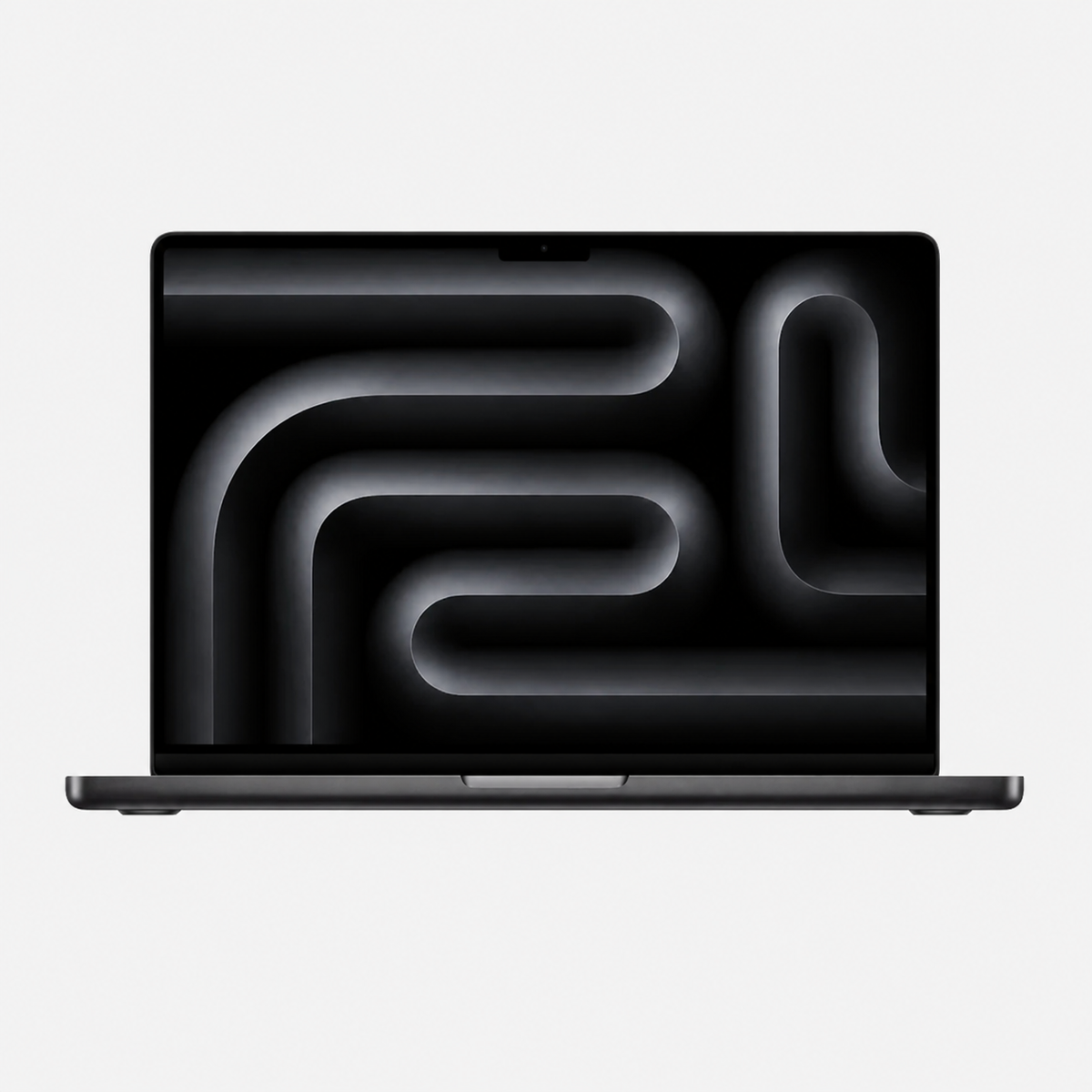
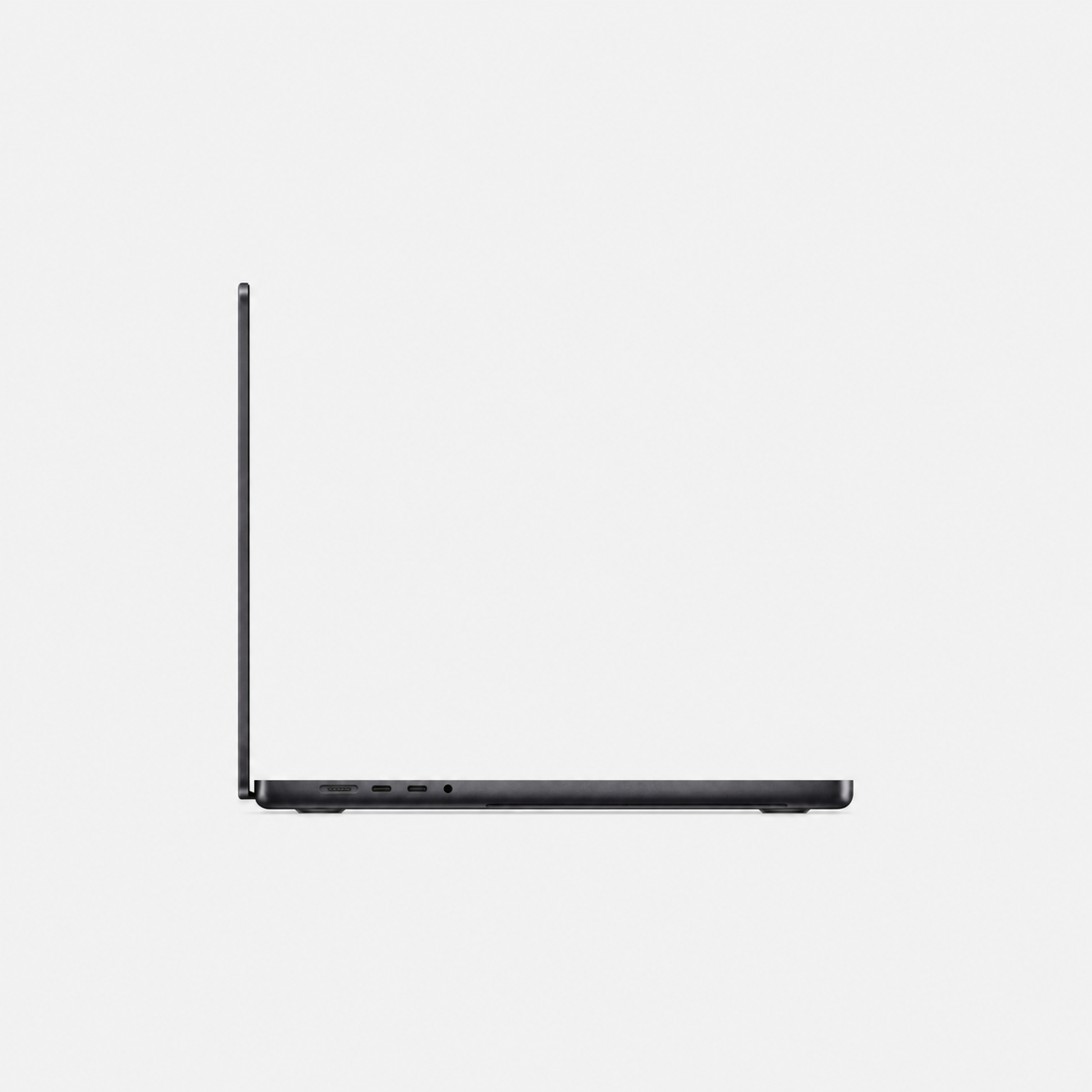
The 14-inch and 16-inch MacBook Pro models from 2021 were a major step forward: Liquid Retina XDR display, MagSafe 3, HDMI, SDXC card reader and powerful M1 Pro and M1 Max chips made them genuine mobile workstations.
In 2026, these models are particularly attractive if you get plenty of RAM or a larger SSD at an affordable price. An M1 Max with 32 or 64 GB of memory can still be more interesting for professional applications than a newer device with significantly less memory.
Refurbished MacBook Pro M2 Pro & M2 Max: Sensible at the right price
The M2 Pro and M2 Max models from 2023 developed the successful 14-inch/16-inch concept further. When buying refurbished, the price gap is therefore decisive. If a comparable M2 Pro model costs only slightly more than an M1 Pro, it can be the more modern choice. If an M3 Pro is similarly priced, comparing with the next generation is worthwhile instead.
Refurbished MacBook Pro M3 Pro & M3 Max: A strong sweet spot
The M3 generation introduced features including hardware-accelerated ray tracing and AV1 decoding. The M3 Max in particular is interesting for very demanding workflows and was offered in high memory configurations up to 128 GB.
Our assessment: one of the most interesting refurbished ranges in 2026 for many professional buyers.
Refurbished MacBook Pro M4 Pro & M4 Max: Premium performance without the current new-device price
The M4 Pro and M4 Max models from 2024 offer high CPU and GPU performance and support Thunderbolt 5 on Pro/Max models. M4 Max configurations with up to 128 GB of unified memory and up to an 8 TB SSD were available.
Refurbished MacBook Pro M5, M5 Pro & M5 Max: The current generation
The 14-inch MacBook Pro with M5 launched in 2025. In 2026, M5 Pro and M5 Max followed for 14-inch and 16-inch models. Current Pro and Max models feature Thunderbolt 5 among other things and are particularly designed for modern graphics, media and AI workflows.
The disadvantage when buying refurbished: the newer a generation, the smaller the initial price difference from a new device often is. Compare especially carefully with M5.
Refurbished MacBook Pro: 14-inch or 16-inch?
14-inch: More portable and compact
The 14-inch MacBook Pro is easier to transport and fits better in smaller bags. For users who travel frequently but still need Pro performance, it is often the more balanced size.
16-inch: More workspace
The 16-inch model provides significantly more display area and is particularly suitable for video editing, large timelines, development, photo editing and users who want to need an external monitor as rarely as possible.
How much RAM should a refurbished MacBook Pro have?
On an Apple Silicon MacBook Pro, unified memory cannot simply be upgraded after purchase. Choose the RAM configuration particularly carefully.
Find more details in our guide How much RAM does a Mac need?.
512 GB, 1 TB, 2 TB, 4 TB or 8 TB SSD?
For a refurbished MacBook Pro in 2026, I would consider 1 TB a very convenient all-round capacity. 512 GB can be sufficient for Office, studying and cloud use, while 2 TB or more quickly becomes more comfortable for photography, video, music and large projects.
For large archives or projects, you can find suitable solutions in our guide to expanding Mac storage with 4 TB and 8 TB.
Which refurbished MacBook Pro for which use?
Office, studying and general productivity
You usually do not need a Max chip here. An M1 Pro, M2 Pro or more modern base model can already offer more than enough performance.
Photo editing
For Lightroom and Photoshop, a good display and enough RAM are more important than maximum GPU performance. Find out more in our Mac guide for photo editing.
Video editing
For Final Cut Pro, DaVinci Resolve and large 4K/8K projects, Pro and Max variants become more interesting.
Software development and virtual machines
Developers often benefit more from additional memory than from the maximum GPU.
Local AI
Unified memory is particularly important for local AI models. Find out more in our “Which Mac is suitable for AI?” buying guide.
What should you check in a refurbished MacBook Pro?
- Check the exact model: compare chip, display size and model year.
- Choose RAM deliberately: unified memory in Apple Silicon cannot be upgraded conventionally.
- Choose an appropriate SSD capacity: 512 GB can be enough; 1 TB or more is often more comfortable for Pro users.
- Consider battery condition: on mobile devices, the battery is an important part of overall condition.
- Read the cosmetic condition description: refurbished does not automatically mean as new.
- Consider warranty and statutory defect rights: read the specific conditions of the offer.
Our recommendation: Which refurbished MacBook Pro is worthwhile in 2026?
The most important rule when buying refurbished is: Do not buy solely by chip generation. An excellently equipped M1, M3 or M4 model can be a better choice for your workflow than a newer device with less RAM or a smaller SSD.
Discover refurbished MacBook Pro at mac-store24
Compare different generations, display sizes and RAM/SSD configurations from M1 to M5.
Buy refurbished MacBook ProRefurbished MacBook Air or MacBook Pro: which is the better fit?
The choice depends more on your daily work than on the name. A MacBook Air is a lightweight, quiet option for office work, study, browsing, email and many everyday photo or video tasks. Its fanless design is especially appealing when portability and quiet operation matter more than sustained maximum performance.
A MacBook Pro is a better fit if you regularly handle long renders, demanding video editing, large development projects or several intensive tasks at once. Depending on its generation and configuration, it may also offer a different display, more ports and additional headroom under sustained load. Specifications vary by model year, so check the exact device.
Choose Air: when low weight, quiet operation and balanced everyday performance are your priorities.
Choose Pro: when your apps regularly need high performance or you specifically need the display and ports of a particular Pro model.
When comparing refurbished Macs, start with your actual workload, then compare memory and SSD, and only then the chip name. Unified memory in Apple silicon Macs cannot be upgraded later. If a well-equipped Air is close in price to a Pro, decide based on sustained workloads, display and ports. Apple’s Mac comparison shows the specifications for each generation.
Browse the available refurbished MacBook Pro offers and check the chip, memory, SSD, condition and warranty details for each listing.
Frequently asked questions about refurbished MacBook Pro
Which refurbished MacBook Pro is worthwhile in 2026?
That depends on use and price. M1 Pro can offer excellent value for money, M3 Pro/M3 Max are an interesting sweet spot, M4 offers very high modern performance and M5 the newest platform.
Does a MacBook Pro M1 Pro still make sense in 2026?
Yes, if price and specifications are right. Higher-specification M1 Pro and M1 Max models in particular still provide plenty of performance for many professional tasks.
Refurbished M3 Max or M4 Max?
Both are very powerful for many workflows. M4 Max offers the more modern platform and Thunderbolt 5, while an M3 Max can be very attractive at a significantly lower price.
Is a refurbished M5 MacBook Pro worthwhile already?
If you want the newest generation, yes. Since M5 Pro and M5 Max only launched in 2026, however, the price gap to new devices may be smaller than with older generations.
14-inch or 16-inch MacBook Pro?
14-inch is more portable and compact. 16-inch provides more workspace and is particularly convenient if the built-in display is often used for professional applications.





Share:
Which Mac for business? 3D, architecture and development
Which iMac is right for you? Intel vs Apple silicon compared