

Decide whether both external displays should show different windows and whether the notebook screen must stay active. Then check resolution, refresh rate and inputs.
An extended desktop across two displays makes room for different windows. A Mac Studio can drive two external displays directly. On a MacBook, the exact chip determines whether the built-in display can stay on as well.
Native support for two external displays
| Mac | Two displays? | What to check |
|---|---|---|
| MacBook Air M1 or M2 | No, one natively | An ordinary dock cannot raise the limit. |
| MacBook Air M3 | Yes, lid closed | Plan for an external mouse and keyboard. |
| MacBook Air M4 | Yes, with the internal display also active | Useful if you want three screens including the notebook. |
| MacBook Pro with M2 Pro or M3 Pro | Yes, with the internal display active | Verify the exact chip, including the Pro suffix. |
| Mac mini M1 | Yes, Thunderbolt plus HDMI | If both monitors use USB-C, check for HDMI on one of them. |
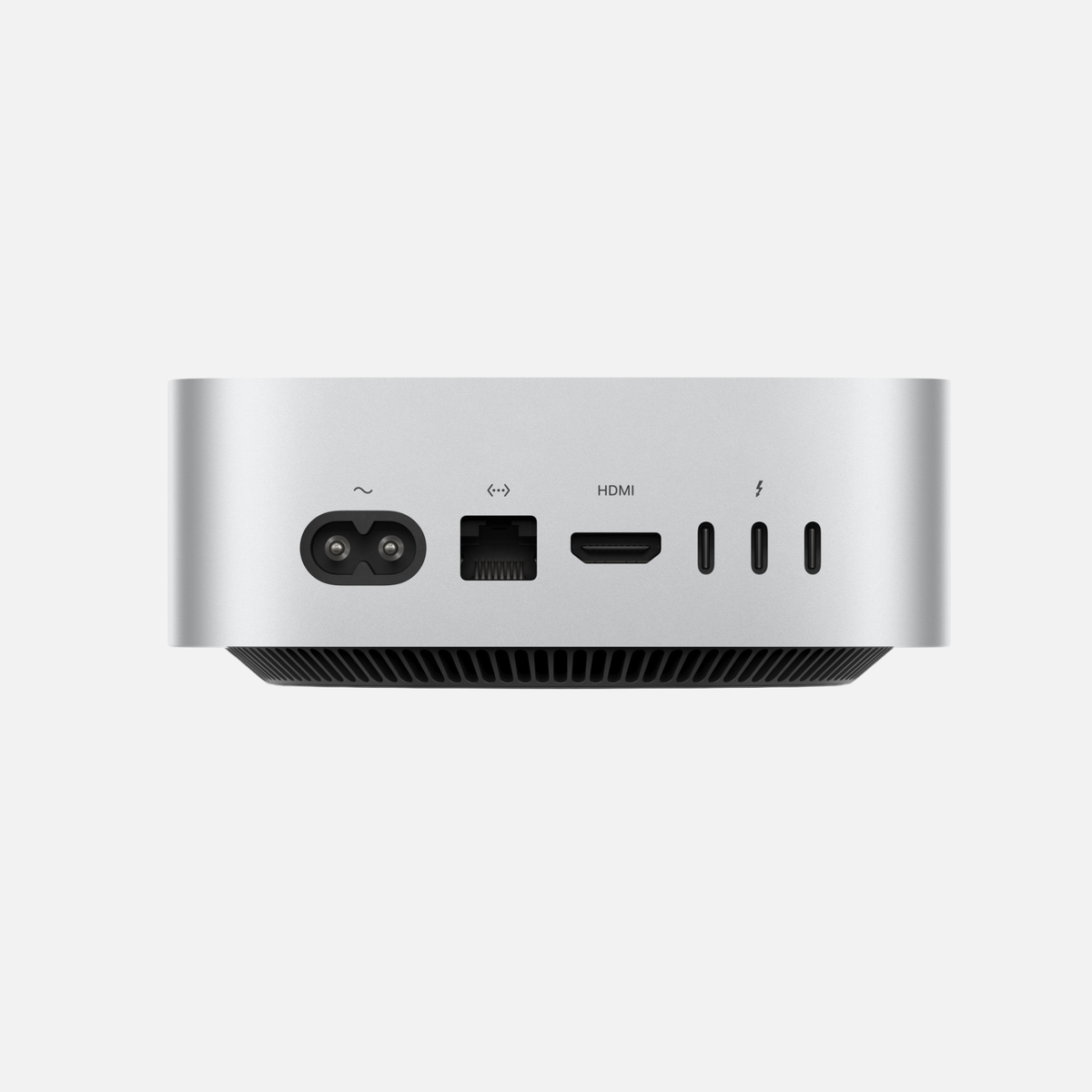
| Mac mini M2 or M4 | Yes, in supported combinations | Check exact resolutions and refresh rates. Use rear Thunderbolt ports for USB-C video on M4. |
| Mac Studio | Yes, on every generation. | Use a separate Thunderbolt port for each 5K display. See the model limits below. |
Mac Studio with two monitors: which generation is enough?
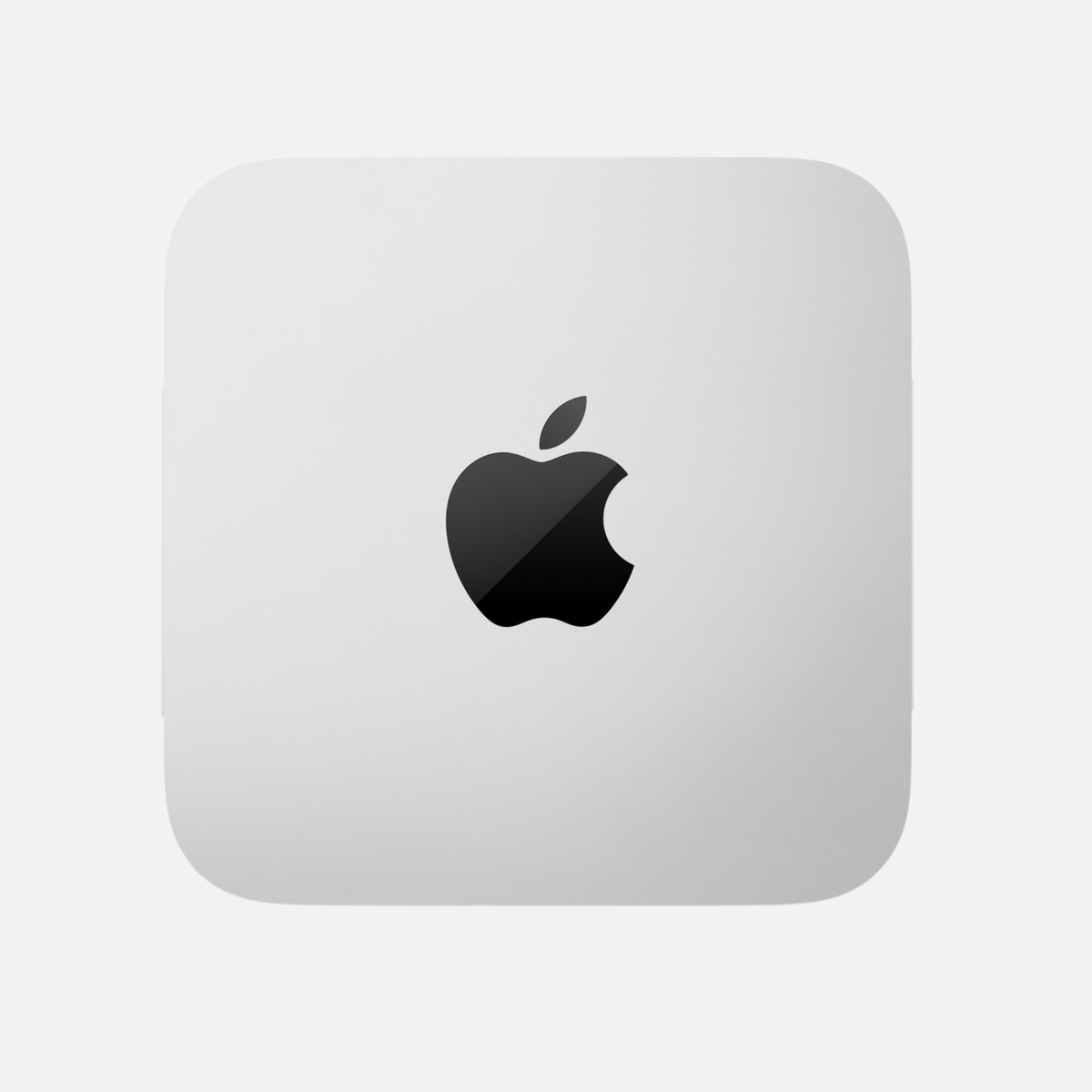
Even the Mac Studio with M1 Max can run two 5K Apple Studio Displays. Connect each monitor directly to its own Thunderbolt port on the back using a Thunderbolt cable. Two monitors require neither an Ultra chip nor a DisplayLink dock.
Memory bandwidth in GB/s describes how fast the chip can read from and write to unified memory. It matters for tasks such as complex video effects. The number of displays you can use at once depends on the Mac model, resolution, refresh rate and port combination.
| Mac Studio (chip) | External displays (max.) | Memory bandwidth (GB/s) |
|---|---|---|
| M1 Max (2022) | 5 | 400 |
| M1 Ultra (2022) | 5 | 800 |
| M2 Max (2023) | 5 | 400 |
| M2 Ultra (2023) | 8 | 800 |
| M4 Max (2025) | 5 | 410 (32 GPU cores) 546 (40 GPU cores) |
| M3 Ultra (2025) | 8 | 819 |
| M5 Max (2026) | 5 | 460 (32 GPU cores) 614 (40 GPU cores) |
| M5 Ultra (2026) | 8 | 1200 |
A compatible Mac mini works well with two 4K monitors for office use. For video editing, put the timeline on one screen and the preview on the other. A Mac Studio makes sense if you also work with demanding effects or several high-resolution video tracks. Shop used and refurbished Mac Studio.
Which displays suit your Mac?
The Apple Studio Display (27-inch, 5K) gives you crisp text for long workdays and fine detail in photos. The Pro Display XDR (32-inch, 6K) provides a larger workspace and reference modes for HDR video. Check which stand or VESA mount is included in the listing.
How to set up two monitors
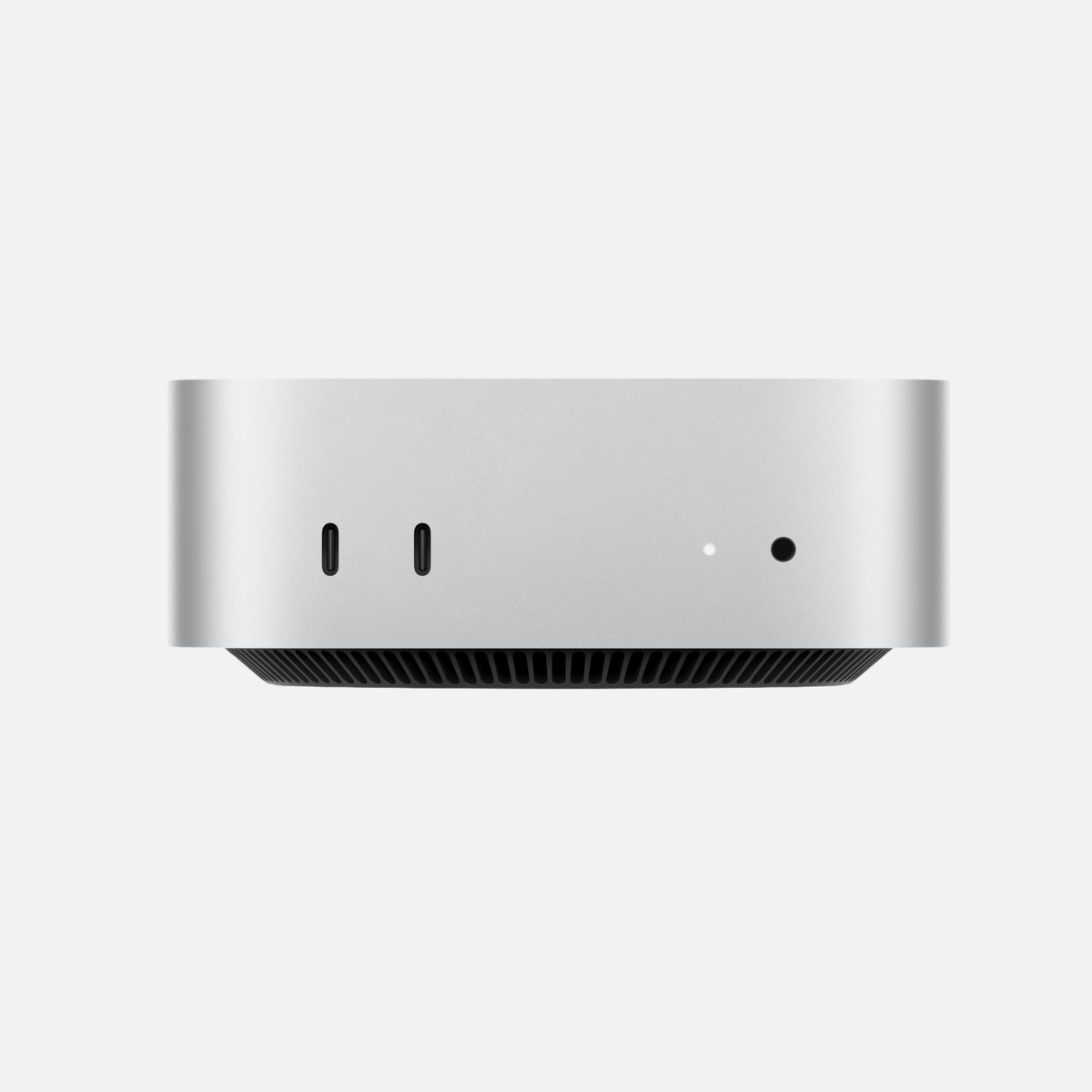
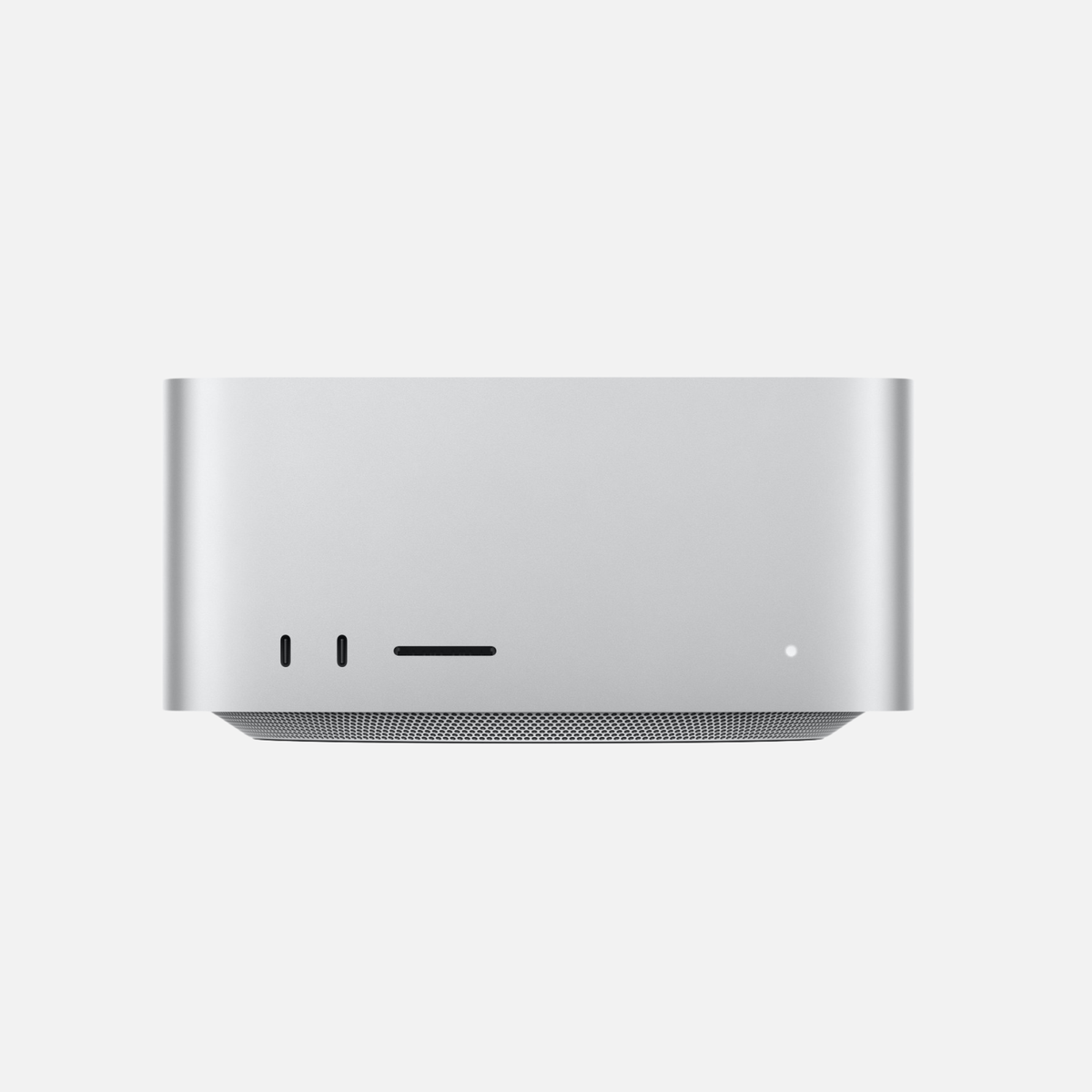
- Two Studio Displays: connect each one over Thunderbolt. On the Mac Studio models with a Max chip listed here, plug display cables into the back. Their front USB-C ports do not carry video.
- Two 4K monitors: if the Mac supports this combination, start with one display over HDMI and one over Thunderbolt or video-capable USB-C. The USB-C cable must carry video too.
- Different windows on each monitor: in macOS, open System Settings → Displays, select the extended display option for the second monitor and arrange the displays to match their positions on your desk.
Apple: Mac Studio display support · Apple Studio Display (2022) · Apple Pro Display XDR
When does a dock help?
A dock reduces cabling and can supply charging, Ethernet and USB. Look for explicit support for two independent extended displays on your Mac. Two HDMI sockets alone do not guarantee it.
DisplayLink hardware can add displays through software. It requires a compatible dock, driver and macOS permissions. Check workplace rules and application compatibility. For demanding editing or a simple setup, choose native support.
With an open laptop and two external screens, prefer M4 Air to M3 Air. For a fixed desk with an HDMI screen, a Mac mini M1 can work. Match both monitor inputs, resolutions and refresh rates to the model before buying.
Compare MacBook Air · Compare Mac mini · Mac monitor buying guide · Apple: MacBook Air · Apple: MacBook Pro · Apple: Mac mini models
Which used Mac supports two 4K monitors without DisplayLink?
A Mac mini with M4 or M4 Pro and a Mac Studio with M1 Max can natively run two external 4K displays at 60 Hz. You can connect them via HDMI and Thunderbolt. For a MacBook, check the exact chip and whether two external displays work with the lid open.
Apple Displays · Apple Support: Mac mini · Apple Support: Mac Studio







Share:
Buying a used MacBook Air: M1, M2, M3 or M4?