
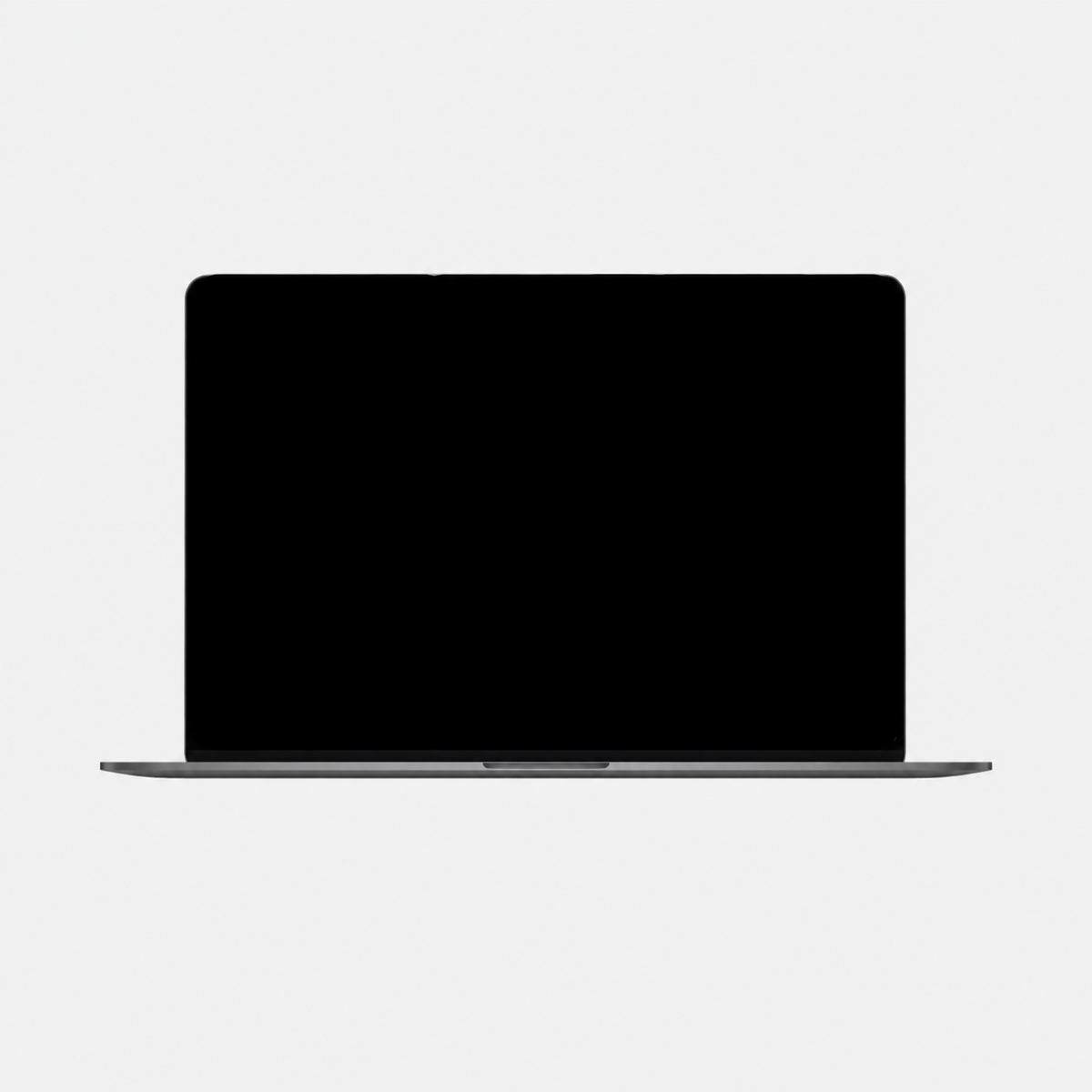
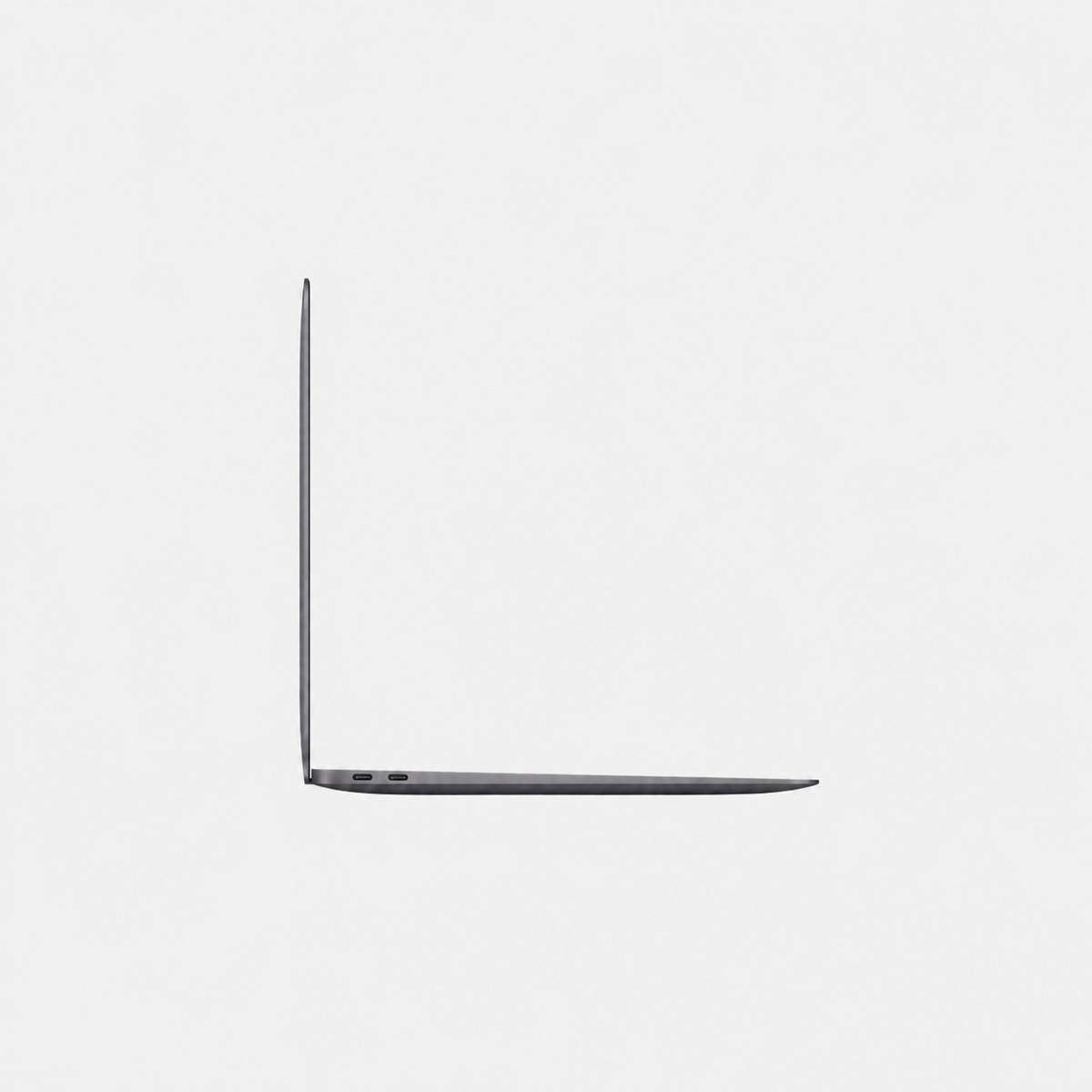
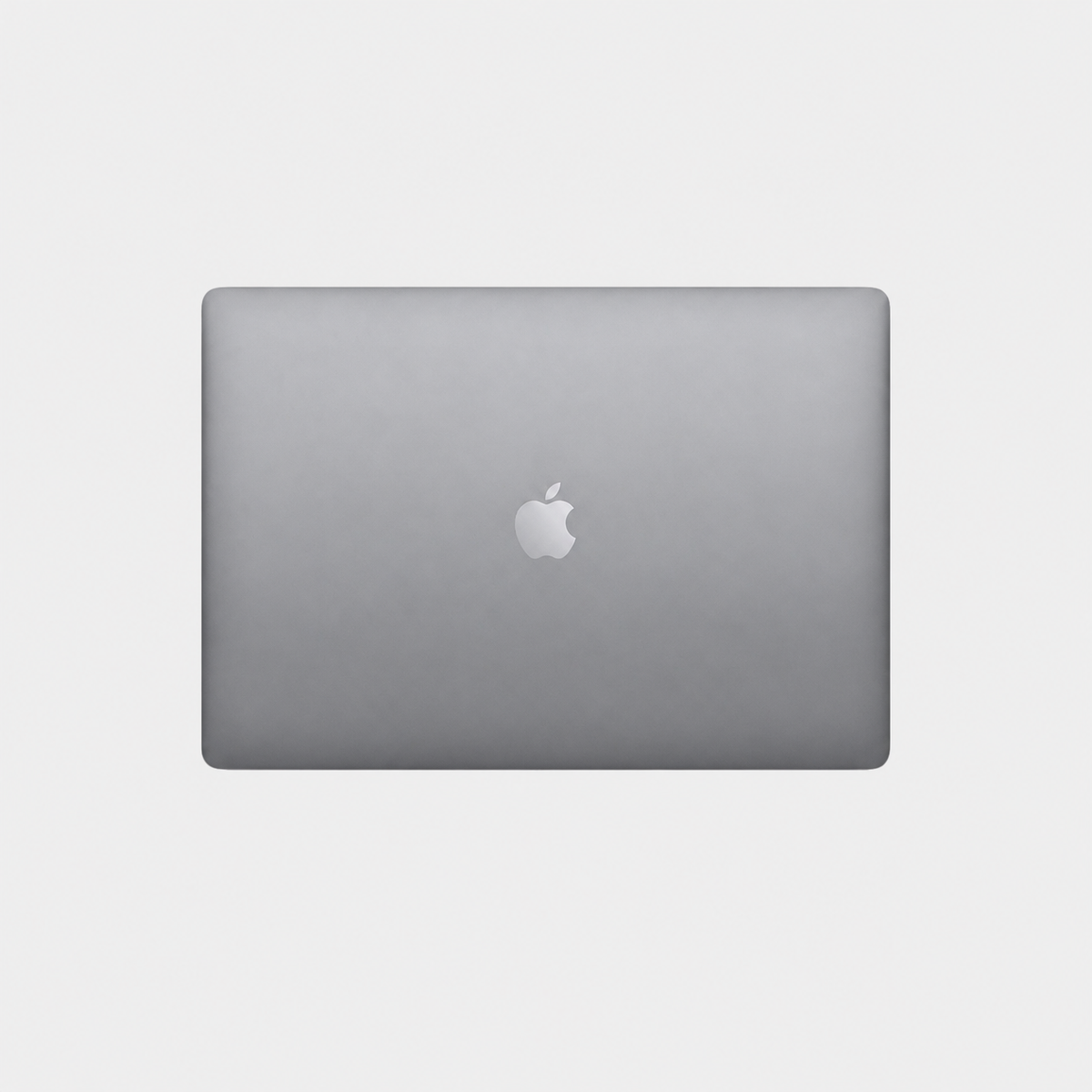
Used & refurbished Apple MacBook Air M1 13 inch (2020)
Battery capacity: At least 90% of the original capacity.
Autumn deals are here! Get €25 off every purchase right now!
Apple premium technology
Discover refurbished premium Apple technology at substantially reduced prices.

Battery capacity: At least 90% of the original capacity.
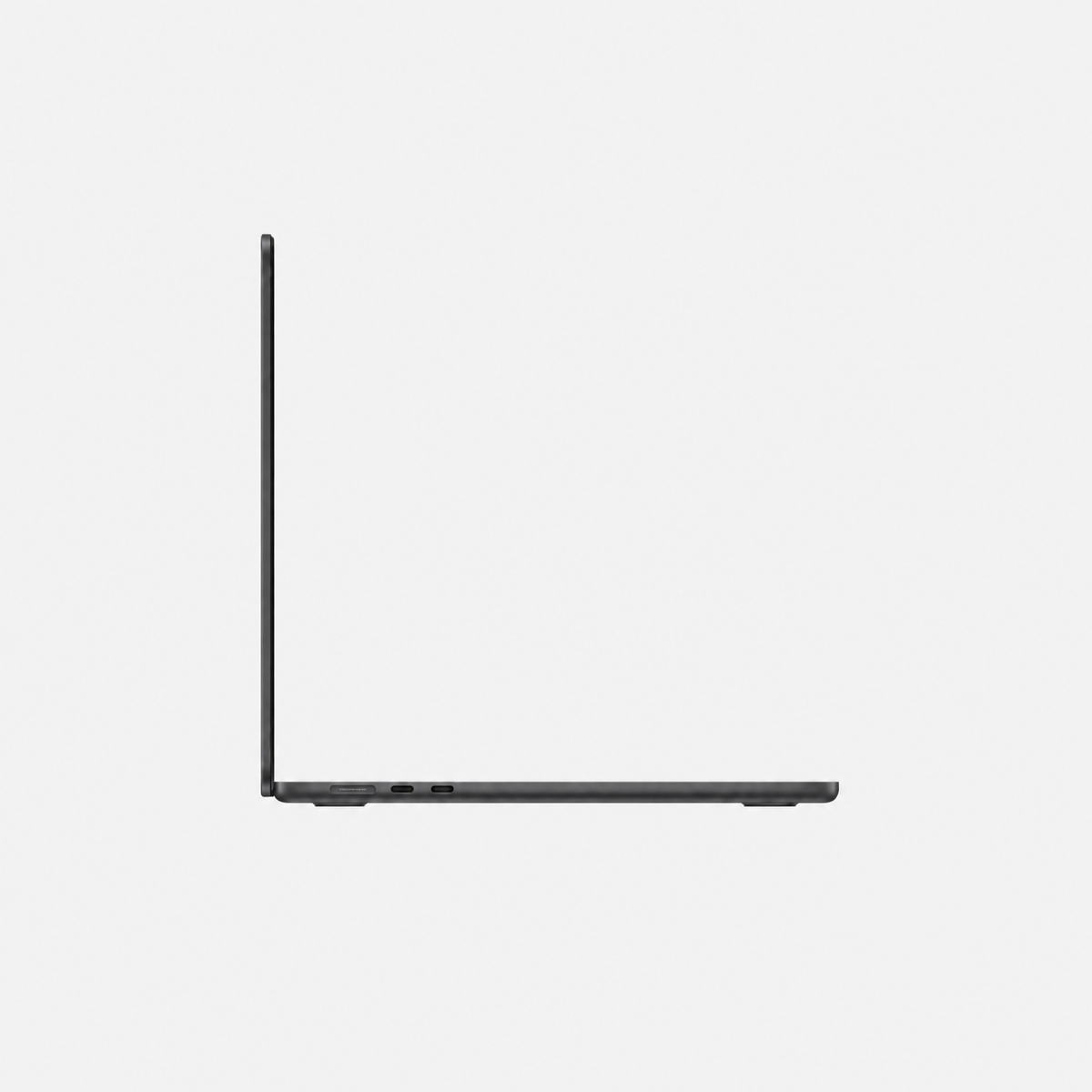
Battery capacity: At least 90% of the original capacity.
Battery capacity: At least 90% of the original capacity.
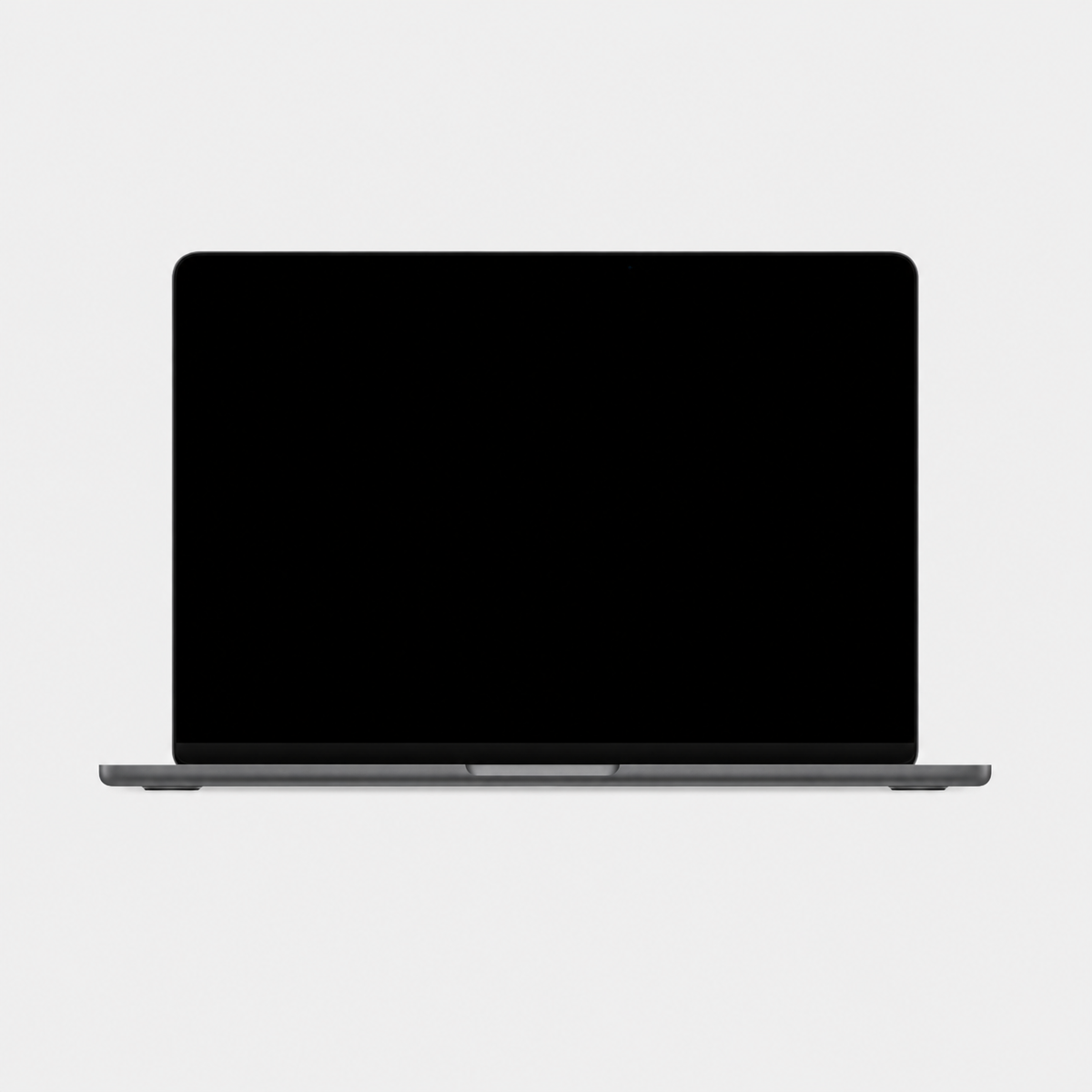
Apple MacBook Air 15 inch 2023 M2 refurbished
Battery capacity: At least 90% of the original capacity.
Choose a model group first. Then compare the configuration actually available with your budget. Check the condition, included accessories and VAT treatment on each product page.
An Air can suit writing, research, video calls and everyday projects. First check whether your required apps run on macOS and what specifications they need. Then choose chip, RAM, SSD and size, rather than model year alone.
Air models with M1, M2 and M4 work without fans. For long renders, large video projects or other sustained heavy work, compare a suitable Pro model and real-world tests of your software. Occasional photo editing alone does not automatically require a Pro.
Our planning guidance is not a software minimum: with many browser windows, office apps and video calls open together, 16 GB provides more headroom than 8 GB. Check your actual needs. Choose SSD capacity around apps and files you need locally while travelling. More SSD does not replace RAM. Include external drives in price and mobility planning.
13 inches is interesting if you commute frequently and often use an external screen. 15 inches gives more workspace if you mainly use the notebook display. A larger display does not automatically mean a faster chip. Compare the exact model generation and configuration.
MacBook Air with M1 or M2 natively supports one external display. Air with M4 supports up to two external displays in addition to its built-in screen. Resolution, refresh rate and connection must match the relevant Apple specification. A dock does not automatically raise the native limit. Check before buying if you work with two monitors.
Manufacturer information: Apple · MacBook Air M1 · Apple · MacBook Air M2 (15″) · Apple · External Displays
For daily travel, consider screen size, required power adapter and available ports. Also allow enough storage for your applications and files needed away from home.
Plan memory around your simultaneous applications and projects. Choose the offered configuration carefully; later upgrades must not be assumed for every model.
Read the battery information in the listing. The refurbished label alone does not promise a new battery.
Compare this selection of listings assigned to this category. RAM and storage refer to the variants listed in each offer; not every combination is available to order.
| Model / listing | Memory | Internal storage |
|---|---|---|
| Used & refurbished Apple MacBook Air M1 13 inch (2020) | 8 GB, 16 GB | 256 GB, 512 GB |
| Used & refurbished MacBook Air 15.3 inch M4 (2025) – 16 GB RAM | 16 GB | 256 GB, 512 GB, 1 TB |
| Apple MacBook Air 15 inch 2023 M2 refurbished | 8 GB oder 16 GB | 256 GB, 512 GB, 1 TB |
See the linked product page for price, condition, included accessories and current availability. Select the exact configuration there.
