
Compare Intel or M2 Ultra Mac Pro models with Mac Studio: expansion cards, memory, software and the right choice for your working day.
The key question: what must your computer connect to?
A large tower initially looks like the more powerful choice. But case size alone does not decide between Mac Pro and Mac Studio. Mac Pro is especially worth considering when your workstation needs specific internal expansion cards. Mac Studio is better suited to setups whose equipment connects externally.
Start with a list of applications, peripherals and typical projects: video editing with a particular capture card, music production with an older audio system or development with several test environments. This turns “I need lots of power” into a requirement you can check.
Our assessment: Without a specific need for internal cards, compare a suitably configured Mac Studio first. If an existing card is indispensable, verify support before choosing. Keeping an expensive card in use may matter more than choosing the latest chip generation.
Not all Mac Pro models are alike
The name covers very different computers. Distinguish particularly between the 2019 Intel tower and the 2023 Mac Pro with Apple M2 Ultra. Similar cases do not mean identical expandability.
| Device family | Technical platform | What to consider it for |
|---|---|---|
| Mac Pro 2019 | Intel Xeon, separate graphics cards, accessible RAM slots | Existing Intel workstations and compatible expansion cards |
| Mac Pro 2023 | Apple M2 Ultra, integrated GPU, PCIe slots | Apple silicon workstations with supported internal I/O cards |
| Mac Studio | Apple silicon; specifications depend on generation and chip | Workstations with external equipment and carefully selected memory |
The 2013 Mac Pro is another design again. Recommendations for the 2019 tower do not apply to it. Always record the model year, processor or chip and complete configuration.
Mac Studio also spans several generations. Distinguish older M1 and M2 versions from M4 Max and M3 Ultra, and M5 Max and M5 Ultra. A higher chip number does not replace comparing memory, graphics and application support. Our Mac Studio guide covers generations in more detail.
PCIe explained: when internal cards help
PCIe slots accept extra cards inside the computer, such as audio and video interfaces, network adapters or storage controllers. A card can be essential to a professional studio without making the computer faster in general.
Mac Pro 2023 has seven PCIe slots, one occupied by the factory-installed Apple I/O card. This model does not support additional graphics cards or older MPX graphics modules. The GPU in M2 Ultra handles graphics. The slots therefore do not let you simply install a more powerful graphics card later. Apple explains supported card types.
The 2019 Intel Mac Pro offers different possibilities. It has eight PCIe slots, with availability depending on installed components. Not every card will work here either: size, power, drivers and macOS version must be compatible.
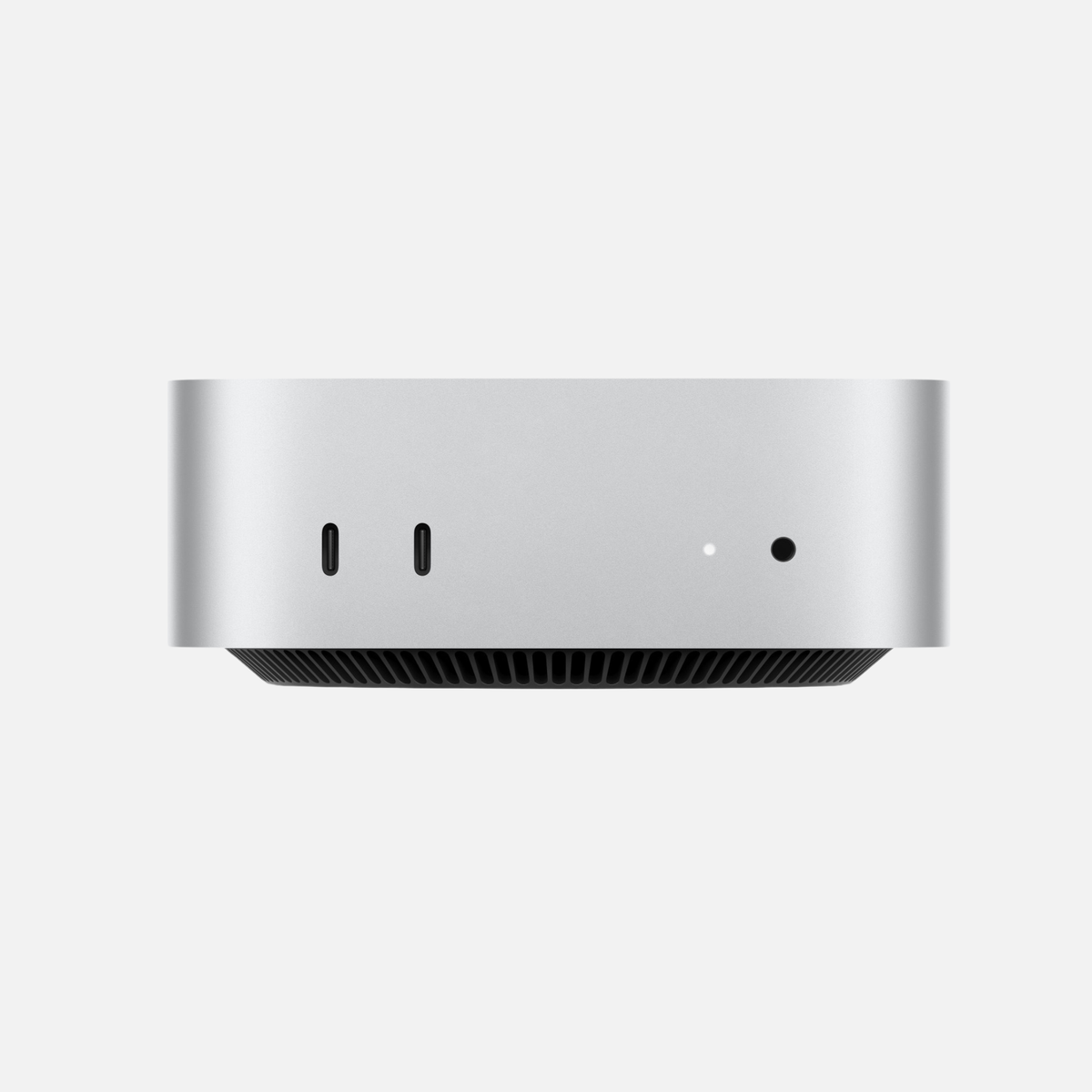
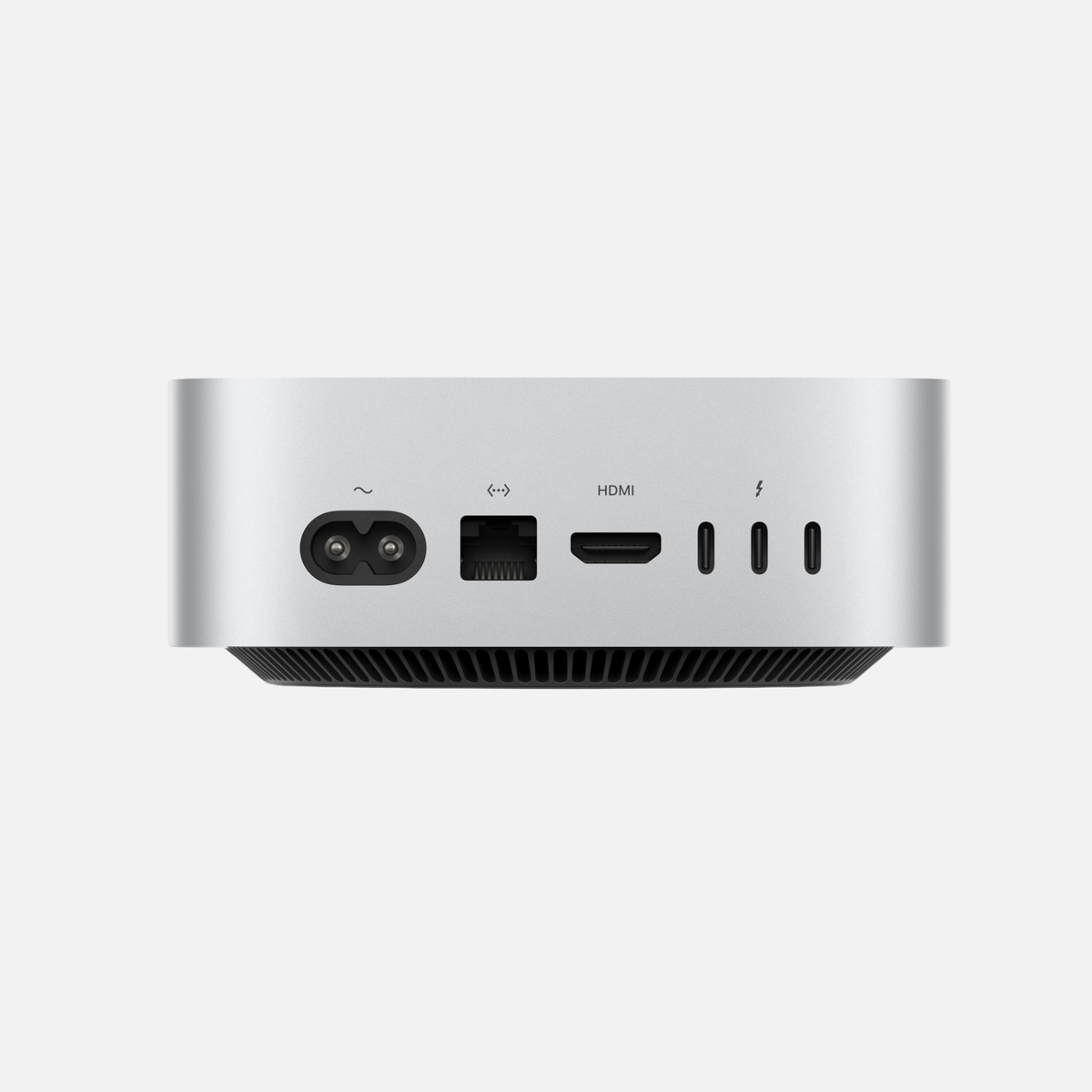
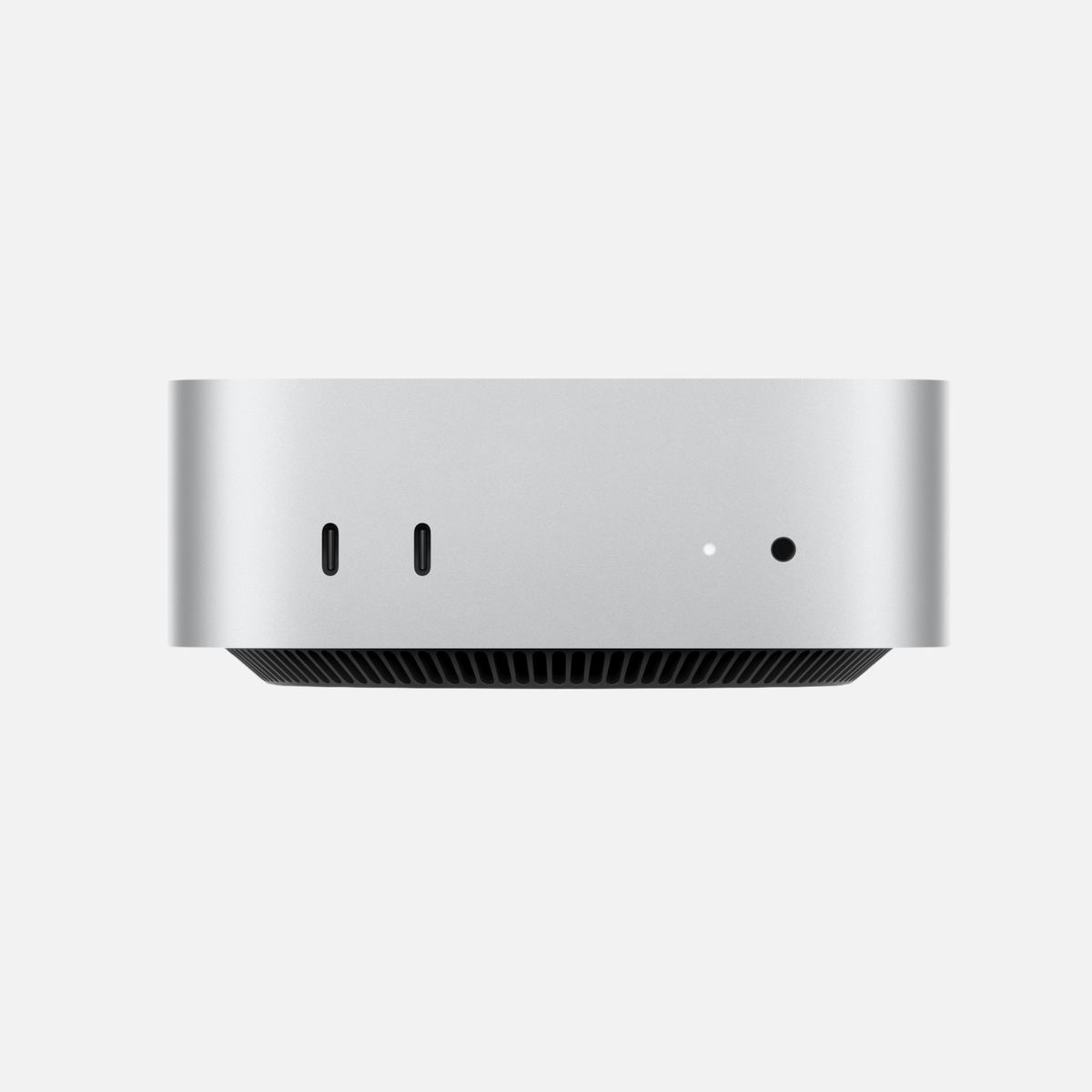
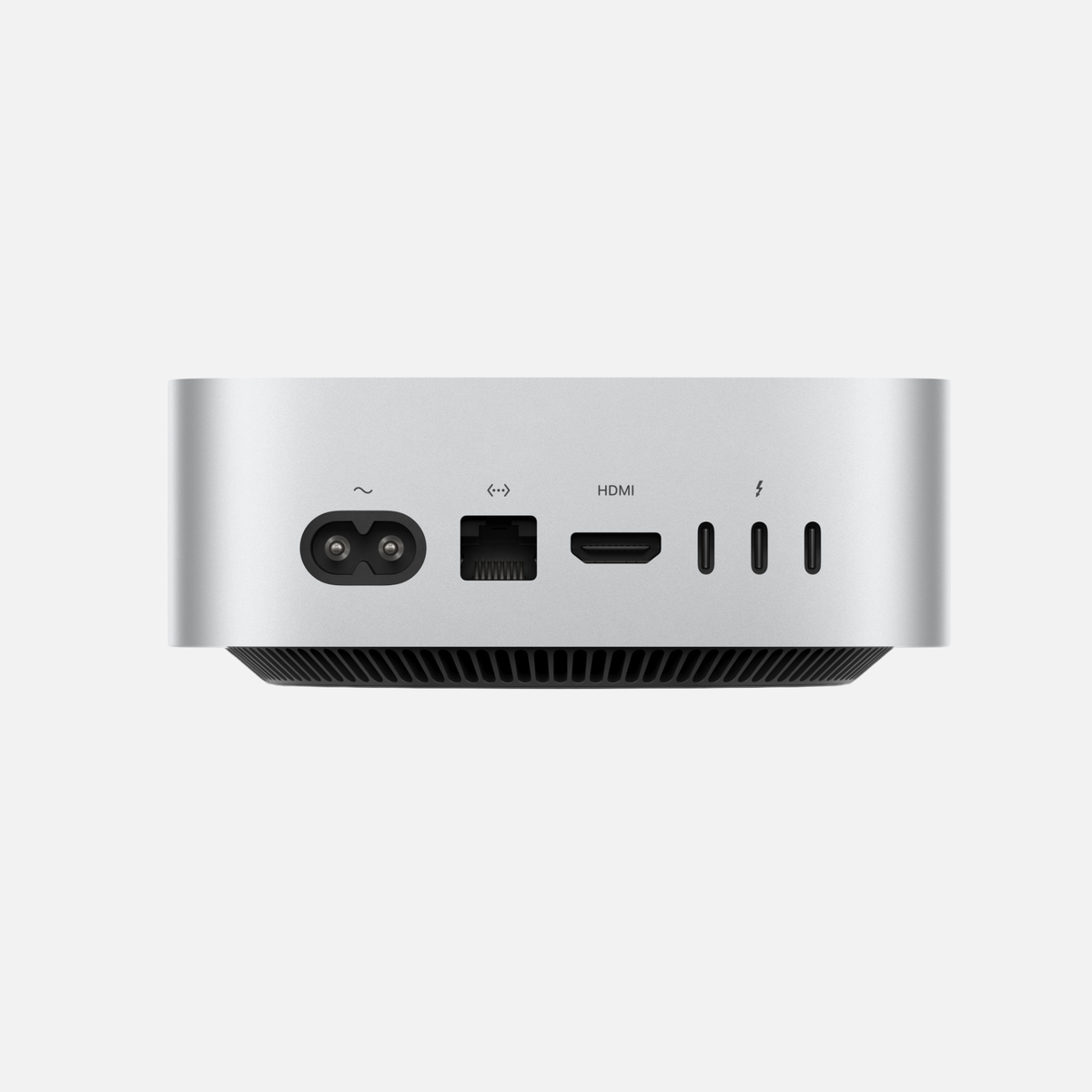
Mac Studio has no internal PCIe slots for these expansions. An external Thunderbolt enclosure may be an alternative for certain cards. The card or enclosure manufacturer must confirm the combination of card, Mac and operating system. A physically fitting connection is not enough.
- Record the exact card name and revision, where applicable.
- Check approval for Intel or Apple silicon.
- Check driver support for the planned macOS version.
- For multiple cards, clarify space and shared bandwidth requirements.
- Include any external enclosure, cables and drivers in the calculation.
Memory: upgrading versus choosing correctly at purchase
Memory holds the data applications are currently using. Insufficient memory can slow your workflow. The SSD stores files permanently and does not replace adequate memory.
Mac Pro 2019 has accessible RAM slots. Supported modules, combinations and capacities depend on Apple's specifications and partly on the processor. The model's maximum capacity is therefore not necessarily possible with every configuration offered.
For Mac Studio and Mac Pro 2023, choose the required unified memory at purchase. Do not plan on a conventional RAM-module swap later. With Apple silicon, CPU and GPU use the same memory pool; a high RAM figure does not mean additional dedicated graphics memory.
A real project is more useful for planning than a buzzword. Open typical files and observe memory pressure in Activity Monitor. Note which apps run together and whether larger projects are likely. A demanding editing timeline, a large sample library and a local AI model can have very different needs.
256 or 512 GB is not a universal requirement for professional work. Compare these configurations specifically when your projects and applications benefit. Check the exact model rather than assuming every Ultra generation supports the same capacity. Our memory buying guide explains the choice further.
Why core counts are not a ranking
CPU cores, GPU cores and specialised video units perform different tasks. An application may distribute some work in parallel while another step depends on a few cores. More cores therefore do not guarantee a fixed speed-up in every task.
For video editing, compare your actual source media, effects and output format. For music, consider plug-ins, project size and low-latency work. For 3D, check which processing methods the application supports on each Mac.
A useful practical test: Use the same project copy, app version and settings on both candidates. Measure the operation currently holding you back: exporting or working smoothly in a complex scene. Also test all essential features and peripherals. A fast export does not compensate for a missing driver.
Check software and operating system first
List applications and extensions with their versions. A manufacturer may support the current app while an older release or add-on no longer works on a new computer. For indispensable business software, ask specifically about the Mac model and planned macOS.
At the time of checking, Apple lists macOS Tahoe 26 as the latest compatible system for Mac Pro 2019; Mac Pro 2023 is also on the macOS 27 list. This matters when an essential application requires a newer system. It does not establish a fixed future end date for all updates.
An older Intel Mac may be a deliberate choice for an existing environment. Record how long you intend to keep that workflow and how a later migration could work. For a new workstation without these dependencies, base the decision on current and expected needs.
Three typical practical decisions
Video editing without a specialist internal card
You use external SSDs and equipment connected by USB or Thunderbolt. Start by comparing suitable Mac Studio configurations. Check memory, ports and media-format support. A tower is not required simply because it is larger.
A recording studio with an indispensable PCIe card
The card comes first. If its manufacturer confirms Mac Pro 2023 and your software, an internal installation may be convenient. If only an older Intel environment is supported, evaluate that workflow separately. Simply moving the existing card into another tower is not a reliable migration plan.
A workstation handling very large datasets
Separate memory requirements from storage needs. A larger SSD solves a capacity issue; more RAM helps suitably memory-intensive tasks. Compare configurations first, then costs for external drives, backup and networking. Even a powerful computer needs an independent backup.
Used buying checklist
- Identity: Establish model year, chip or Xeon processor and configuration clearly.
- Specifications: Match RAM, SSD and any graphics card to the actual offer.
- Expansion: Clarify installed cards, available slots and accessories in writing.
- Software: Check application versions, licences and manufacturer approval.
- Workstation: Consider monitors, ports, networking and physical space.
- Total budget: Include external enclosures, drives, adapters and any software changes.
Compare current offers in our Mac Studio and Mac Pro collections. Availability changes by configuration. Check the actual device's product description.
Frequently asked questions
Is Mac Pro always faster than Mac Studio?
No. Generation, configuration, application and task decide. Consider the large tower particularly for its internal expansion options.
Can I add a graphics card to Mac Pro 2023?
Apple does not support additional PCIe graphics cards or MPX graphics modules in this model. Its GPU is part of M2 Ultra.
Can I replace my old Intel Mac Pro with Mac Pro 2023?
Check all applications, add-ons and cards first. Similar cases do not imply identical support for your existing setup.
When is Mac Studio the obvious starting point?
If your apps and external devices are supported and you need no internal PCIe cards, it is a sensible starting point for comparing configurations.
Official sources and further information
- Apple: Mac Pro 2019 specifications
- Apple: PCIe cards in Mac Pro 2023
- Apple: Mac Pro models and macOS
- Apple: Mac Studio 2025 specifications
- Apple: Mac Studio M5 Max and M5 Ultra
Based on the linked manufacturer information. Recommendations and practical examples are mac-store24 editorial assessments. Time-sensitive details will be checked again before publication.







Share:
Buying a used iPhone: which model suits you?
Set up a new iPhone and transfer data: a clear guide